

















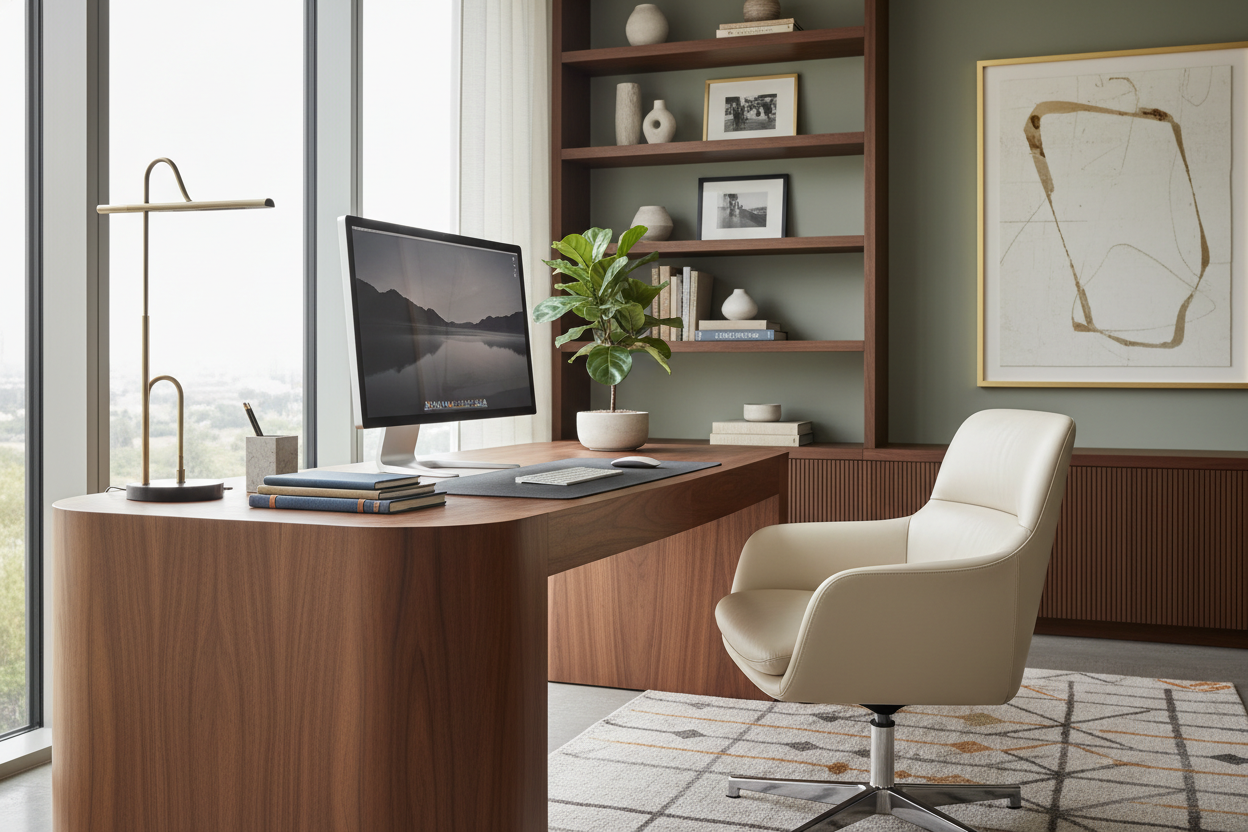
We have all encountered the visual clutter that technology brings into a curated living space. You spend months selecting the perfect textiles and finishes, only to have the aesthetic interrupted by a tangle of wires and black plastic monitors. However, integrating a **working from home computer** into your interior design scheme does not mean sacrificing style for function. It requires a shift in perspective: treating your workstation not as a temporary addition, but as a permanent piece of furniture architecture that commands the same attention to detail as your dining table or sofa.
Key Design Features for a Seamless Setup
- Surface Depth: Ensure a minimum depth of 24-30 inches to maintain proper focal distance from monitors without cramping the desktop.
- Material Continuity: Select desk finishes that harmonize with existing millwork or flooring (e.g., walnut, white oak) to reduce visual friction.
- Integrated Cable Management: Look for desks with modesty panels or built-in grommets to hide the "spaghetti" of wires.
- Ergonomic Silhouette: Choose chairs with adjustable lumbar support that feature residential upholstery (bouclé, leather, velvet) rather than mesh.
Curating the Console: Materiality and Scale
When selecting the foundation for your work home computer setup, the material choice dictates the longevity and vibe of the room. In my consultations, I often steer clients away from high-gloss finishes for desktops. While they look stunning in a showroom, they are impractical for optical mice and create distracting glare from overhead lighting.
Solid Wood vs. Veneer
For a luxury aesthetic, solid wood offers distinct advantages. It can be refinished if scratched by equipment and carries a visual weight that anchors the room. However, high-quality architectural veneers are often more stable against humidity changes, which is crucial if your computer generates significant heat. The goal is to match the desk's "visual weight" to the room; a heavy, dark wood desk requires substantial lighting to prevent it from feeling oppressive.
The Art of Concealment: Managing the Tower
One of the biggest challenges with pcs work from home configurations is the physical bulk of the computer tower. If you are not using an all-in-one unit, avoid placing the tower directly on the floor, especially on carpet, as this restricts airflow and increases dust intake.
Instead, consider a desk with a dedicated, ventilated cabinet. If you prefer an open-leg parson style desk, I recommend a dedicated CPU holder mounted beneath the surface. This keeps the hardware off the floor and out of sight, maintaining the clean lines of the furniture silhouette.
Lighting and Layout Strategy
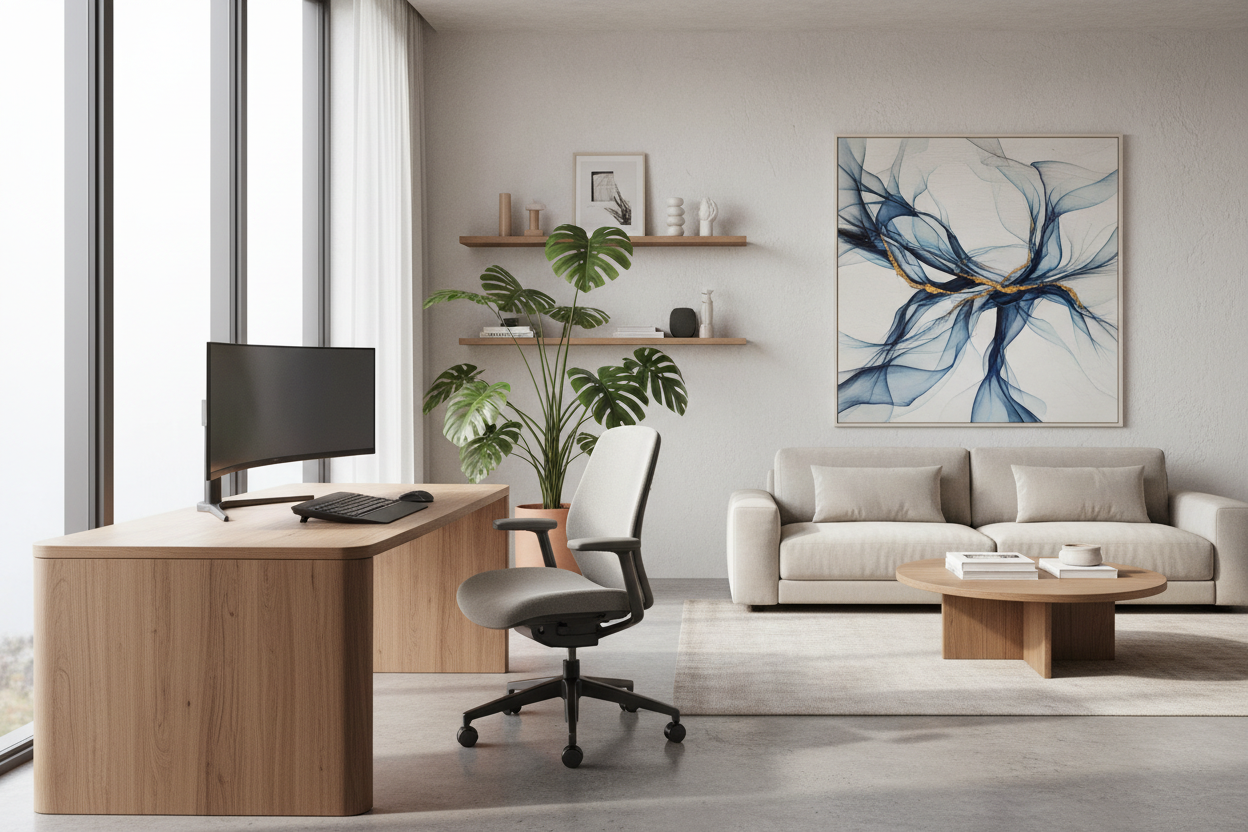
Positioning is everything. A common error when setting up a pc work from home station is facing a wall directly, which creates a claustrophobic "cubicle" effect. Whenever the floor plan allows, I advocate for the "command position"—facing the room with a wall behind you. This not only looks more authoritative on video calls but also allows you to enjoy the rest of your home's design.
Regarding lighting, avoid relying solely on a single overhead fixture. Layer your lighting by adding a task lamp with a warm temperature (2700K-3000K) to reduce eye strain. Bias lighting—LED strips placed behind the monitor—is a subtle designer trick that reduces contrast ratios and softens the harsh glow of the screen.
My Personal Take on Working From Home Computer Setups
I learned a hard lesson about desk depth during a project for a client in a high-rise apartment. I specified a stunning, slim console table that was only 18 inches deep, thinking it would save space. It looked incredible in photos, but functionally, it was a disaster. Once the monitor was placed, the client had no room for a keyboard without their wrists hanging off the edge, and the screen was far too close to their face.
I had to replace it at my own cost. Now, I never compromise on depth. Even in small spaces, I prioritize a deeper surface (at least 24 inches) because the ergonomics of working from home on computer equipment dictate comfort. If the desk is too shallow, no amount of beautiful styling can fix the back pain and eye strain that follows.
Conclusion
Your home office should be a sanctuary of productivity, not a source of visual stress. By selecting materials that age gracefully, prioritizing depth for ergonomics, and effectively managing cords, you can create a space where technology serves the design rather than dominating it. Elevate your standard for what a workspace can look like.
Frequently Asked Questions
How do I hide wires on a glass desk?
Glass desks are unforgiving with cables. I recommend using clear zip ties and routing cables strictly down the back of the metal legs. Alternatively, use a cable management spine that matches the leg finish to bundle cords into one streamlined column.
What is the ideal desk height for a home computer?
Standard desk height is 29 to 30 inches. However, if you are shorter or taller than average, an adjustable sit-stand desk is preferable. Look for models with wood-look tops to maintain a residential aesthetic.
Can I use a dining chair for my computer work?
Generally, no. Dining chairs lack the lumbar support and adjustability required for 8-hour shifts. If you dislike the look of office chairs, search for "executive conference chairs" which often feature mid-century modern designs and leather upholstery while retaining tilt and height functions.

Leave a comment
This site is protected by hCaptcha and the hCaptcha Privacy Policy and Terms of Service apply.