

















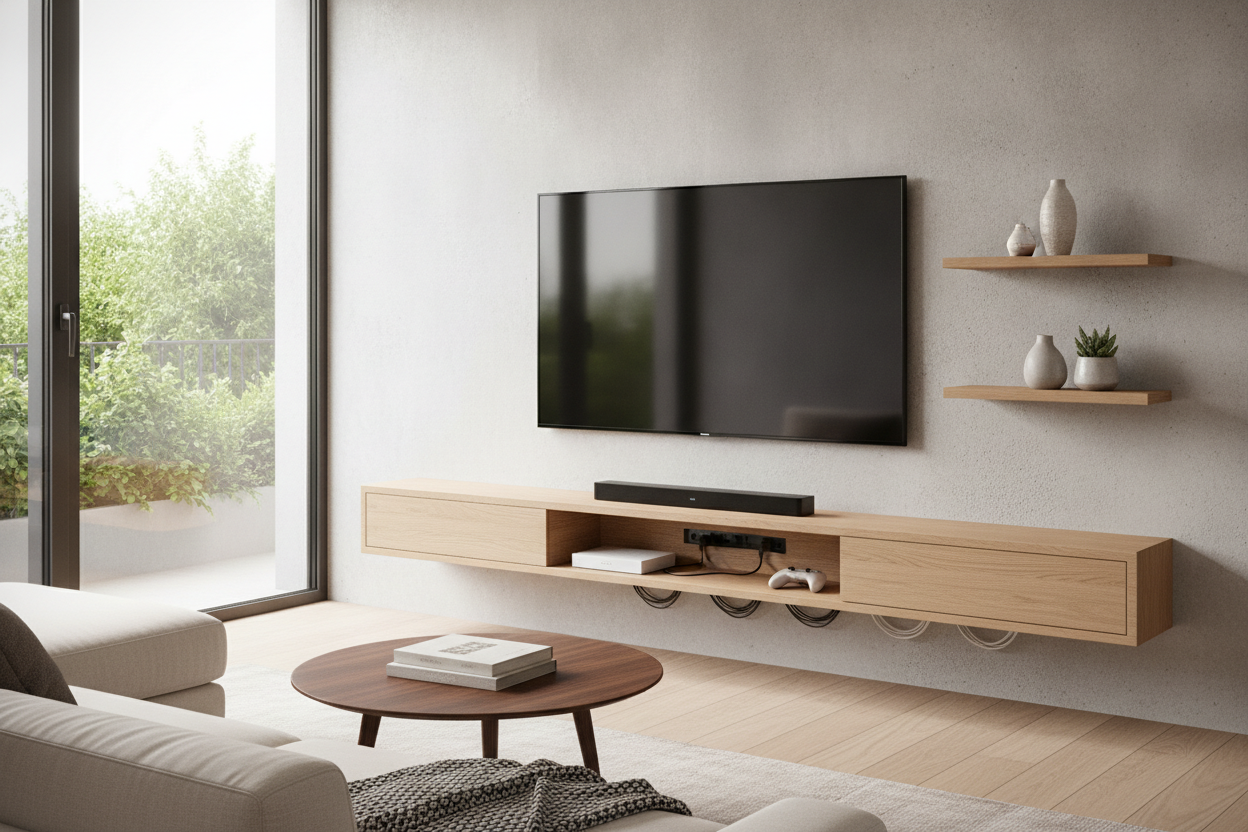
I spent years trying to convince myself that a minimalist living room meant hiding every single piece of technology behind the television. I used industrial-strength Velcro, zip-ties, and a lot of hope to keep my Apple TV and router from sliding down the back of my LG OLED. It worked perfectly until the heat from the screen melted the adhesive, and I heard a sickening thud at 2 AM. Staring at a rat's nest of cables at midnight isn't exactly the zen vibe I was going for.
If you've ever spent thirty minutes trying to aim a remote at a narrow gap between the wall and your TV just to hit 'Next Episode,' you know the struggle. We buy these incredibly thin screens and then treat the peripherals like an embarrassing secret. The truth is, a well-placed accessory shelf for tv isn't a clutter magnet—it's the only way to keep your tech from dying an early, overheated death.
Quick Takeaways
- Stop using Velcro; heat from the TV destroys adhesives and cooks your hardware.
- Shelves improve remote signal by providing a clear line-of-sight for IR sensors.
- Proper spacing (4-10 inches) prevents the 'cluttered' look while allowing for cable management.
- Heavy consoles like the PS5 belong on a floor unit, not a floating ledge.
The Velcro and Zip-Tie Phase (We've All Been There)
We’ve all been through the 'hidden tech' denial phase. You mount the TV, hide the wires in the wall, and then realize you have nowhere to put the actual brain of the operation. So, you start zip-tying streaming pucks to the mounting bracket. It feels clever for about a week. Then you realize that every time you need to reset the router, you have to perform surgery with a pair of snips behind a sixty-pound piece of glass.
The transition to using proper shelves for tv accessories usually happens right after your first hardware failure. Those little streaming boxes aren't designed to be sandwiched in a two-inch gap of stagnant, hot air. They need to breathe. Shoving them behind the screen is a recipe for throttled speeds and hardware glitches. I’ve found that a dedicated ledge actually looks more 'intentional' and high-end than a screen that looks like it's growing tech-tumors from the side.
Why You Actually Need an Accessory Shelf for TV
Beyond just looking better, there are functional reasons to stop the madness. First: line-of-sight. Even with Bluetooth remotes, IR (infrared) is still a thing for many soundbars and older boxes. A shelf ensures you aren't doing yoga just to pause a movie. Second, and most importantly, is cable tension. When you hang a device behind a TV, the HDMI cable is often bent at a 90-degree angle, putting massive stress on the port. A shelf lets the cable sit naturally.
Ventilation is the silent killer. I once measured the temp behind a flush-mounted TV, and it was hitting 95 degrees Fahrenheit on a cool day. Your electronics want to be at room temperature. By moving them to an open-air shelf, you're essentially extending the life of your gear by years. It’s a small price to pay to avoid a $150 replacement bill for a fried streaming box.
Picking the Right Wall Shelf for TV Accessories
Not all shelves are created equal. I’ve tested the cheap plastic ones that clip onto the top of the TV bezel, and honestly? They look like junk. They wobble, they can’t hold more than a pound, and they ruin the clean line of your screen. If you want a wall shelf for tv accessories that actually adds to the room, go for tempered glass or solid wood. Metal is great for a modern look, but make sure it has a powder-coated finish so it doesn't scratch your gear.
Size matters more than you think. You don't want a massive 24-inch shelf for a single Roku. It looks lopsided. Measure your largest device and add two inches of 'wiggle room' for cables. If you find your tech setup is constantly evolving—maybe you're adding a soundbar or a smart home hub later—I highly recommend looking into adjustable shelf storage. Having the ability to shift heights without redrilling into your studs is a massive win for your future self.
Spacing It Out: Don't Choke Your Screen
The visual gap between the bottom of your TV and the top of your shelf is the difference between 'professional install' and 'dorm room.' If the shelf is too close, it looks like the TV is sitting on it. If it's too far away, the dangling wires become the focal point of the room. I usually aim for a 6-inch gap. This is enough space to reach your hand in to clean, but tight enough that a simple cable sleeve can hide the wires completely.
There is a specific logic to hanging a shelf under TV on wall that suggests 10 inches is the max distance before the two pieces of furniture stop looking like a 'set.' If you go beyond that, the shelf starts to look like a random floating island. Use a level. Please. Nothing ruins the aesthetic faster than a lopsided shelf that makes your Apple TV look like it's trying to slide off into the floor.
What If You Have Way Too Much Tech?
Let's be real: a floating shelf has its limits. If you're a gamer with a PS5, an Xbox Series X, and a massive 7.1 receiver, a small wall ledge is going to fail you. Those consoles weigh a ton and generate enough heat to power a small village. Trying to wall-mount a PS5 on a tiny bracket often leads to 'bracket sag,' which is exactly as depressing as it sounds. It also leaves you with a massive power brick that you can't easily hide on a slim shelf.
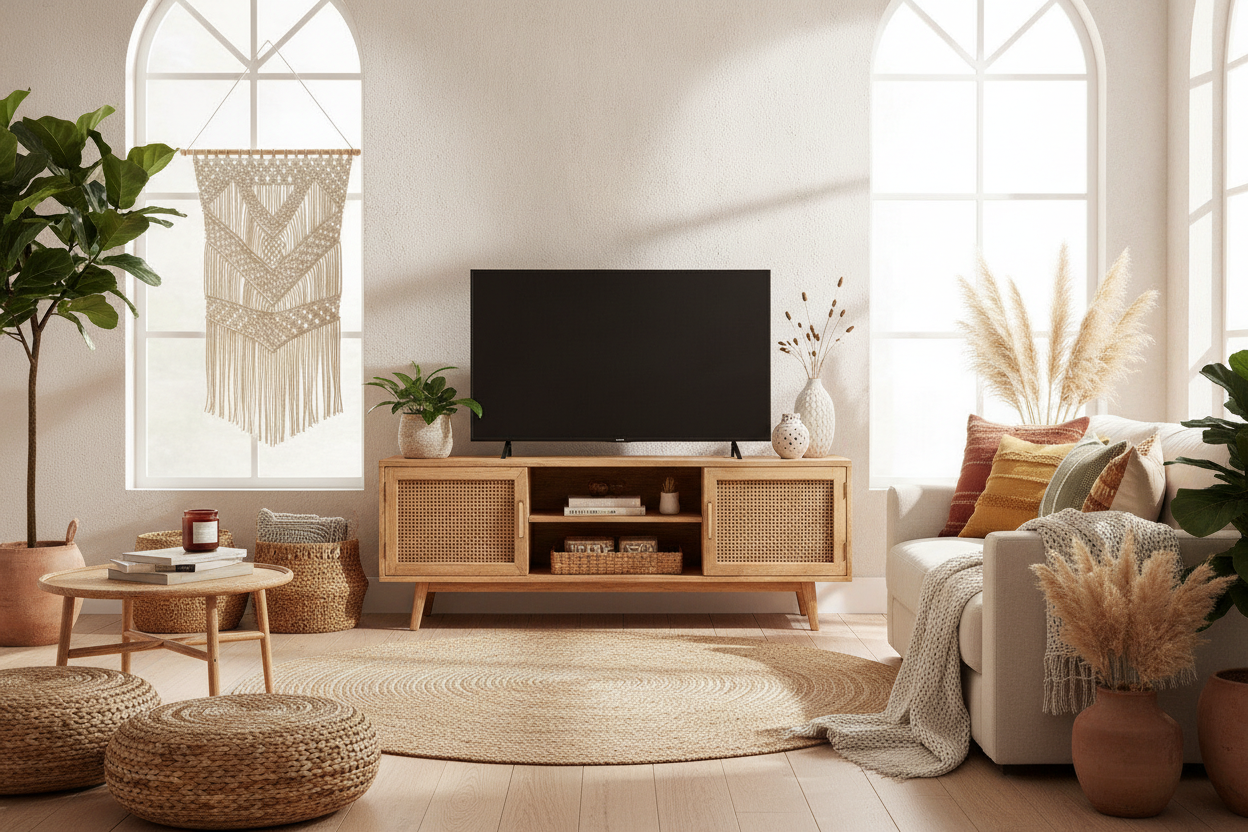
In these cases, I tell my friends to stop fighting the wall and get a substantial TV stand with adjustable center shelf. It gives you the structural integrity you need for heavy hardware while still keeping that organized, tech-forward look. You can hide the power strips inside the cabinets and keep the 'clean' stuff on the open shelves. It’s the adult way to handle a gaming addiction without making your living room look like a Best Buy clearance aisle.
Personal Experience: The Glass Shelf Disaster
I once bought a beautiful, ultra-minimalist glass shelf for my bedroom TV. It looked incredible in the photos. In reality? It was a fingerprint and dust magnet. Every single speck of dust was backlit by the TV's glow. I spent more time Windexing that shelf than I did watching Netflix. I eventually swapped it for a matte walnut ledge. Lesson learned: unless you enjoy dusting three times a week, go with a material that has some texture or a matte finish. Wood hides the sins of a dusty house much better than glass ever will.
FAQ
Can I install a shelf without a drill?
If your device weighs less than two pounds, you might get away with heavy-duty adhesive shelves, but I don't recommend it. For anything valuable, you need to hit at least one stud or use high-quality toggle bolts. Don't trust your $200 tech to a sticker.
How do I hide the wires coming from the shelf?
Use a paintable cable raceway. It’s a plastic track that sticks to the wall and hides the wires inside. Paint it the exact same color as your wall, and it virtually disappears. It's much cheaper and easier than cutting holes in the drywall to run cables internally.
Will a metal shelf interfere with my Wi-Fi?
Technically, metal can reflect RF signals, but a small shelf under your TV isn't going to kill your Netflix stream. Just don't enclose your router inside a metal box. As long as the shelf is open, your signal will be fine.

Leave a comment
This site is protected by hCaptcha and the hCaptcha Privacy Policy and Terms of Service apply.