

















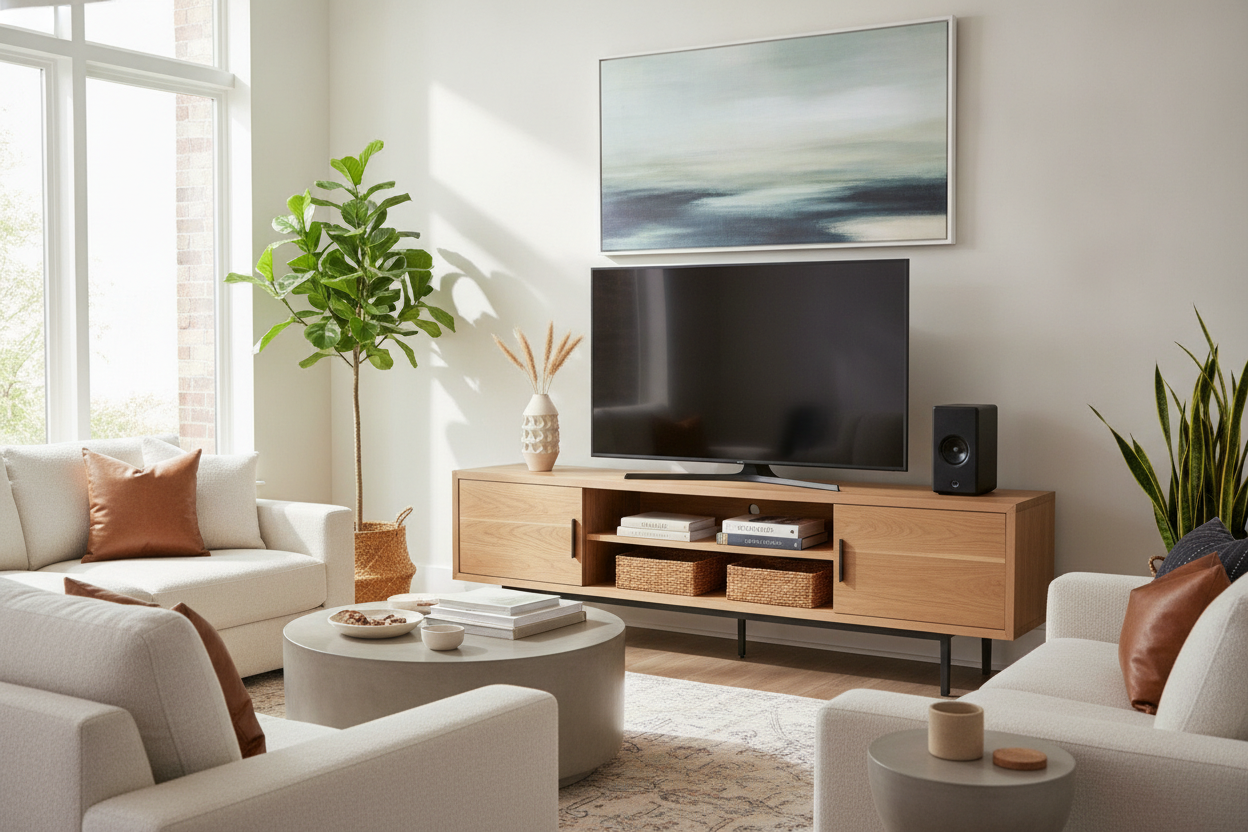
I remember the day my 70-inch TV arrived. I was so excited for movie night that I didn't realize I'd basically installed a billboard in my living room. Suddenly, my carefully curated mid-century vibe felt like a suburban sports bar, and not in a fun, wings-and-beer kind of way. The screen was massive, the stand I had was too small, and the whole room felt like it was tilting toward the glowing black rectangle.
Finding the right media console for 70 inch tv is about more than just finding a surface that won't collapse under the weight. It's about visual weight, proportions, and tricking the eye into seeing a home instead of a home theater showroom. If you get the scale wrong, the TV wears the room instead of the other way around.
Quick Takeaways
- Your console should be at least 10-15% wider than the TV to avoid the 'lollipop effect.'
- Solid wood or high-quality veneers help ground the 'cold' look of a large screen.
- Cable management isn't optional; visible wires kill the aesthetic instantly.
- Aim for a console height that puts the center of the screen at eye level when seated.
The Giant Black Box Problem (And Why Proportions Matter)
Modern TVs are practically the size of dining tables. A 70-inch screen is usually about 62 inches wide. If you put that on a 60-inch or even a 64-inch stand, the edges of the TV hang over or sit flush with the edges of the furniture. This is a design disaster. It makes the TV look precarious and the room feel cramped.
When the furniture is too small, the TV looks like it's suffocating the console. You need breathing room on the left and right. This extra space allows your eyes to rest and gives you a place to put a lamp or a vase, which helps integrate the tech into your actual decor. I’ve seen beautiful rooms ruined by a flimsy, undersized stand that looked like it was struggling for its life under a massive Samsung.
Why a 70 Wood TV Stand is the Ultimate Cheat Code
Tech is inherently cold. It’s glass, plastic, and glowing light. To keep your living room from feeling like a Best Buy, you have to counter that coldness with warmth. A 70 wood tv stand is the easiest way to do this. The organic grain of walnut, oak, or mango wood provides a tactile contrast to the sleek, sterile surface of the screen.
I always suggest people browse wood TV stands that have some heft to them. You want something that looks like it grew there. Avoid the ultra-glossy white or black units unless you’re going for a very specific hyper-modern look. Real wood—or even a high-quality kiln-dried hardwood frame—adds the visual gravity needed to anchor a 70-inch screen so it doesn't feel like it's floating aimlessly on the wall.
The 'Golden Ratio' for Massive Screens
The math is simple: a 70-inch TV needs at least a 75-inch console, but an 80-inch console is even better. I learned this lesson the hard way when I finally upgraded to a larger wood console for my own setup. The extra six inches on either side changed everything. It stopped being a 'TV on a box' and started looking like a 'media zone.'
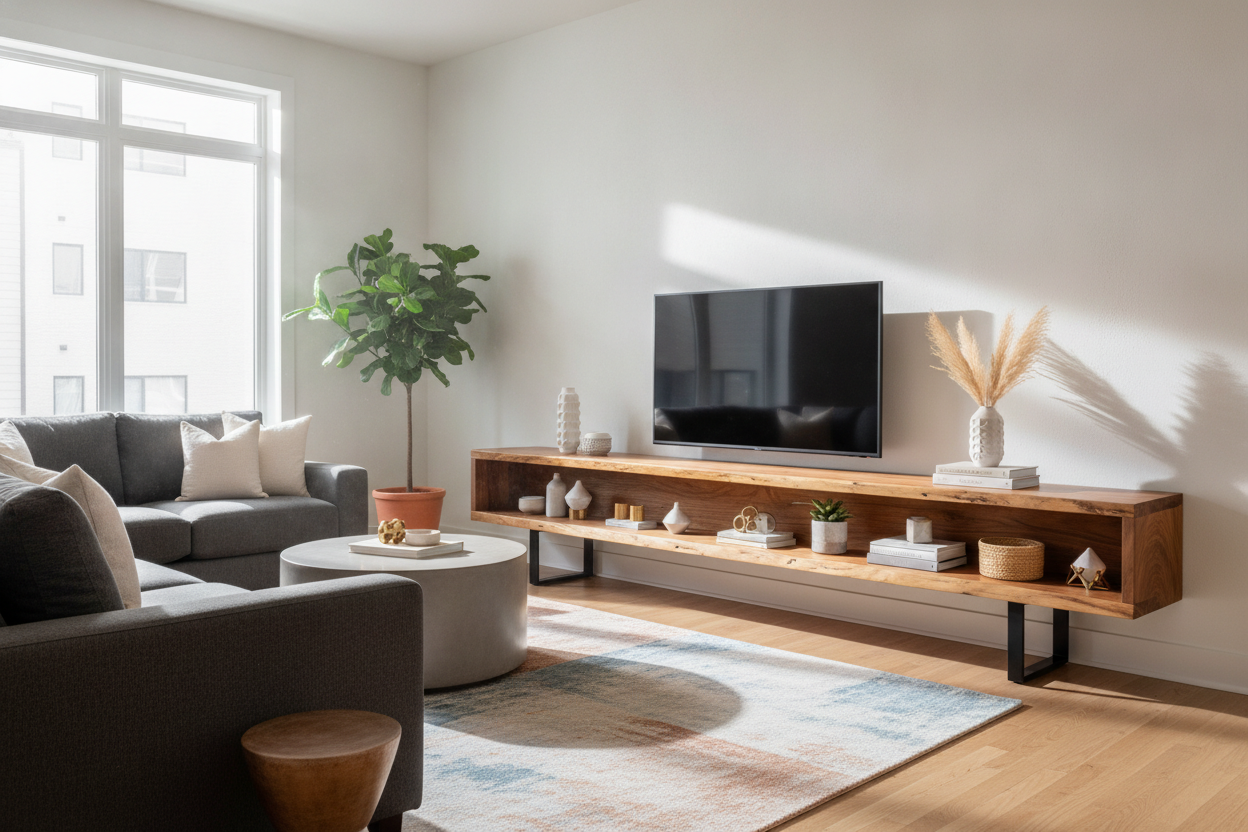
If you have the wall space, go wide. A long, low 70 media console creates a horizontal line that draws the eye across the room, making the ceiling feel higher and the space feel more intentional. If the console is too short, the TV becomes a vertical monolith that dominates the entire perspective.
My Favorite Features in a 70' Media Console
I’ve assembled enough flat-pack furniture to know that the 'cheap' stuff usually fails at the details. For a big setup, you need functional storage. I’m a huge fan of a 70 media console with drop-down doors. They offer a clean, seamless look when closed, hiding the chaotic mess of gaming consoles, routers, and that one weird HDMI cable you haven't used since 2018.
Symmetry is also your friend here. Because a 70-inch screen is such a perfect rectangle, a 70' media console with a symmetric or L-shaped design can add some much-needed architectural interest. Look for units with hidden cord channels and ventilated back panels. Big TVs and soundbars generate heat; if you trap your tech in a wooden box without airflow, you’re asking for a hardware failure.
How to Decorate Around the Screen (So It Blends In)
Once you have the 70 wood tv stand in place, the work isn't done. You have to 'break' the rectangle. I like to use the 'rule of threes' on the surface. On one end, place something tall—think oversized branches in a heavy ceramic crock. On the other end, place a stack of two or three coffee table books with a small, interesting object on top.
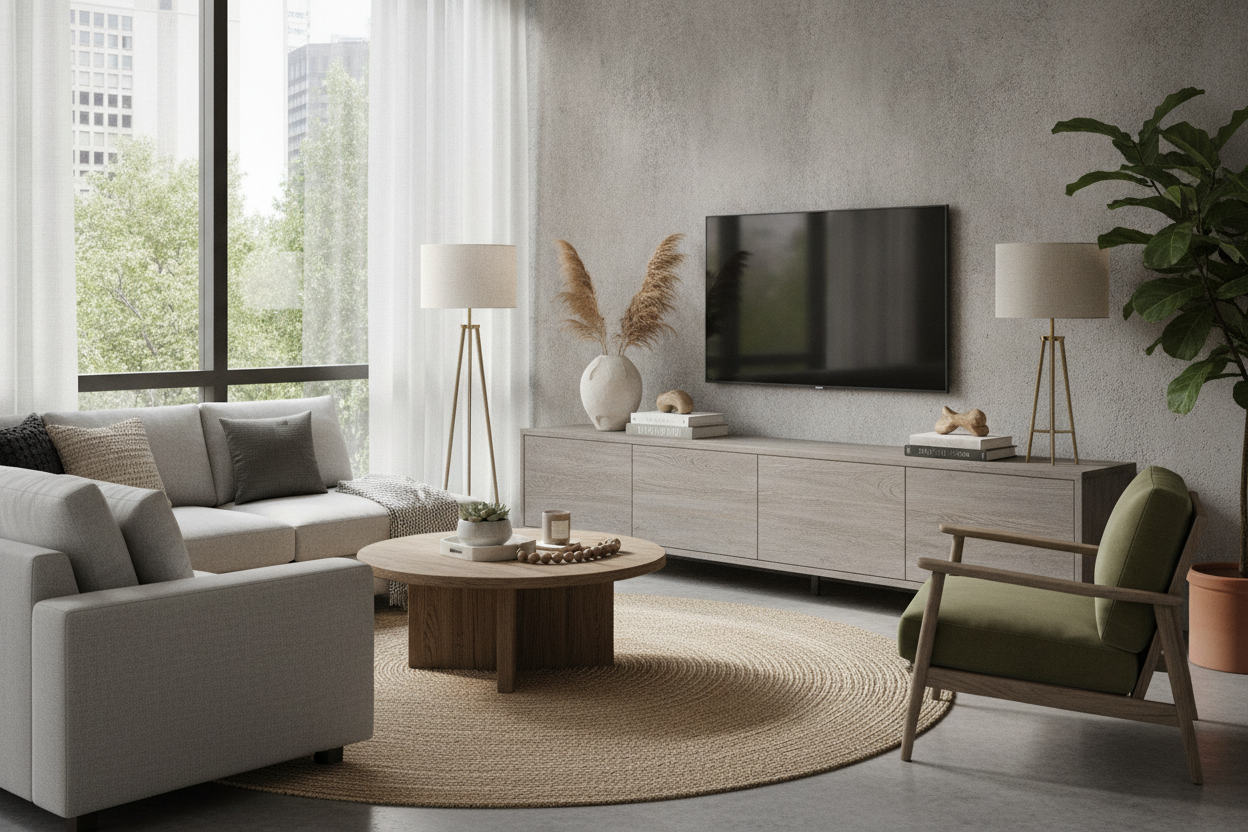
This asymmetry distracts the eye from the perfect borders of the screen. If you have the budget, a pair of sconces on either side of the TV can also help frame the area. The goal is to make the TV feel like just one part of a larger gallery wall or display, rather than the undisputed king of the room.
Personal Experience: The Sagging Disaster
A few years ago, I bought a gorgeous-looking console made of MDF (medium-density fiberboard). It looked great for exactly two months. Then, I noticed a slight dip in the center. My 70-inch TV wasn't even that heavy by modern standards, but the 'engineered wood' couldn't handle the constant pressure. Now, I never buy a console this wide unless it has a solid center support leg or is made of solid timber. Saving $100 on a cheap stand isn't worth watching your expensive TV slowly sink into a V-shape.
FAQ
How wide should a console be for a 70 inch TV?
The console should be at least 75 inches wide. Since a 70-inch TV is about 62 inches wide, this gives you 6.5 inches of space on each side for a balanced look.
Is a 70 inch TV too big for a small living room?
Not necessarily, but you must use a low-profile console. Keeping the TV lower to the ground prevents it from closing in the room and makes the screen feel less intrusive.
How do I hide wires on a wood TV stand?
Look for consoles with pre-drilled cable management holes. If yours doesn't have them, you can use a 2-inch hole saw bit to add your own, then use adhesive cable clips to run the wires down the back of the legs.

Leave a comment
This site is protected by hCaptcha and the hCaptcha Privacy Policy and Terms of Service apply.