

















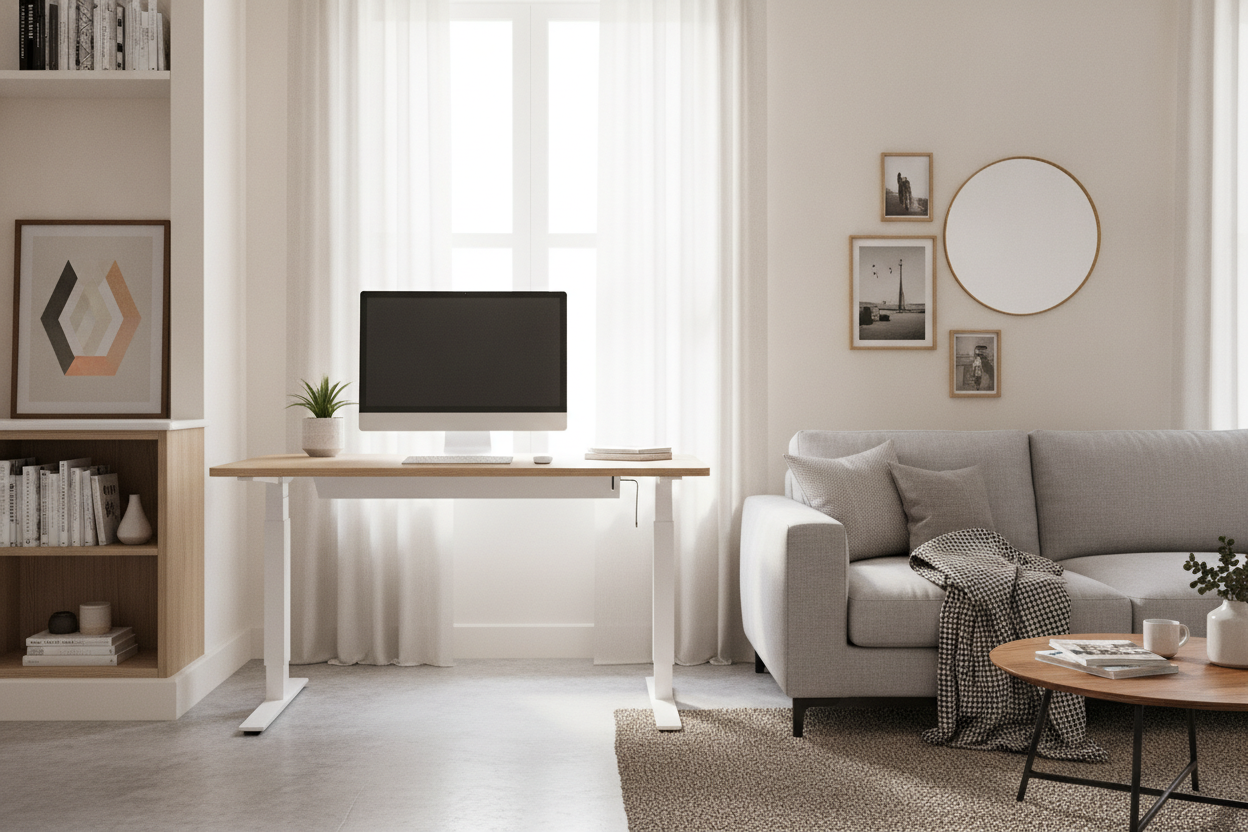
I spent three years working from a dining chair that gave me the posture of a question mark. When I finally decided to upgrade, I made the classic rookie mistake: I thought bigger was better. I bought a 60-inch monster that turned my bedroom into a corporate cubicle farm. I had to shimmy sideways just to get to my closet. It took one week for me to realize that an adjustable desk 48 is the actual sweet spot for anyone who doesn't live in a literal mansion.
Quick Takeaways
- Fits two 24-inch monitors with zero overhang.
- Leaves enough floor space for your room to still feel like a bedroom.
- Structurally more stable than wider, cheaper frames that bow in the middle.
- Forces you to stop hoarding old coffee mugs and mail on your desktop.
The Goldilocks Rule of Apartment Workspaces
If you are trying to squeeze a workspace into a city apartment, dimensions are a zero-sum game. A 40-inch desk is essentially a glorified laptop tray; you will feel cramped the moment you try to open a notebook next to your mouse. On the flip side, a 60-inch desk is a floor-space hog that dominates the visual landscape of a room.
The problem is that a standard writing computer desk often comes in these awkward, static sizes that don't account for the reality of your wall measurements. A 48-inch surface is the 'Goldilocks' zone. It is wide enough to feel like a real workstation but narrow enough to tuck into that weird alcove next to your radiator without blocking the walkway.
Yes, a Sit Stand Desk 48 Can Actually Handle Dual Monitors
I hear this all the time: 'I need at least 55 inches for my dual monitor setup.' Respectfully, you're wrong. A sit stand desk 48 offers exactly 4 feet of horizontal real estate. A standard 24-inch monitor is actually only about 21 inches wide because screen sizes are measured diagonally. Two of them side-by-side take up roughly 42 inches.
That leaves you with a solid six inches of wiggle room. Even if you upgrade to 27-inch screens, they will fit flush to the edges. You aren't sacrificing productivity; you're just trimming the fat. I’ve run this exact setup for a year, and I’ve never felt like my monitors were in danger of taking a dive off the side.
The Secret is Ditching the Factory Monitor Stands
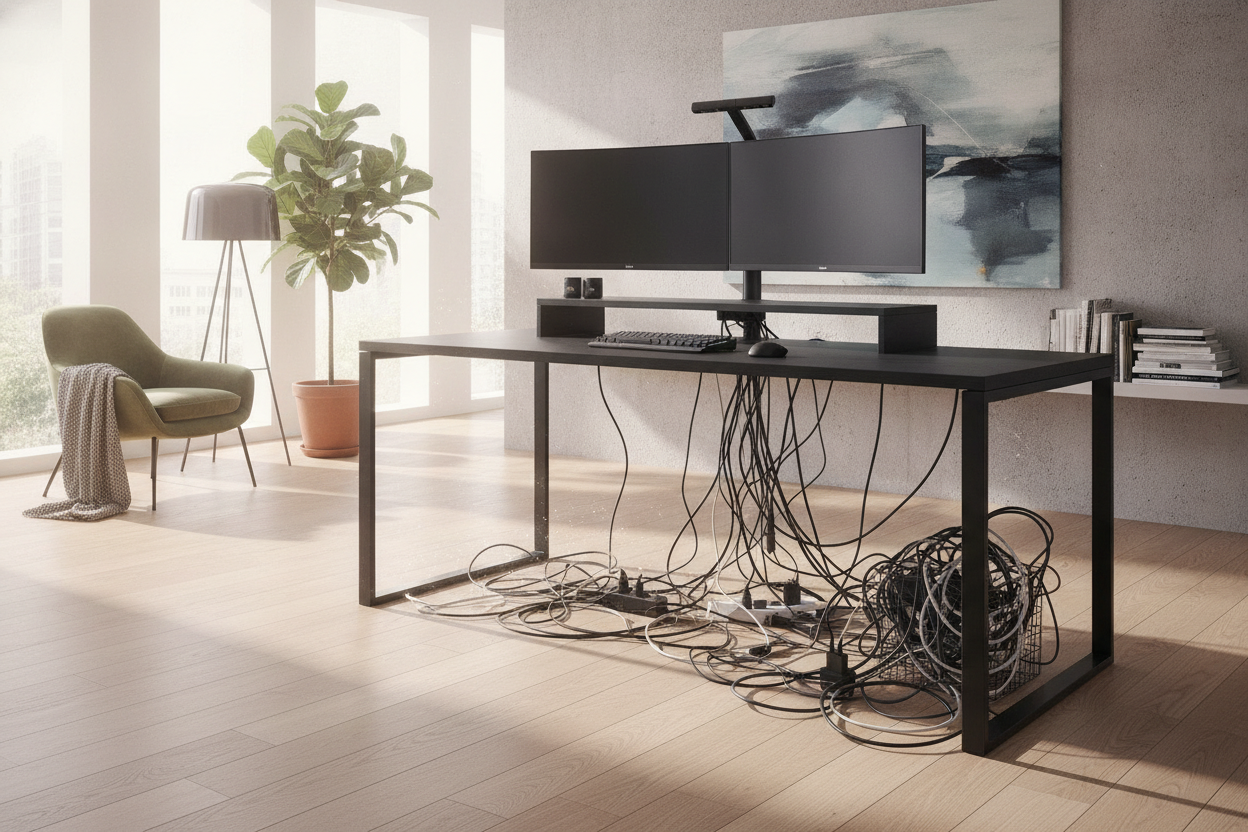
If you want to make a 48-inch desk feel like a 60-inch desk, you have to get the monitors off the table. Factory stands are bulky plastic triangles that eat up all your depth. Buy a dual-monitor clamp mount. By floating your screens, you reclaim about 20% of your usable surface area. It’s the difference between having room for a keyboard and having room for a keyboard, a coffee, and a tablet.
Wobble Factor: Why Mid-Size Desks Are Secretly More Stable
Stability is the silent killer of cheap standing desks. When you extend a motorized frame to its full height, physics starts working against you. Wider desks act like a lever; the further out the weight sits from the center columns, the more it wants to shake when you type. Because a 48-inch desk is more compact, the center of gravity is tighter, and there is less surface area to catch vibrations.
When comparing a Vari sit-stand desk vs. a budget standing motorized desk, you really notice the difference in the leg gauge and the crossbar. If you want something that won't give your monitors the jitters every time you send a Slack message, I usually point people toward a sturdy ergonomic home office sit stand up desk. It’s heavy enough to stay planted but sized perfectly for the 48-inch footprint.
Where Will Your Printer and Papers Go?
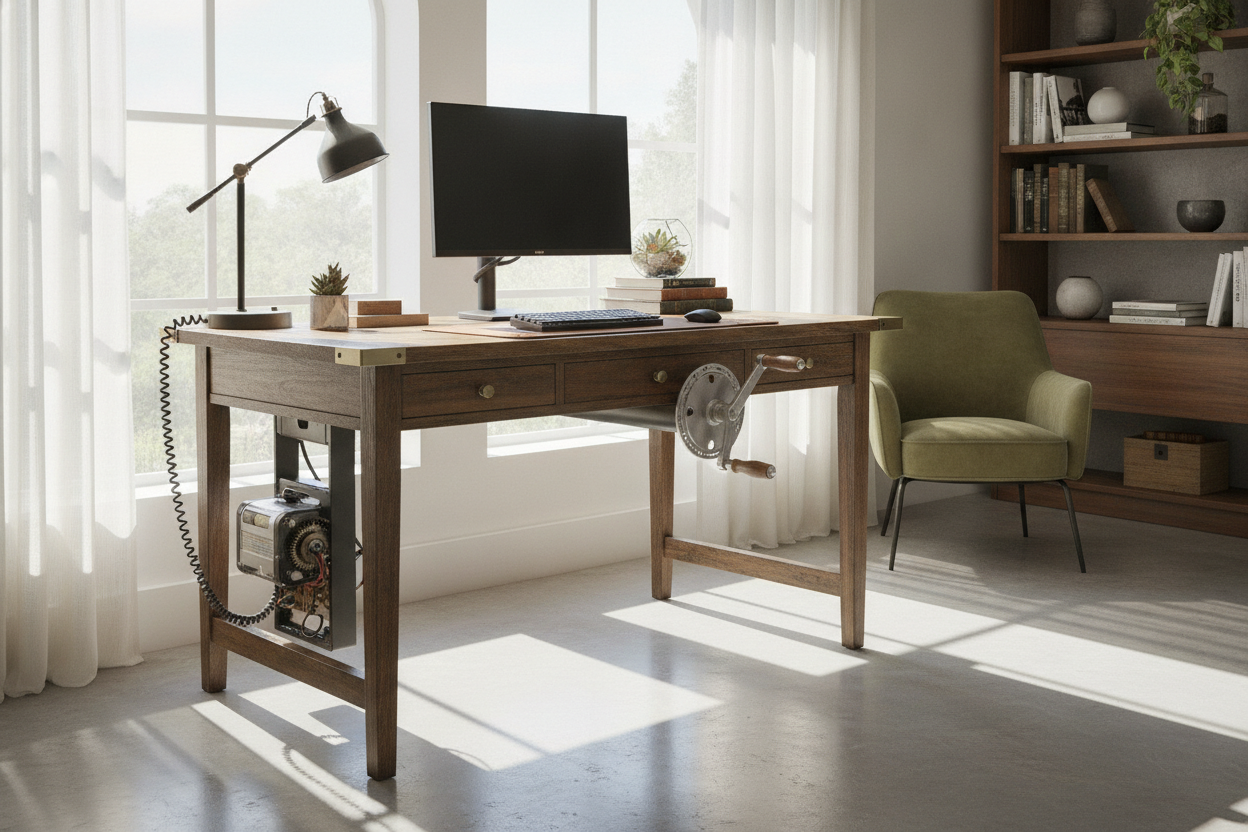
The honest downside of a 48-inch motorized frame is that you lose the drawer space you’d get with a traditional desk. You can't just shove your tax returns and extra ink cartridges into a bottom drawer because, well, there aren't any. You have to be smart about verticality or under-desk real estate.
I recommend pairing your setup with a slim rolling pedestal. If you’re unsure how to fit everything, check out this guide on choosing a sit stand desk with file cabinet. Keeping your storage mobile means you can tuck it under the desk when you're sitting and roll it out for extra legroom when you're standing. It keeps the 48-inch footprint clean and functional.
Personal Experience: My 48-Inch Conversion
I used to be a 'big desk' purist until I moved into a place where the only spot for an office was a corner of the living room. I tried to force a 55-inch desk into the space, and it looked ridiculous—like I was running a command center in a studio apartment. Swapping to a 48-inch model felt like the room finally took a deep breath. I did have to buy a smaller keyboard, but my back feels better, and I no longer hit my hip on the corner of the desk every time I go to the kitchen.
FAQ
Can I fit a desktop PC tower on a 48-inch desk?
You can, but I wouldn't. Use an under-desk CPU mount to hang the tower from the frame. It saves desk space and keeps your cables from stretching when you raise the desk.
Is 48 inches too small for gaming?
It’s plenty for a mouse and keyboard. If you use a massive XXL mousepad, it will cover most of the desk, but it fits. Just don't expect to keep your PS5, your PC, and a printer all on top at once.
How long does it take to assemble?
Most 48-inch frames take about 30 to 45 minutes. Since the desktop is a single piece (usually), you aren't messing around with the alignment issues you sometimes get with those multi-piece 60-inch tops.

Leave a comment
This site is protected by hCaptcha and the hCaptcha Privacy Policy and Terms of Service apply.