

















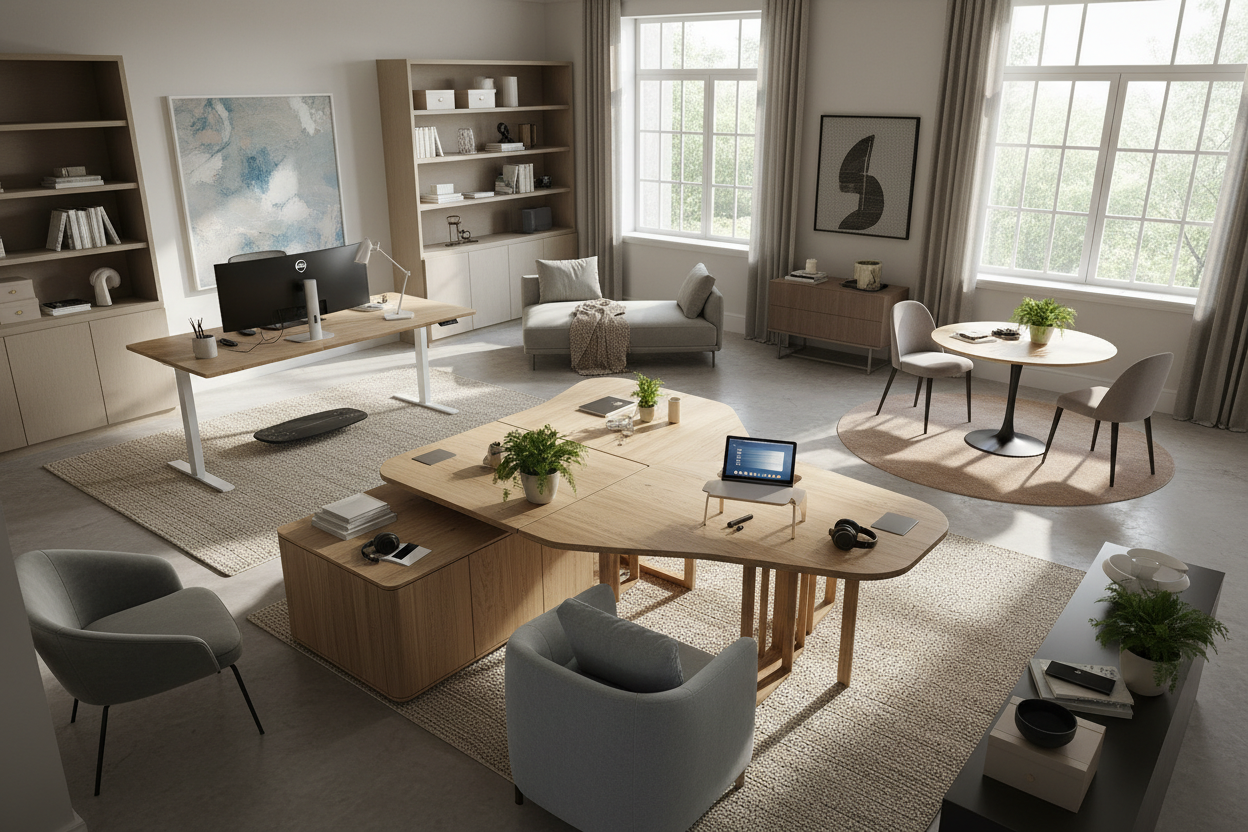
We often blame our own willpower when we struggle to focus in a home office. You sit down at your desk, stare at the screen, and immediately feel cramped, distracted, or uninspired. But after 15 years of designing residential workspaces, I can tell you that the secret to how to work isn't just about time-management hacks or sheer discipline. It is deeply tied to your physical environment. If your chair cuts off your circulation, your desk faces a blank wall, and your lighting causes eye strain, you are fighting an uphill battle.
Understanding how work should work in a residential setting means bridging the gap between corporate ergonomics and residential aesthetics. When clients ask me how can I be more productive at work, my first step is never to look at their schedule. Instead, we look at their floor plan, their furniture scale, and the visual weight of their room. By fixing the physical space, working effectively becomes a natural byproduct of good design.
Quick Decision Guide
- Adopt the command position: Place your desk so you have a clear view of the door with a solid wall behind you to reduce subconscious anxiety.
- Check your clearances: Leave at least 36 to 42 inches of push-back space behind your desk chair to move freely without hitting a wall or bookshelf.
- Prioritize task lighting: Relying solely on overhead recessed lighting creates harsh shadows; use an adjustable desk lamp to reduce eye fatigue.
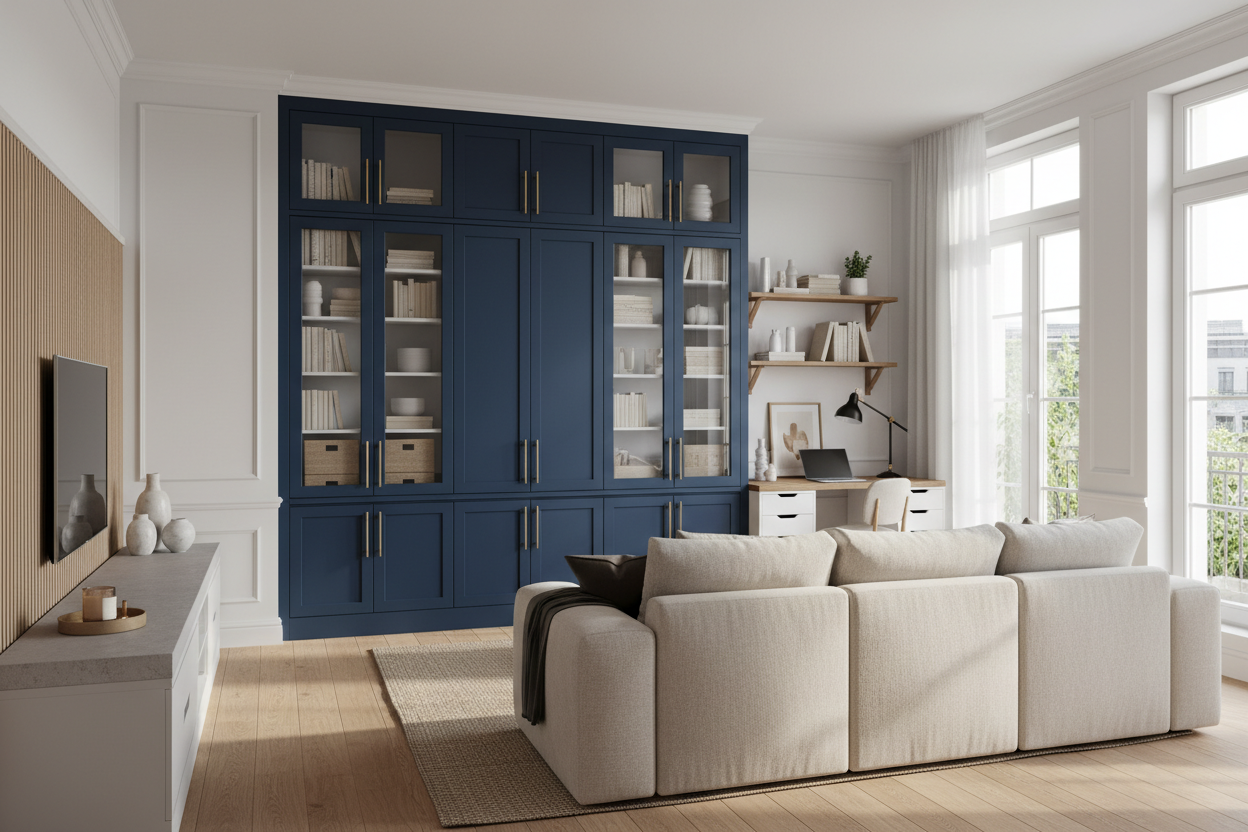
- Balance closed and open storage: Keep 80 percent of your supplies behind closed doors to minimize visual clutter, which directly impacts how to stay productive at work.
The Foundation: Ergonomics and Working Effectively
The most beautiful desk in the world is useless if it causes chronic back pain. When figuring out how to work more efficiently, you have to start with the physical dimensions of your furniture. Standard North American desks are built at 29 to 30 inches high, which is actually too tall for many people unless they use a keyboard tray or an adjustable chair with a footrest.
If you want to be more productive at work, pay attention to seat depth. A proper office chair should leave about two inches of space between the back of your knees and the edge of the seat. Upholstered dining chairs are a common home office trap—they look fantastic in photos but lack the lumbar support required to work effectively and efficiently over an eight-hour stretch.
Material Matters for a Productive Experience
Your choice of desk material dictates your daily tactile experience. Glass desks are visually light and great for small apartments, but they are cold on the wrists, echo loudly when you set down a mug, and constantly show fingerprints. Solid wood or high-quality wood veneer offers a warmer, more forgiving surface that absorbs sound, helping you maintain a productive work environment. If you are aiming to become more efficient at work, eliminate minor physical annoyances like a wobbly metal frame or a sticky laminate edge.
Space Planning: How To Be Efficient At Work
In suburban family rooms or open-concept living spaces, carving out a dedicated workspace requires strategic zoning. You cannot simply shove a desk into a dark corner and expect to work more effectively. Negative space is crucial. If your desk is wedged between a heavy sofa and a towering bookcase, the visual weight of the room will feel oppressive.
To work efficiently and effectively, anchor the desk with an area rug to define the "office" zone, even if it shares a room with the living area. Position the desk perpendicular to a window if possible. Facing a window directly can cause glare on your monitor, while having a window directly behind you creates a terrible backlight for video calls. A perpendicular layout offers natural light without the harsh contrast, making you more efficient at work.
Designer's Honest Take
Early in my career, I designed a stunning mid-century modern home office for myself. I sourced a vintage, sculptural teak chair with original black leather. It was a masterpiece of 1960s design. The silhouette was perfect, and it tied the whole room together.
I learned the hard way that aesthetics do not always equal a productive experience. After three weeks of sitting in that chair, my lower back was in agony. The pitch of the seat forced me to slouch, and I found myself migrating to the kitchen island just to get things done. I eventually had to swap it out for a highly adjustable, decidedly less "sexy" ergonomic task chair. It was a humbling lesson: if you want to know how to be most productive at work, you have to prioritize your body over your Pinterest board. I still keep the vintage chair in the corner for guests, but I never use it for computer work.
Frequently Asked Questions
How can I be more effective at work in a very small bedroom?
In tight spaces, utilize vertical real estate. Choose a wall-mounted floating desk or a ladder desk to reduce the furniture's footprint. Keep the color palette monochromatic to lessen visual clutter, which is one of the best ways to be more effective at work when square footage is limited.
What is the best way to hide cords to keep a workspace looking clean?
Cable management is vital for working effectively. Use a desk with a built-in modesty panel or a cable tray mounted underneath. You can also route cables down the back legs of the desk using zip ties or velcro straps to keep them completely out of sight.
How to be more effective and efficient at work when sharing an office?
When working effectively and efficiently with others in the same room, acoustic control is your best friend. Introduce soft materials to absorb sound—think heavy drapery, a plush wool area rug, and upholstered acoustic panels. Position desks back-to-back or side-by-side rather than facing each other to minimize distracting eye contact.

Leave a comment
This site is protected by hCaptcha and the hCaptcha Privacy Policy and Terms of Service apply.