

















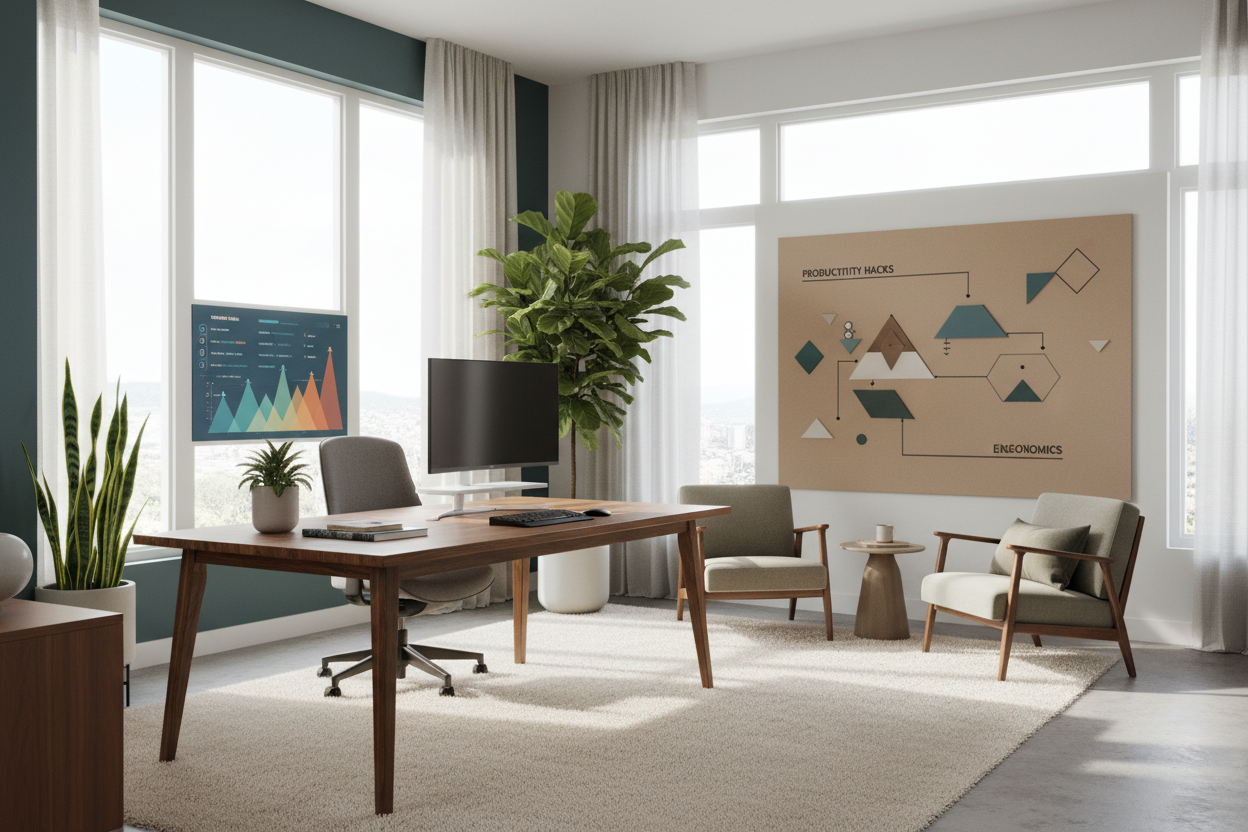
We often attribute our daily output to willpower or software tools, overlooking the silent partner in our success: the physical environment. As an interior designer, I frequently see clients attempting to force focus in spaces designed for relaxation. The reality hidden within remote work productivity statistics is that environment dictates performance. If your home office consists of a laptop perched on a kitchen island, you are fighting a losing battle against ergonomics and psychology.
Key Design Factors Driving Productivity
- Ergonomic Foundation: Task chairs must offer adjustable lumbar support and seat depth to prevent physical fatigue.
- Lighting Temperature: Cool, layered lighting (3500K-4000K) is essential for alertness; warm light induces relaxation.
- Spatial Zoning: Physical or visual barriers are necessary to psychologically separate 'living' modes from 'working' modes.
- Acoustic Control: Soft textures (rugs, curtains) absorb sound reverberation, reducing cognitive load during calls.
Interpreting Working From Home Productivity Statistics Through Design
When we analyze working from home productivity statistics, a clear pattern emerges: comfort correlates directly with output. However, 'comfort' in a design context does not mean softness; it means support. The aesthetic appeal of a workspace is secondary to its functional capacity to sustain the human body for eight hours.
The Ergonomic Equation: Form vs. Function
Many homeowners make the mistake of selecting office seating based solely on silhouette or upholstery fabric. While a velvet tub chair looks stunning in a portfolio, it lacks the kinetic support required for prolonged focus. High-performance task chairs utilize high-tensile mesh and dynamic reclining mechanisms. These features allow for micro-movements, keeping blood flowing and preventing the physical stagnation that leads to the mid-afternoon slump often cited in productivity reports.
Spatial Planning and Visual Balance
Data regarding work from home productivity statistics often highlights distraction as a primary productivity killer. From a spatial planning perspective, this is usually a layout issue. Placing a desk facing a high-traffic corridor or a cluttered living area creates visual noise.
Creating a Focal Point for Focus
To combat visual distraction, position your desk to command the room—ideally facing a window or a curated wall, rather than a blank corner. This is often referred to as the 'power position.' If you are limited to a small footprint, use vertical shelving to draw the eye upward. This creates a sense of volume and order, reducing the claustrophobic feeling that negatively impacts creative thinking.
Materiality and Tactile Feedback
The materials you interact with influence your mindset. Solid wood desks offer a grounding, tactile stability that veneers or hollow-core composites cannot replicate. There is a psychological solidity to working on a substantial surface (like oak or walnut) that anchors the user. Conversely, glass surfaces, while visually light, can feel cold and clammy, potentially becoming a subtle irritant over time.
My Personal Take on Remote Work Productivity Statistics
I learned the hard way that you cannot cheat the biology behind the statistics. Early in my career, I designed my own home studio purely for the 'Instagram moment.' I bought a stunning, vintage mid-century teak chair. It had a beautiful sculptural profile, but a rigid, low back.
For the first month, I loved how it looked. By month three, I noticed my actual design output had slowed. I was taking more breaks not because I was mentally tired, but because my lower back was seizing up. I was shifting constantly to get comfortable, breaking my flow state. I eventually swapped it for a high-end ergonomic chair that, frankly, is a bit ugly. It doesn't match the vintage aesthetic of the room perfectly, but my focus duration doubled almost overnight. The lesson? The most beautiful piece of furniture is the one that allows you to forget it's there while you work.
Conclusion
Ultimately, the numbers don't lie. To improve your personal metrics, you must stop treating your home office as an afterthought and start treating it as a machine for working. By investing in ergonomic furniture, proper lighting, and thoughtful layout, you align your environment with your professional goals.
Frequently Asked Questions
How does lighting affect productivity statistics?
Lighting is critical. Poor lighting causes eye strain and drowsiness. Aim for a mix of ambient light and task lighting with a Color Rendering Index (CRI) above 90 to ensure colors look true and your eyes remain relaxed.
Is a standing desk worth the investment?
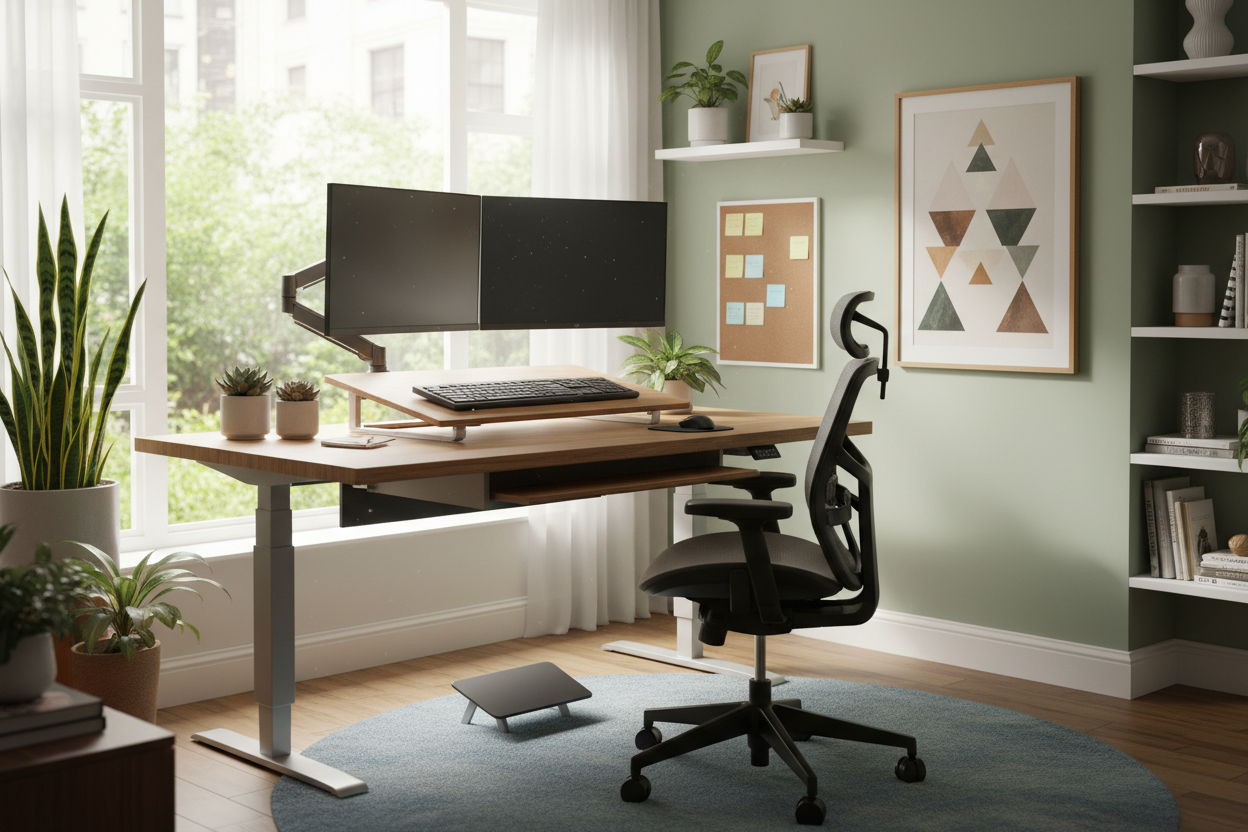
Yes. Studies show that alternating between sitting and standing increases energy levels and focus. Look for a dual-motor standing desk for smooth transitions that won't disrupt your workflow.
Can I use a dining chair for work?
Ideally, no. Dining chairs are designed for 1-2 hour sittings. They lack the lumbar curvature, seat depth adjustment, and armrest height necessary to support the spine during a full workday, leading to fatigue.


Leave a comment
This site is protected by hCaptcha and the hCaptcha Privacy Policy and Terms of Service apply.