
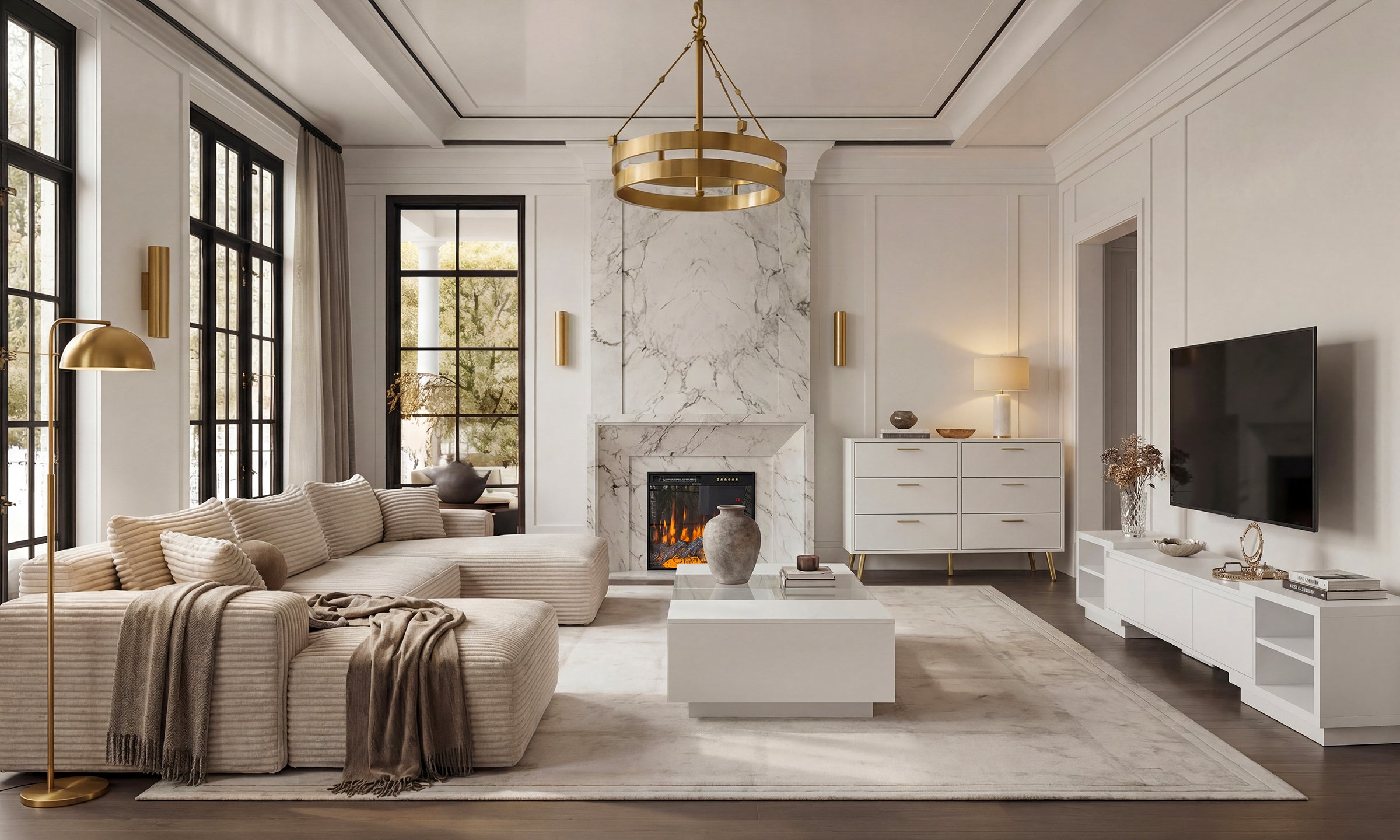
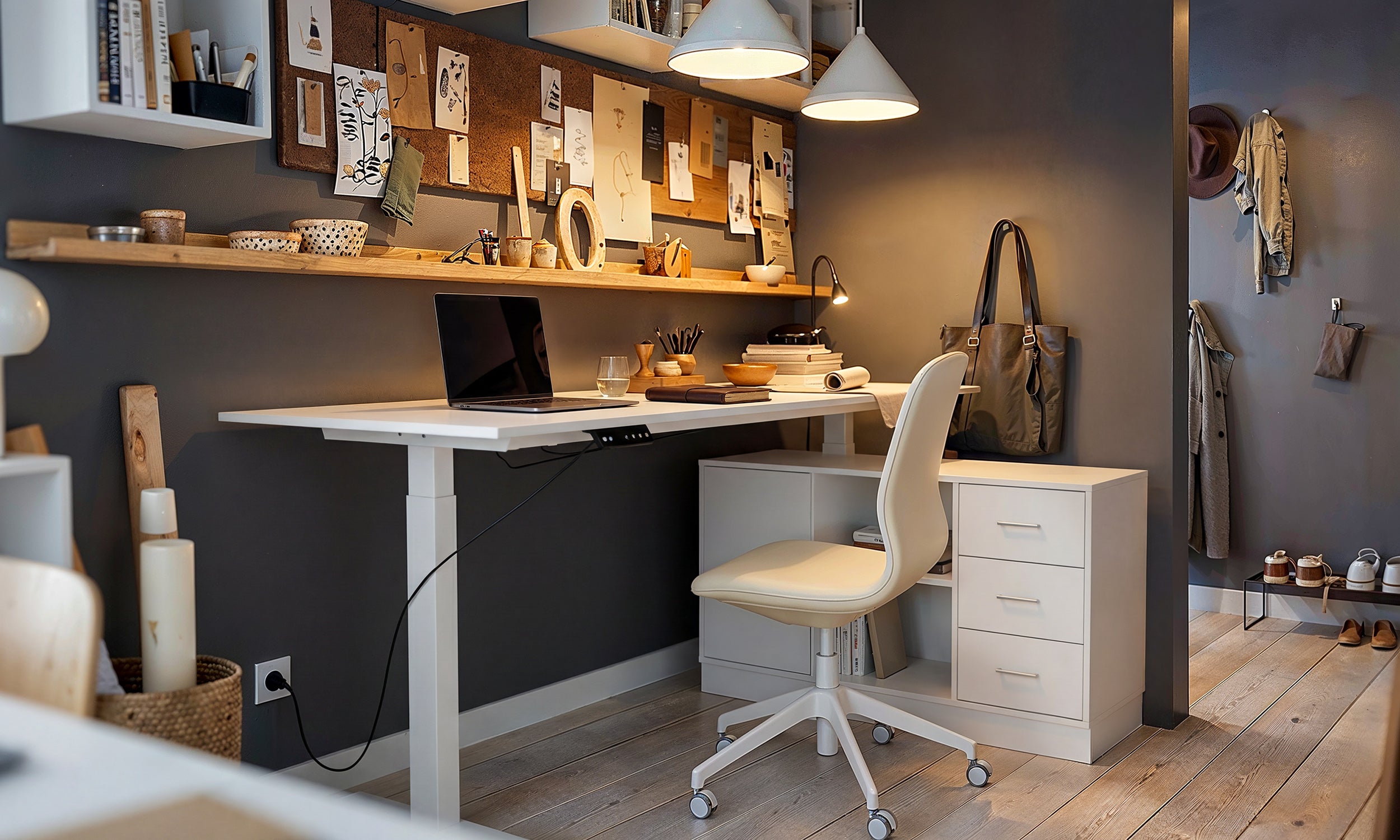
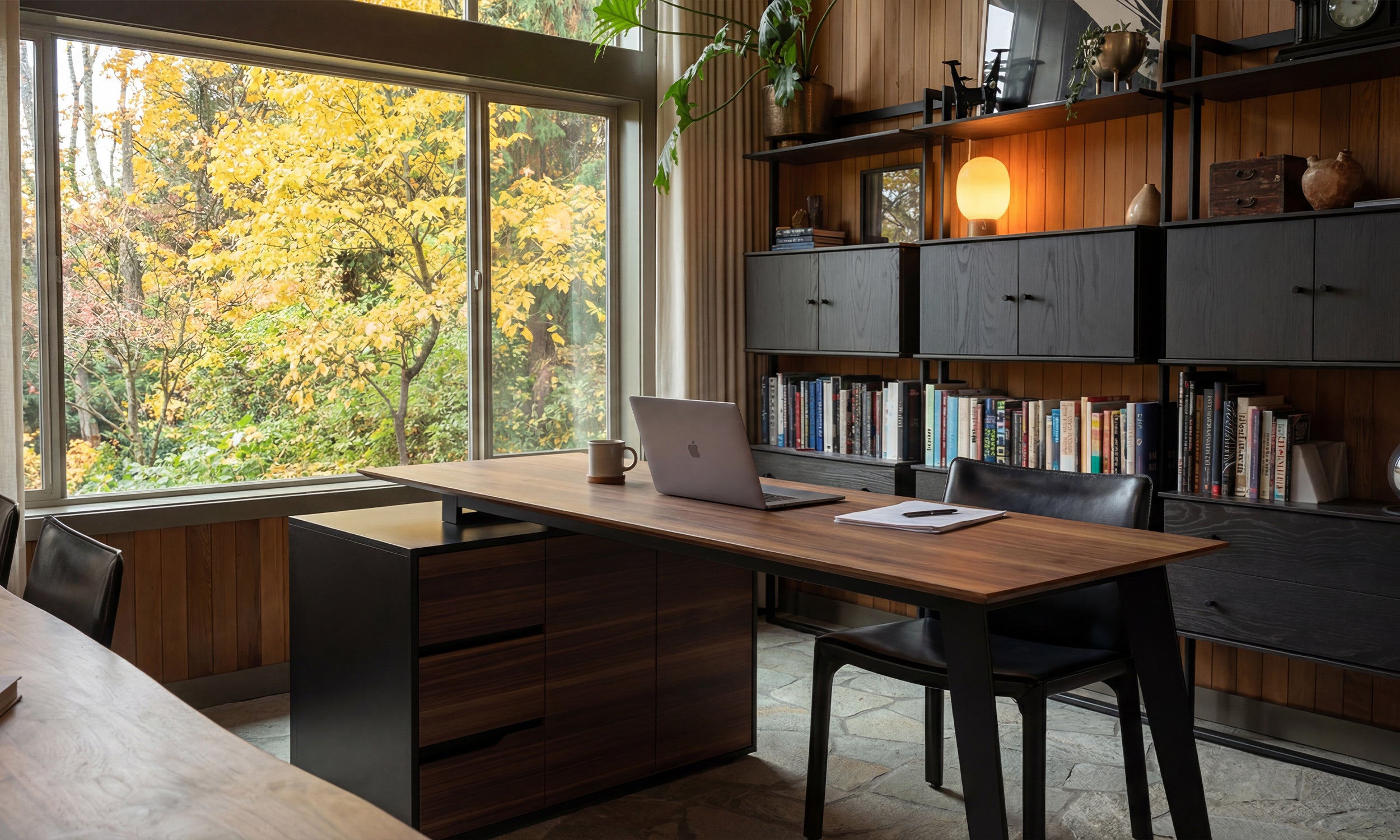



A home office with a TV works when you cannot see the screen from the desk chair without turning: put it beside or behind your working sight line, or make it a second monitor on purpose. Size it to the distance from the seat that will actually watch it, set the centre of the screen near that seat's eye height, and keep it out of the webcam frame and away from window glare.
Below are six layouts with the distances worked out, the height, glare and safety rules behind them, and five pieces from the FUFU&GAGA home office collection: three TV stands that suit an office and two desks.
Quick answer
- Placement: a side wall (a quarter turn of the chair) or behind you, not above the monitor.
- Size: eyes-to-screen distance divided by 1.2 and by 1.6 gives LG's size range for a 4K TV.
- Height: screen centre roughly level with your seated eyes.
- Glare: screen at right angles to the window.
- Safety: mount into studs, or use furniture designed to hold a TV and anchor it.
Should you put a TV in your home office?
Yes, if you plan the layout first. If watching means turning the chair or moving seats, you are far less likely to leave the TV on in the background while you work, so give "clocked in" and "clocked out" their own zones, even in a small room. A screen for relaxing goes on a side or back wall; a screen for work goes behind the desk at monitor height.
How far should you sit from the TV?
LG's screen-size guide says to sit about 1.2 to 1.6 times the screen's diagonal away from a 4K TV: 1.2 times for a movie-like feel, 1.6 times for a more relaxed view (LG). The table applies LG's rule and adds each 16:9 screen's approximate width and height (diagonal x 0.872 and x 0.49) for wall planning.
| TV size | Closest (1.2x) | Relaxed (1.6x) | Screen W x H |
|---|---|---|---|
| 32 in | 38.4 in | 51.2 in | 27.9 x 15.7 in |
| 43 in | 51.6 in | 68.8 in | 37.5 x 21.1 in |
| 50 in | 60 in | 80 in | 43.6 x 24.5 in |
| 55 in | 66 in | 88 in | 48.0 x 27.0 in |
| 65 in | 78 in | 104 in | 56.7 x 31.9 in |
Measure from the seat that does most of the watching, often the desk chair turned around. In an office, wall width and the webcam view usually limit size before distance does.
Six home office with TV layouts
Each layout uses dimensions from our desks, Plan7Architect's planning figures of at least 36 inches of chair space behind a desk and 30 to 36 inches for a walkway (Plan7Architect), and LG's distance rule. For room-size math, see our small home office dimensions guide.
1. TV on the wall beside the desk (10 x 10 ft)
The most reliable setup: the desk faces one wall and the TV hangs on the wall to your side. A 70.9-inch-wide, 31.5-inch-deep desk in the north-west corner plus a 36-inch chair zone uses 67.5 in of the 120-inch room. The chair is centred about 35.5 in from the west wall, so a TV on the east wall is 120 - 35.5 = 84.5 in away: inside LG's 66 to 88 in range for a 55-inch TV. With the window on the north or south wall, the screen is at right angles to it, and the webcam, facing south, keeps the TV at the edge of the frame or out of it.
2. TV opposite a sofa, desk behind the sofa (12 x 14 ft)
Desk on the back wall, sofa in front of it, TV on the far wall. On the 168-inch length, desk (31.5 in) plus chair zone (36 in) leaves 168 - 67.5 = 100.5 in from the sofa back to the TV wall. Subtract the distance from the sofa back to your eyes; at 20 in, you sit 80.5 in away, which suits a 55-inch or 65-inch TV by LG's rule. The trade-off: the TV is in your webcam background, so switch it off for calls or use a lift cabinet. In a smaller room, two accent chairs and an ottoman do the sofa's job and move more easily around a desk.
3. TV as a wall-mounted second monitor
Now monitor rules apply. OSHA's workstation guidance gives a preferred viewing distance of 20 to 40 inches and says the top of the monitor should be at or slightly below eye level; it also notes very large monitors can increase the downward viewing angle (OSHA). Mount the TV low on the wall directly behind the desk, never high above the monitor; LG calls high mounting a common cause of neck strain. A 43-inch screen is about 21.1 in tall, so its bottom edge must sit at least 21.1 in below your seated eye height. On a sit-stand desk, a wall-mounted screen does not move with you, so it suits one posture only.
4. Small office, TV on the short wall (8 x 10 ft)
Put the TV on a 96-inch wall and the desk along a long wall at the far end. A corner desk with a 23.6-inch-deep desktop plus a 36-inch chair zone leaves 96 - 59.6 = 36.4 in for a walkway. With the chair centred about 27.6 in from the far wall, the TV is 120 - 27.6 = 92.4 in away, which suits a 65-inch screen by LG's rule (78 to 104 in), and that screen's 56.7-inch width fits the wall. A 55-inch works too.
5. A corner TV
A TV across a corner faces the middle of the room. In a 10 x 10 ft room the centre is 120 x 1.414 / 2 = 84.9 in from each corner, less the mount's projection, which suits a 50-inch or 55-inch TV for a chair in the middle. Pick a corner that is not directly behind your desk chair. Our guide on how to mount a TV in the corner covers mounts and wall checks.
6. A TV lift cabinet behind the desk (10 x 12 ft)
If the TV must sit behind your chair, a lift cabinet lowers it out of the camera's view during work. With the desk on a short wall, desk plus chair zone uses 67.5 in, leaving 144 - 67.5 = 76.5 in to the cabinet wall, less the cabinet's depth: LG's range for a 50-inch screen (60 to 80 in). Our TV lift cabinet guide covers lift types and clearances.

How high should the TV be?
LG advises keeping the centre of the screen roughly level with your eyes when seated. Sit in the main viewing seat and measure floor to eyes. Without a measurement, Samsung's mounting advice uses 42 inches from the floor to the centre of the TV as a starting point, and about 4 to 6 inches between the screen and furniture below it (Samsung). For a 55-inch TV, a 42-inch centre puts the bottom edge at 42 - 13.5 = 28.5 in, so a cabinet below should end at 22.5 to 24.5 in. For stand width and height by TV size, see our TV stand size chart.
How do you stop glare on the TV and on calls?
OSHA's guidance says to place screens at right angles to windows and light sources, use blinds or drapes to reduce glare, and position task lighting so it does not reflect on the screen; bright light behind a screen also creates contrast problems (OSHA). So never hang the TV directly opposite a window, keep the desk lamp on the side away from the TV, and remember that a TV behind you shows on calls as a dark, reflective panel. A deep-toned wall helps the screen disappear when it is off, and shelves or art around it reduce how much it dominates. Keep the TV muted or off during calls, since a microphone picks it up even at low volume, and keep the remote away from the desk. For the wall the camera sees, see our desk wall ideas.
Wall-mounted TV or a TV stand?
A wall-mounted TV takes no floor space and lets you set the exact height. Samsung says the mount should be attached to a stud, the wall must support the TV's weight, its TVs work with VESA-compliant mounts designed for the TV's size, and you should not do the job alone. A stand suits renters and rooms that need closed storage; check its listed maximum TV size and weight against your TV's spec sheet.
Cords and power strips
Give the desk and the TV their own outlets. The CPSC's extension cord guidance says to use extension cords only when necessary and only on a temporary basis, not to overload a cord or power strip, to use three-wire cords for three-prong plugs, and to replace cracked or worn cords (CPSC).
TV tip-over: what the CPSC says
The CPSC's Anchor It guidance says: "Televisions should only be placed on furniture designed to hold a television, such as television stands or media centers." It adds that "Televisions that are not wall mounted should still be anchored to the wall," to "Mount flat-screen TVs to the wall or to furniture to prevent them from toppling over," and to "Remove items that might tempt kids to climb, such as toys and remote controls, from the top of the TV and furniture" (CPSC Anchor It). Its February 2026 release estimates that U.S. emergency departments treated an average of 17,800 injuries a year from 2020 to 2022 when TVs or furniture tipped over, 44% of them to people under 18, and says to keep cables and cords out of reach (CPSC). A desk is not a TV stand, so mount a second-monitor TV on the wall. Our guide on anchoring furniture to the wall covers the hardware.
Our picks: TV stands and desks for an office with a TV
63" High Gloss Floating TV Stand with LED Lights
A wall-mounted cabinet to hang under a wall-mounted TV, so the floor stays clear for the chair and walkway: 63" W x 13.8" D x 9.8" H, listed for TVs up to 70 inches and 55 lb. Three drawers with safety stops hold remotes and a streaming box, LED strips switch between warm and cool by remote, and a tipover restraint and screws are listed as included. White or black.
Best for: layouts 1 and 4.
Skip it if: you cannot fix it into studs or a solid wall, or want to stand the TV on it: count the TV and drawer contents against 55 lb. The listing does not say how the LEDs are powered.
50.4" Lifting TV Stand with Motorized Vertical Lift
For layout 6. A remote-controlled lift raises a TV of up to 50 inches anywhere from 28.7 to 68 inches high, with four memory presets and safety sensors, then lowers it so the camera sees only a 50.4-inch-wide, 39.3-inch-tall cabinet. Two doors hide media devices, side ports route cables, and it is finished on all sides. An integrated TV mount and a TV anti-tip kit are included.
Best for: a TV that has to sit behind your desk chair.
Skip it if: your TV is over 50 inches. The listing gives no TV weight limit or mounting pattern, says no tipover restraint is included for the cabinet (add an anchor kit), and its depth differs between specs and drawing, so confirm it with customer service for a tight spot.
70.8" High Gloss LED TV Stand
A low console for the TV wall in layout 2: 70.8" W x 14.5" D x 17.3" H, listed for TVs up to 78 inches, with a tipover restraint listed as included. Four soft-close drawers, an open 6.2-inch shelf, a cable hole, vents and a warm white LED strip. White or black.
Best for: a larger office TV room with a long wall.
Skip it if: you need a top-only weight limit; the specs give one overall capacity that may include the drawers and shelf. At 17.3 inches tall it sets a TV low for a desk chair, so wall-mount the TV above it if you watch from the desk.
71" Minimalist Standing Desk with File Drawer and Storage Cabinet
One of our most-ordered desks, used in layouts 1, 2 and 6. The electric lift moves the 70.9" x 31.5" desktop from 29.5 to 44.1 inches, and the listing describes memory presets. A drawer and a double-door cabinet hide paperwork at TV time. It holds 150 lb on the desktop and 10 lb in the drawer. White, black or burlywood.
Best for: rooms of about 10 x 10 ft and up, with the TV on a side wall.
Skip it if: the room is tight (its depth plus a 36-inch chair zone needs 67.5 in), or you need hanging files: the drawer has no listed interior size.
55.1" Modern White Corner Desk with Large Storage

The small-room desk in layout 4. Its rotating design sets the two sections as an L, a straight desk or overlapped, so you can turn it to keep the TV out of your sight line. As an L it is 29.5" H x 55.1" W x 41.3" D, with a 55.1" x 23.6" desktop rated for 200 lb, one drawer, a soft-close cabinet, two open shelves and cable management.
Best for: an 8 x 10 ft office with the TV on the short wall.
Skip it if: you want a sit-stand desk or hanging files: the "filing" drawer is 5 inches tall inside.
Compare the picks
| Product | Size (W x D x H) | TV size / capacity | Best for |
|---|---|---|---|
| 63" floating stand | 63 x 13.8 x 9.8 in | 70 in TV, 55 lb | Under a wall-mounted TV |
| 50.4" lift stand | 50.4 W x 39.3 H in | 50 in TV | Hiding the TV on calls |
| 70.8" LED stand | 70.8 x 14.5 x 17.3 in | 78 in TV | TV opposite a sofa |
| 71" standing desk | 70.9 x 31.5 in, 29.5 to 44.1 in H | 150 lb | 10 x 10 ft and up |
| 55.1" corner desk | 55.1 x 41.3 x 29.5 in | 200 lb | 8 x 10 ft rooms |
FAQ
Where should the TV go in a home office?
On a side wall you can see with a quarter turn of the desk chair, at right angles to the window. That keeps it out of your sight line while you work and away from glare. If it must go behind you, use a lift cabinet or switch it off for calls.
Can I use a TV as a computer monitor?
Yes, if you treat it as a monitor: OSHA puts monitors 20 to 40 inches from your eyes with the top of the screen at or slightly below eye level. Mount it on the wall behind the desk at that height rather than standing it on the desktop.
What size TV fits a small home office?
Divide your eyes-to-screen distance by 1.2 and by 1.6 for LG's size range: 60 to 80 inches suits a 50-inch TV, 66 to 88 inches a 55-inch. Then check the screen width, about 0.872 times the diagonal, fits the wall.
Plan the work side of the room with the full FUFU&GAGA home office collection.


Leave a comment
This site is protected by hCaptcha and the hCaptcha Privacy Policy and Terms of Service apply.