

















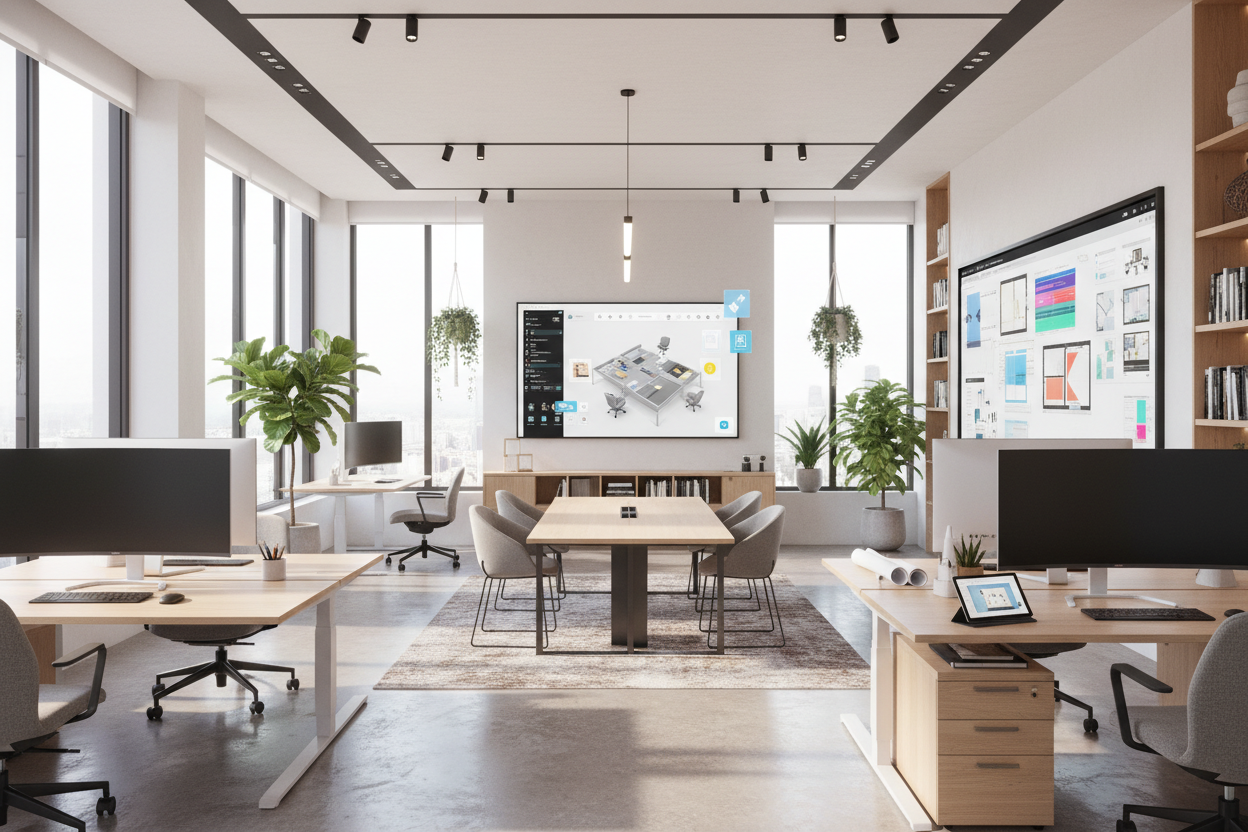
We've all been there: you spot a stunning mid-century walnut desk online, hit purchase, and eagerly await delivery. But once it arrives, you realize it completely swallows your spare bedroom, blocking the closet door and leaving zero room for a guest chair. This is exactly why using an office builder before buying a single piece of furniture is non-negotiable. Whether you are carving out a small work-from-home nook or outfitting a dedicated executive suite, an office space planner gives you the power to test layouts, check clearances, and visualize the final result without breaking a sweat. Today, I am walking you through how to use these digital tools to design a workspace that actually functions.
Quick Decision Guide for Workspace Layouts
- Map the hard boundaries first: Always input doors, windows, and HVAC vents into your office layout planning tool before adding furniture.
- Respect the 36-inch rule: Ensure your office floor plan maker leaves at least 36 inches of clearance behind your desk for your chair to roll comfortably.
- Account for visual weight: A heavy, solid wood desk requires negative space around it. Use a 3d office design online free tool to see if the room feels too heavy.
- Check the light paths: Position monitors perpendicular to windows in your office room drawing to avoid harsh glare and eye strain.
Why You Need an Office Layout Planner
In North American homes, spare bedrooms often pull double duty as home offices and guest rooms. Trying to eyeball a layout in a 10x12 room usually ends in frustration. Using an office design program allows you to drag and drop different desk sizes and see exactly how much breathing room you have left.
Avoiding the 'Scale Trap'
The biggest mistake I see clients make is misjudging scale. A desk that looks sleek in a massive online showroom can feel like a monolith in a standard suburban bedroom. When you create an office floor plan, you force yourself to look at the math. An office space design tool will immediately show you if that oversized L-shape desk is going to trap you in the corner. I always recommend using an office furniture planner to test three different layouts before committing to a purchase.
Navigating Office Planning Software
You don't need an expensive interior design degree to design an office online. The market is flooded with accessible software office design options tailored for homeowners and renters.
Free vs. Paid Office Design Apps
If you are just looking to arrange a desk, a bookshelf, and a rug, a free office layout planner is more than enough. Tools that offer free office design software usually provide basic 2D grids and standard furniture shapes. You can easily draw an office layout and get a feel for the traffic flow. However, if you want to see how the afternoon sun hits your monitor or match the exact wood tones of your existing flooring, you might need to upgrade. An advanced online office space designer offers a full virtual office design experience, complete with realistic 3D rendering.
Essential Features to Look For
When choosing an office planning tool, look for one that allows custom dimensions. A generic office layout template won't help if your room has awkward alcoves or slanted ceilings. The best home office design tool will let you input the exact measurements of the furniture you want to buy, acting as a true office desk layout planner rather than just a rough sketching pad.
Designer's Honest Take
Early in my career, I was tasked with designing a dual-workspace for a couple in a narrow Chicago townhouse. I used a highly rated free office floor plan designer to map out two identical floating desks. On the 2D office layout diagram, it looked incredibly symmetrical and efficient.
But here is the reality check: the free software didn't account for the physical depth of the custom ergonomic chairs they already owned, nor did it let me map the baseboard heating units. When the desks arrived, the chairs bumped into each other every time someone stood up, and one desk had to sit two inches away from the wall to avoid the heater. I learned the hard way that an online office layout planner is only as good as the precise data you feed into it. Always measure the room's quirks, not just the drywall-to-drywall dimensions. And remember, free tools often use generic furniture sizes that might be smaller than your actual pieces.
Frequently Asked Questions
What is the best free office layout design tool?
There isn't one single perfect tool, but many online furniture retailers now offer a free home office design tool directly on their websites. These are great because they let you design a desk online free and drop exact retail pieces into your office map layout to check the fit.
How much space do I need behind my desk?
Whether you use a simple office layout maker or a complex office space planner online, the golden rule remains the same: leave a minimum of 36 inches between the edge of your desk and the wall or bookshelf behind you. This allows you to push your chair back and stand up without scraping the wall.
Can I design an office space online without CAD experience?
Absolutely. Modern office design apps are built with intuitive drag-and-drop interfaces. You don't need technical architectural skills to use an office floor plan generator. Just grab a tape measure, input your room's dimensions, and start experimenting with your office furniture layout tool.

Leave a comment
This site is protected by hCaptcha and the hCaptcha Privacy Policy and Terms of Service apply.