

















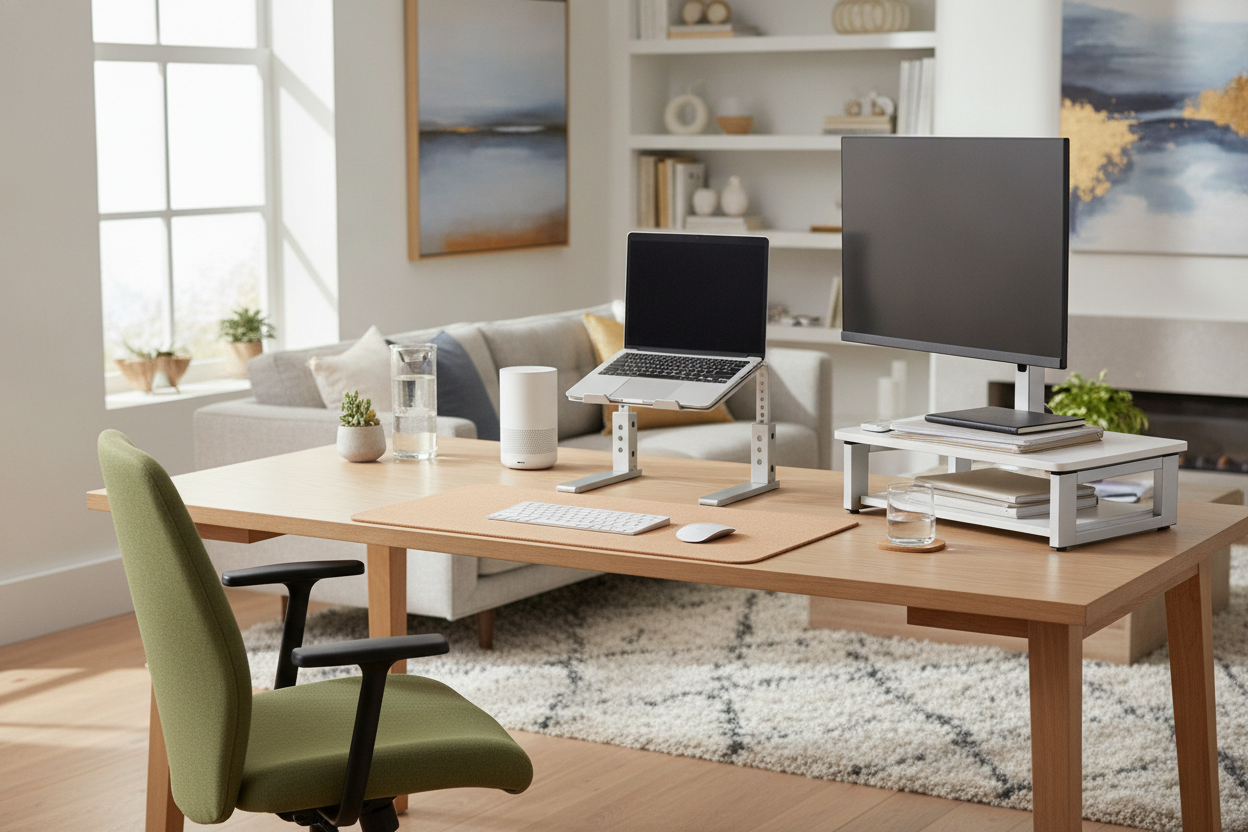
My neck reached a breaking point last Tuesday at exactly 2:14 PM. I was deep into a project, hunched over like a gargoyle, when a sharp twinge near my shoulder blade told me I was done for. I looked at the shipping estimates for those fancy walnut risers I had been eyeing on Instagram—four days for delivery. I did not have four days. I had four hours.
I grabbed my keys and drove to the nearest big-box store. I have been here before. I panic-bought an adjustable standing desk once during a similar crisis, so I knew the drill. I needed an office depot laptop stand and I needed it before the store closed at 8.
Quick Takeaways
- Speed: You can buy it and use it in the same hour.
- Stability: Surprisingly heavy-duty metal for the price.
- Ergonomics: Instant relief for your neck and shoulders.
- Aesthetic: Very 'corporate office'—not exactly a design masterpiece.
The Tuesday Afternoon Neck Crisis
Tech neck is real, and it is mean. When you spend eight hours a day staring at a 13-inch screen that sits six inches below your eye level, your spine starts to protest. I had spent months telling myself I would eventually 'curate' a perfect ergonomic setup. But when the pain actually hits, curation goes out the window in favor of immediate relief.
The realization that I could not wait for a courier was humbling. I needed something physical, right now. I did not care if it was beautiful; I just needed my screen to stop being at my belly button level. This is how I ended up wandering the aisles of a fluorescent-lit office supply store in the middle of a workday.
Browsing the Aisles: Finding an Office Depot Laptop Desk
Walking into the store, I was prepared for the worst—flimsy plastic and overpriced cable ties. I scouted the furniture section, looking for an office depot laptop desk or a simple riser. The options were surprisingly varied. They had the classic black mesh ones that look like they belong in a 1990s cubicle, and some newer, sleeker aluminum models that actually looked decent.
I needed something that would not swallow my entire writing computer desk. Space is a premium in my home office, and I did not want a riser that forced my keyboard into my lap. I eventually settled on a mid-range officemax laptop stand—a simple, ventilated metal design that felt heavy enough to hold my MacBook Pro without wobbling every time I typed a sentence.
The Setup: From Box to Desk in 5 Minutes
The best part about buying local? No 'Out for Delivery' anxiety. I was back at my desk within 30 minutes. Unboxing was a breeze—no hex keys, no confusing diagrams, just a single piece of hardware that popped into place. I set it on my desk, hoisted my laptop onto the platform, and felt my vertebrae literally sigh in relief.
It is a basic fix, but getting that screen to eye level is the single biggest upgrade you can make. I did not even have to clear off my whole desk to make it fit. It just sat there, functional and ready to work, which is exactly what I needed in that moment of physical desperation.
Does a Basic Office Depot Computer Stand Actually Work?
Let us be honest: an office depot computer stand is not going to win any design awards. It is functional, utilitarian, and a bit corporate. If you have spent a lot of time making your workspace look like a Pinterest board, a chunky metal stand might feel like a step backward. I found that my laptop desk office depot find made the room feel a bit more like a call center, especially since I had previously styled it for sitting and aesthetic comfort rather than hardcore ergonomics.
However, the stability is impressive. Unlike some of the cheaper collapsible stands I have tried from online marketplaces, this one does not bounce when I use the trackpad. The ventilation is also a huge plus. My laptop fans usually kick on during video calls, but the perforated metal base actually helps keep things cool. The main downside is the lack of micro-adjustments; you get three or four height slots, and if none of them are perfect, you are out of luck.
When You Need More Than Just a Laptop Desk Office Depot Fix
After a week of using it, the verdict is clear: it is a fantastic bandage. If you are in pain right now, go buy one. But as my workload grows, I am realizing that a static stand on a fixed desk is only half the battle. You can only raise your screen so far before your wrists start to ache from the angle of the keyboard.
Eventually, you will probably want to graduate from a riser to a full sit stand up desk with memory preset controller. Moving your whole body is always better than just moving your screen. But for a Tuesday afternoon crisis? That Office Depot find saved my deadline and my neck, and I am not getting rid of it anytime soon.
FAQ
Is a mesh stand better than a solid one?
Mesh is usually better for heat dissipation. Laptops get hot when they are working hard, and a solid wood or plastic stand can trap that heat. Go for the mesh if you do a lot of video editing.
Will these stands hold a heavy gaming laptop?
Most of the metal ones from Office Depot are rated for about 10-15 lbs. My 16-inch MacBook feels totally secure, but if you have a massive 17-inch gaming rig, check the weight capacity on the box first.
Do I need a separate keyboard?
Yes. If you put your laptop on a stand, the keyboard is now too high for your hands. Using the laptop keyboard while it is on a riser is a recipe for wrist pain. Buy a cheap Bluetooth keyboard to go with it.


Leave a comment
This site is protected by hCaptcha and the hCaptcha Privacy Policy and Terms of Service apply.