

















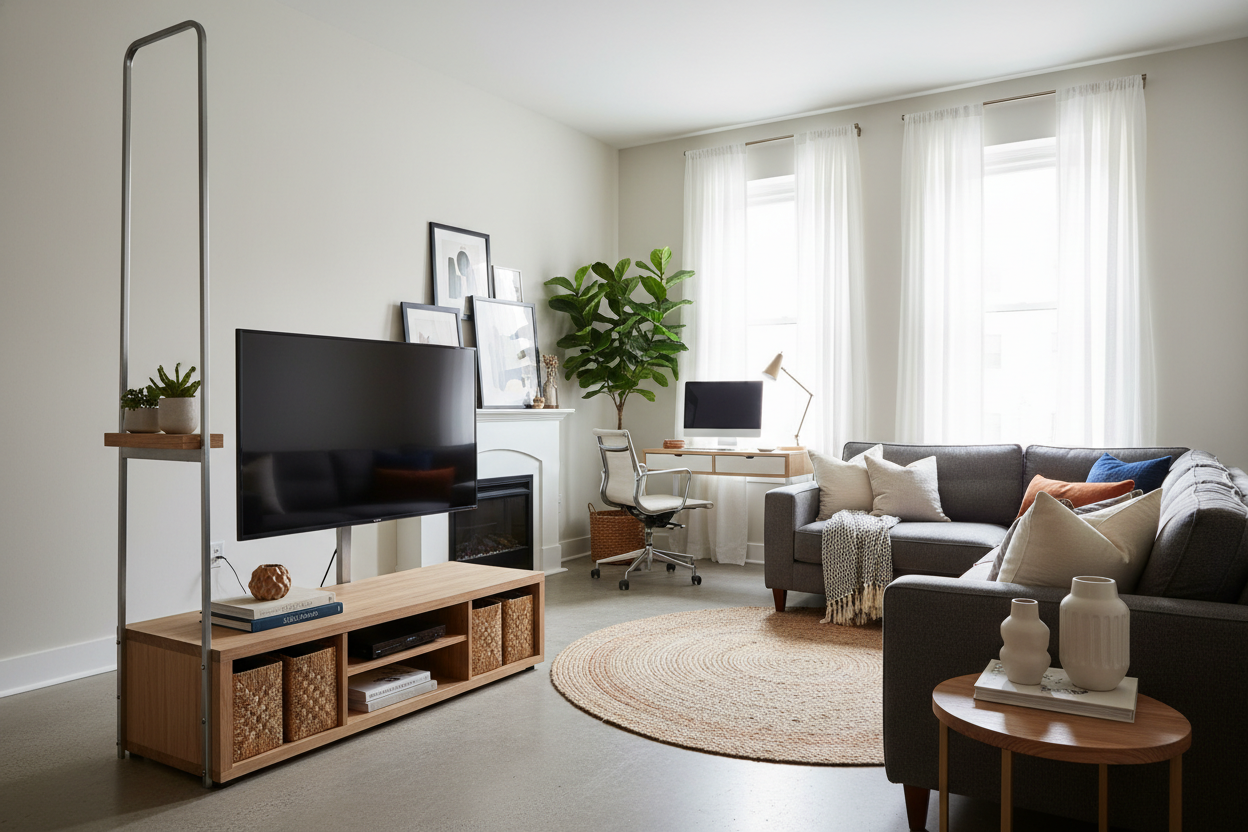
I finally moved into that pre-war walk-up I'd been eyeing, only to find a lease addendum that basically threatened my firstborn if I dared to drill a hole in the plaster. I had a 65-inch screen and a vision of a clean, minimalist setup, but my TV was on the floor for weeks while I scoured the internet for a solution that didn't involve a chunky, 1990s-style media cabinet. That is when I found the tall tv floor stand.
- Zero Damage: No holes, no anchors, no 'oops' moments with the drywall.
- Height Control: Most units allow for 10-20 inches of vertical adjustment.
- Small Footprint: Perfect for cramped apartments where every square inch of floor matters.
- Portability: You can literally move your entire entertainment center to a different room in five minutes.
The Dreaded 'No Drilling' Dilemma
The renter's struggle is real. You want that sleek, gallery-style look where the TV floats at eye level, but landlords act like a single toggle bolt will bring the whole building down. Standard media consoles are often too low, especially if you like to watch movies from a high-top kitchen island or a lofted bed. I spent three nights staring at a stack of cardboard boxes trying to DIY a riser before I realized I was being ridiculous.
Drywall repair is a pain, and plaster is even worse. If you've ever tried to patch a hole in a textured wall, you know it never looks quite right, and there goes your security deposit. I needed height, I needed stability, and I needed it to stay off the walls entirely.
What Actually Is a Freestanding Mount?
Think of it as a heavy-duty tripod's more sophisticated cousin. A tall floor tv stand consists of a weighted base—usually steel or tempered glass—and a vertical pillar that holds a VESA mounting bracket. It mimics the exact mechanism of a wall mount without the permanent commitment.
When you browse traditional TV stands, you're usually looking at furniture that takes up 15 to 20 inches of depth. A freestanding mount only needs about 12 inches of clearance from the wall, and the base is often flat enough to slide right under the edge of a rug or a sofa. It is the leanest way to get a big screen into a small room without it feeling like the TV is eating the space.
The Hidden Perks of Not Bolting Your Screen Down
The most underrated benefit of a freestanding unit is the swivel. Most wall mounts that offer a 30-degree swivel are bulky and expensive. With this stand, I can pivot the screen toward the kitchen when I'm cooking, then swing it back toward the couch for a movie. No glare, no neck strain.
Speaking of neck strain, height is everything. If you're viewing from a higher surface, a tall TV stand mount is a literal spine-saver. I set mine about 10 inches higher than a standard console would allow, which means I'm looking straight ahead rather than slouching. It’s a small adjustment that makes a massive difference during a four-hour Sunday football binge.
How to Style the Base So It Doesn't Look Like an Office Cart
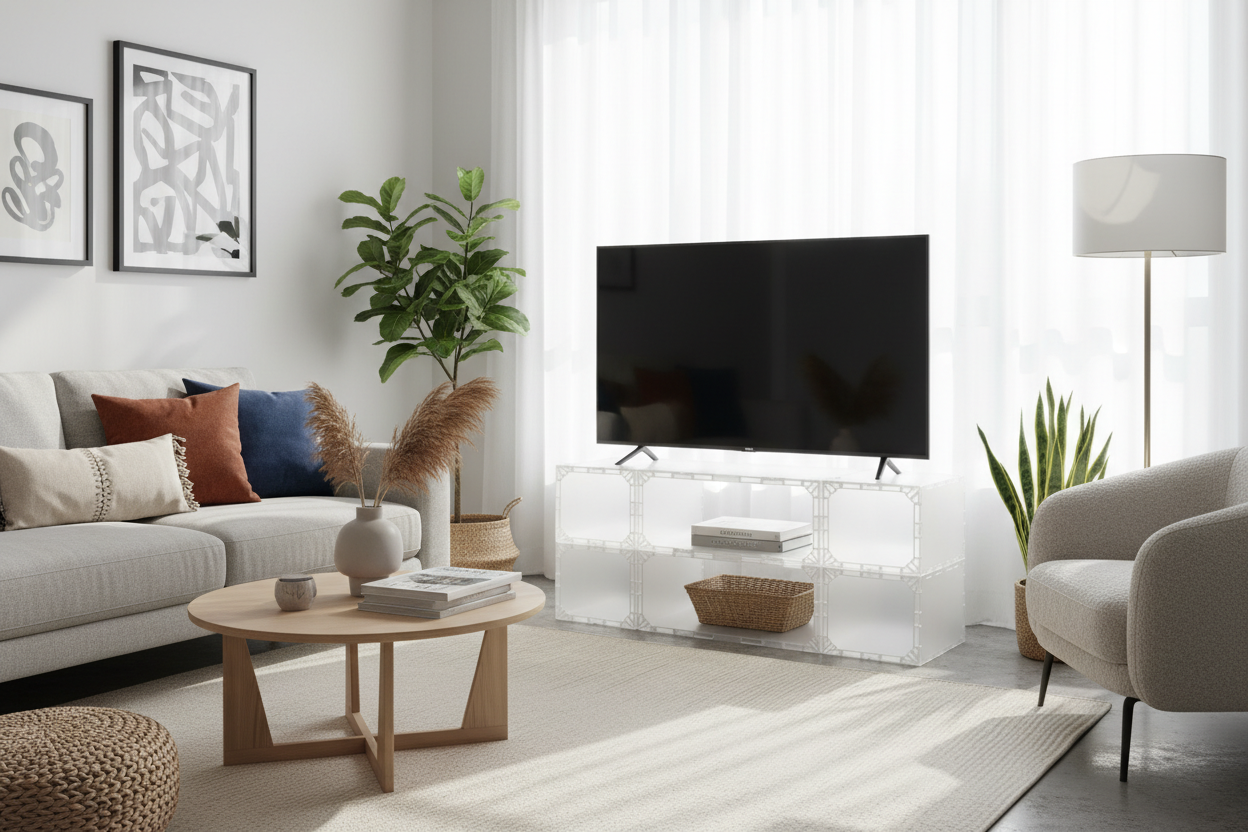
I'll be honest: out of the box, some of these stands look a little 'corporate boardroom.' To avoid the office-cart aesthetic, you have to get creative with your layering. I didn't want to see the metal pole, so I cheated. I placed a low-profile storage credenza with sliding glass doors directly in front of the stand.
The credenza hides the base and the bottom half of the pillar, making it look like the TV is magically hovering just above the wood surface. I tucked a large snake plant in a ceramic pot next to the pole to mask the remaining metal. Suddenly, it went from 'IT department' to 'interior designer.' Plus, I kept all my storage for records and cables without the TV actually sitting on the furniture.
Is It Actually Sturdy Enough for a Massive Screen?
I was terrified my 60-pound TV would come crashing down if my dog breathed on it. But these things are built with a low center of gravity. The base is usually the heaviest part of the entire assembly. For example, my unit has a 25-pound solid steel base that feels like it’s glued to the floor.
Just make sure you check the VESA pattern and weight capacity. If your TV is a monster from 2012, it might be too heavy. But for any modern LED or OLED, these stands are rock solid. Most even come with a safety cable you can 'stealth-attach' to the baseboard if you’re extra paranoid about earthquakes or toddlers.
FAQ
Will this stand tip over on carpet?
As long as the carpet pile isn't ridiculously shaggy (like a 70s shag), it’s fine. Most bases are heavy enough to compress the carpet fibers and stay level. If it feels wobbly, you can hide a small weight on the back of the base.
How do I hide the cables?
Most tall stands have hollow pillars or clips along the back. I ran my HDMI and power cords down the center of the pole and used black zip ties to keep them tight. They're virtually invisible from the front.
Can I put a soundbar on it?
Many stands come with an optional shelf, but I prefer mounting the soundbar directly to the VESA bracket using a $20 adapter. It keeps the 'floating' look consistent.

Leave a comment
This site is protected by hCaptcha and the hCaptcha Privacy Policy and Terms of Service apply.