

















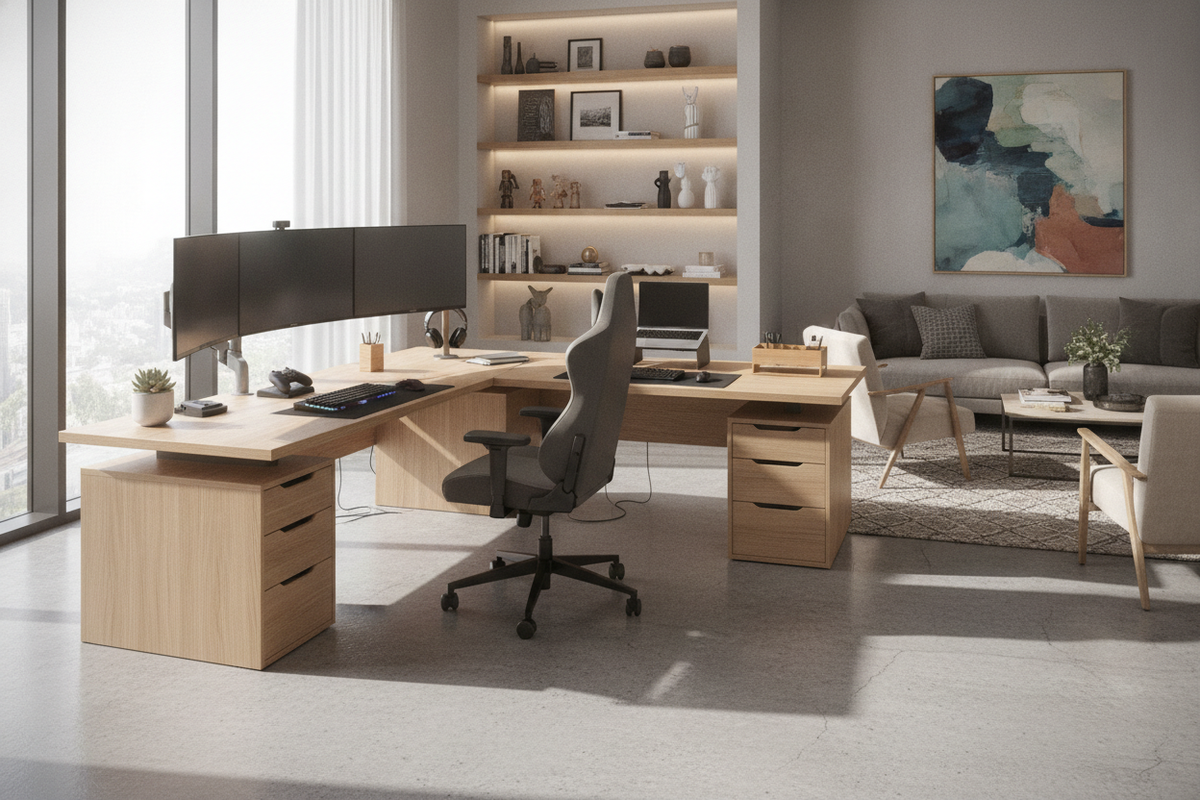
The Anatomy of an Optimized L-Shape Desk Setup
An effective l shape desk setup creates an expansive surface area while maintaining an intuitive reach for all your daily tools. Unlike standard linear desks, an L-shaped format introduces a natural division between your primary work surface and a secondary return wing. This architectural separation lets you establish dedicated operational zones without crowding your active workspace.
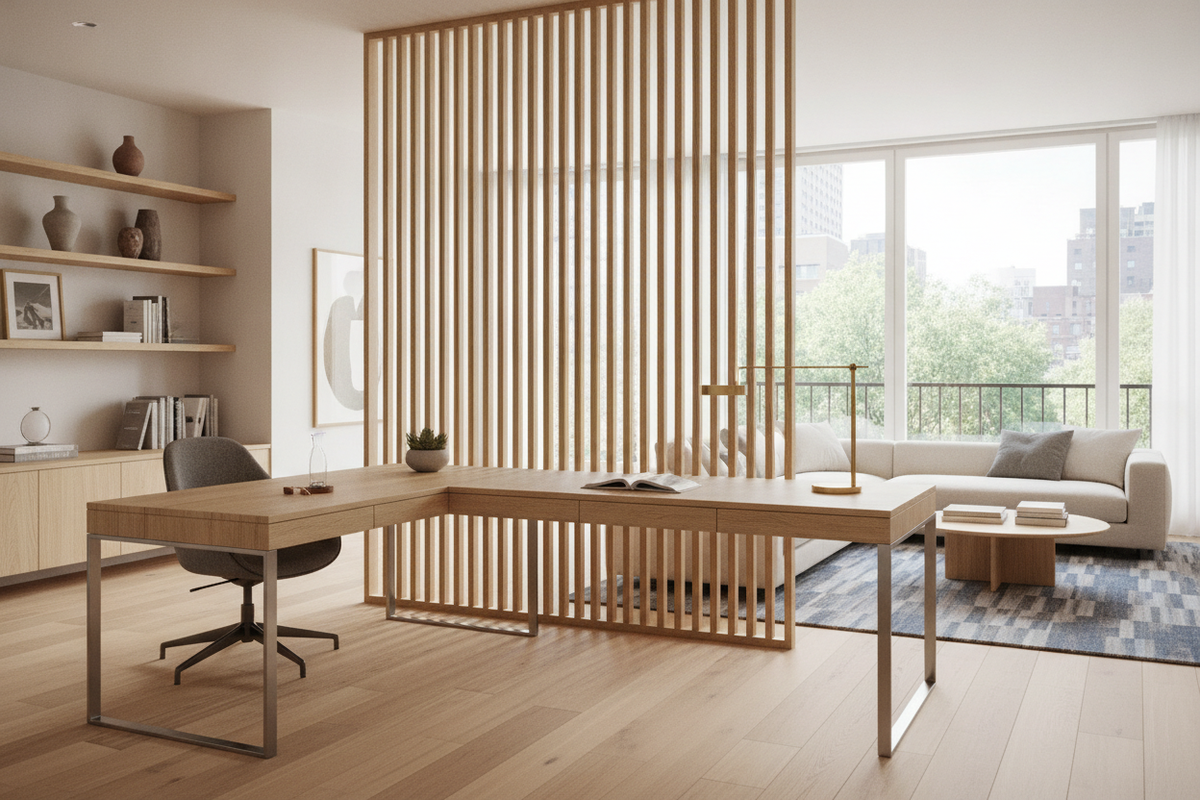
When deciding how to align the workstation within a room, consider two primary orientations: a corner-anchored configuration or an open-room floating layout. Corner positioning maximizes usable floor space in compact rooms by tucking the junction neatly against intersecting walls. In contrast, positioning the main wing outward into the room turns the desk into a commanding centerpiece, providing open sightlines across the room while leaving the return wing against a wall. For dedicated work areas that balance surface space and organizational capacity, selecting a computer corner desk with large storage provides the structural foundation needed to manage hardware and paperwork concurrently.
Dual-Zone Functional Planning: Productivity Meets Play
One of the most practical benefits of an l shaped desk gaming setup is the ability to separate professional obligations from personal entertainment. Rather than continually swapping peripherals between work laptops and personal gaming rigs, an L-shaped format lets you dedicate each wing to a distinct purpose.
- Primary Workstation Wing: Reserve the longer or more accessible desk section for your main display, ergonomic keyboard, mouse, and daily workflow essentials.
- Secondary Utility or Gaming Wing: Utilize the return surface for a secondary gaming display, audio production hardware, stream deck consoles, or analog tasks like sketchpads and physical notebooks.
- Central Corner Junction: Keep the corner area clear for neutral accessories, such as a desktop lamp, a tablet stand, or shared audio speakers that serve both workstations.
Structuring your workspace in this manner reduces visual distractions during work hours and creates a physical boundary when shifting into evening leisure. For broader room arrangement inspiration, reviewing a comprehensive desk layout guide helps you align furniture with natural lighting and room traffic patterns.
Monitor Configurations and Ergonomic Sightlines
Proper screen placement is crucial for maintaining comfortable posture across extended work or gaming sessions. An l desk pc setup offers several distinct monitor layouts depending on how you use the desk:
1. The Corner-Centered Array
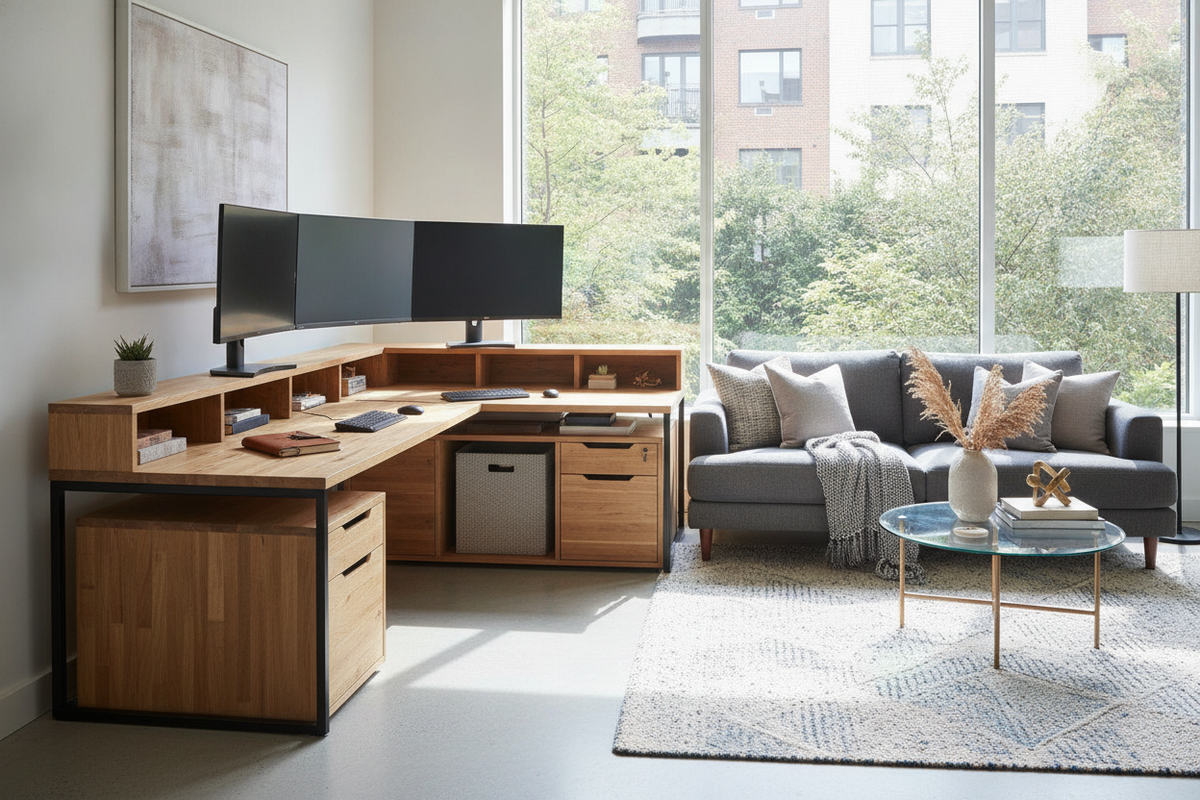
In this arrangement, the primary monitor sits diagonally across the inner corner joint, flanked by secondary displays on both the left and right wings. This panoramic configuration suits flight simulators, expansive multi-window data monitoring, and immersive gaming. However, ensure the desk design provides adequate depth in the corner so your keyboard can rest comfortably without forcing you too close to the screens.
2. Wing-Focused Primary with Auxiliary Return
This layout positions your main gaming or color-accurate editing monitor directly in the center of the primary wing. The secondary return wing houses a vertical or horizontal auxiliary monitor used for communication apps, streaming dashboards, or reference documents. This setup allows you to maintain neutral spinal alignment during primary tasks while requiring only a gentle swivel of your chair to reference auxiliary screens.
Peripheral Placement, Tower Placement, and Under-Desk Architecture
Balancing equipment across an L-shaped surface prevents physical clutter and promotes steady airflow around high-performance computing hardware. When configuring an l shaped gaming setup, prioritize clear leg movement beneath the desk junction.
Keep the under-desk corner zone unobstructed so your office chair can pivot freely between the two wings. Placing a heavy desktop PC chassis on the floor directly inside the legwell restricts movement and invites dust accumulation. Instead, place your tower on an elevated stand, mount it to an under-desk chassis bracket, or position it securely on the outer end of the return wing. Selecting a wide L-shaped corner desk ensures you have sufficient surface area to showcase custom computer builds without sacrificing essential mouse gliding space.
Cable Routing and Hidden Power Management Strategies
With multiple monitors, docking stations, audio interfaces, and charging cords spread across two wings, wire management is essential. A disorganized tangle of cords under an L-shaped desk can quickly disrupt legroom and complicate hardware upgrades.
To maintain clean cable pathways across both surfaces:
- Mount Centralized Power Under the Return: Mount a surge protector beneath the desk surface near the central bend, allowing power cords from both wings to converge at a single hidden hub.
- Utilize Undermount Cable Trays: Run horizontal cable raceways beneath both desktop sections to support power bricks and heavy harness bundles.
- Employ Articulated Cable Spines: If using an adjustable sit-stand corner desk, guide descending power cables through a flexible spine to prevent snagging during height adjustments.
Implementing thoughtful small desk setup principles—such as grouping cables by destination and using adhesive channel guides—ensures that even high-density dual-system setups remain tidy and accessible.
Integrated Storage, Shelf Pairing, and Spatial Clearance Planning
Before finalizing your l desk setup ideas, measure your room clearance to verify comfortable mobility. A well-proportioned layout requires sufficient open clearance behind both desk wings to accommodate chair rollback and full rotation without striking walls or adjacent furniture.
Integrate storage strategically to keep your primary desktop clutter-free. Low-profile mobile pedestal drawers fit neatly under the outer edge of a return wing, providing quick access to office supplies without blocking knee space. For vertical storage, install floating shelves or pegboards along the perimeter walls to hold headphones, controllers, and decorative plants. Exploring options across a dedicated computer desk collection allows you to evaluate integrated shelving, modular returns, and open-frame designs to find the best balance of storage capacity and spatial comfort for your home office.

Leave a comment
This site is protected by hCaptcha and the hCaptcha Privacy Policy and Terms of Service apply.