

















Configuring an efficient corner workstation requires balancing desktop real estate, smooth mechanical motion, and room circulation. The koru standing l-desk has become a prominent option for professionals seeking expansive workspace versatility combined with sit-stand functionality. Whether you are reviewing the realspace koru desk or planning an equivalent electric corner setup, organizing your room around an L-shaped motorized frame requires careful consideration of spatial footprints, workflow zoning, and supportive storage pairing.
Understanding the Koru Standing L-Desk Architecture
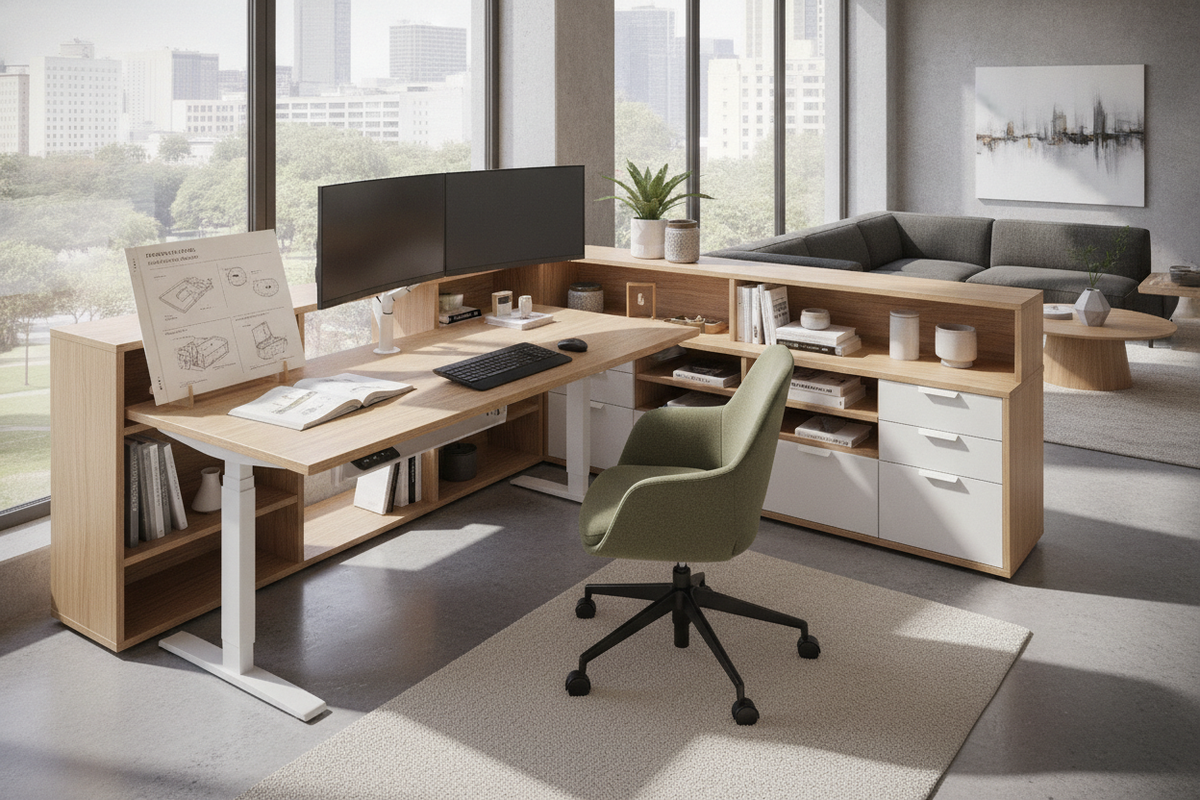
The core appeal of a koru standing desk lies in its dual-plane desktop structure supported by a multi-leg motorized base. Unlike standard rectangular workstations, an L-shaped design wraps around the user, establishing an accessible layout where secondary items remain within comfortable arm reach. The realspace koru l-shaped desk integrates a primary desktop with a perpendicular return surface, creating dedicated areas for digital equipment and manual task handling.
In motorized models such as the realspace koru electric, synchronized lifting columns raise and lower the interconnected surfaces in unison. Because corner desks support broader spans and distributed hardware loads, their structural crossbars, motor synchronization, and foot depth work together to maintain a steady surface across both seated and standing configurations.
Spatial Footprints and Room Fit: Optimizing Corner vs. Open Floor Plans
Before placing a koru desk in your workspace, evaluating room layout and traffic flow is essential. L-shaped desks naturally complement corner placements, yet they also function effectively as room dividers in open-concept floor plans when styled intentionally. For broader room layout inspiration, reviewing a comprehensive standing desk guide can help you evaluate how angled surfaces harmonize with surrounding architectural lines.
Return Orientation and Traffic Flow
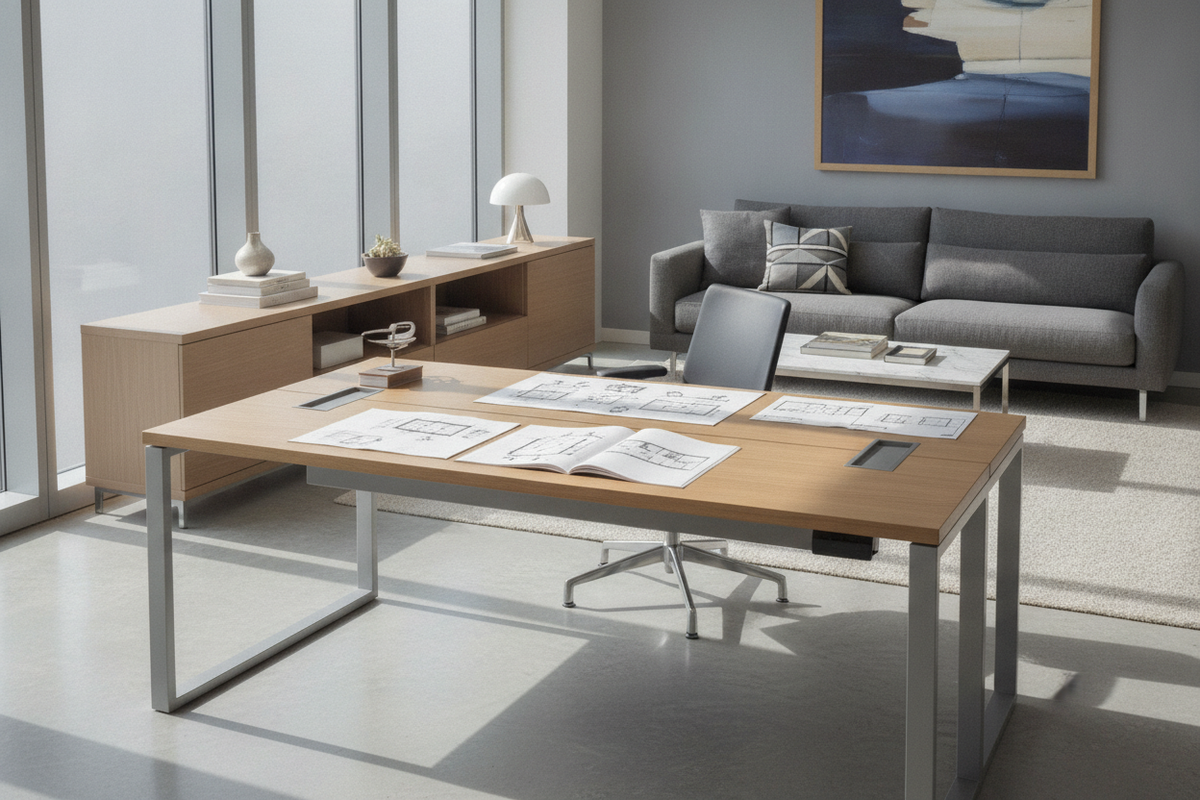
When selecting a realspace koru standing desk configuration, verify whether the return connects to the left or right side of the main workspace. Positioning the primary seating area toward the room entrance or an adjacent natural light source helps avoid blocking access to doorways, windows, or closet paths. If a dedicated corner shape feels too expansive for tighter layouts, considering a continuous wide surface like a standing desk electric product offers generous monitor width within a streamlined rectangular footprint.
Wall Clearance and Base Stability
Motorized corner frames travel vertically against perpendicular walls. Keeping the desktop edges positioned slightly away from baseboards and trim helps avoid friction or wall scuffing during height transitions. In addition, adjusting each leg leveling pad helps establish a balanced foundation on hardwood or carpeted flooring.
Dual-Zone Ergonomics: Structuring Multi-Monitor and Analog Work
An advantage of a realspace koru workstation layout is the practical separation of active work tasks. Positioning primary screens along the main desk span allows secondary materials to stay organized on the adjacent wing without cluttering the central workspace.
- Primary Computing Zone: Reserve the central span for your main display, keyboard, and mouse to support a direct line of sight.
- Secondary Task Wing: Dedicate the return surface to secondary laptops, reference paperwork, tablets, or notebooks.
- Equipment Staging: Position peripheral docks, desktop lighting, and charging stations along the inner junction or far corner where they remain accessible without encroaching on daily arm movement.
Motorized Frame Controls and Power Management
Operating a multi-surface sit-stand desk requires thoughtful wire routing and height calibration. When moving between seated and standing height settings, cables connected to wall outlets need enough freedom of movement to flex smoothly without snagging. Exploring modern height-adjustable alternatives such as a standing desk electric product highlights the utility of digital memory presets, which allow users to save preferred heights for smooth transitions throughout the day.
To maintain clean visuals and operational convenience around your koru standing l desk, implement flexible cable raceways, adhesive wire clips, and under-desk power strips. Ensuring sufficient slack around the motorized lifting columns prevents upward adjustments from pulling display connections taut.
Storage Pairing: Modular Pedestals, Lateral Files, and Shelving
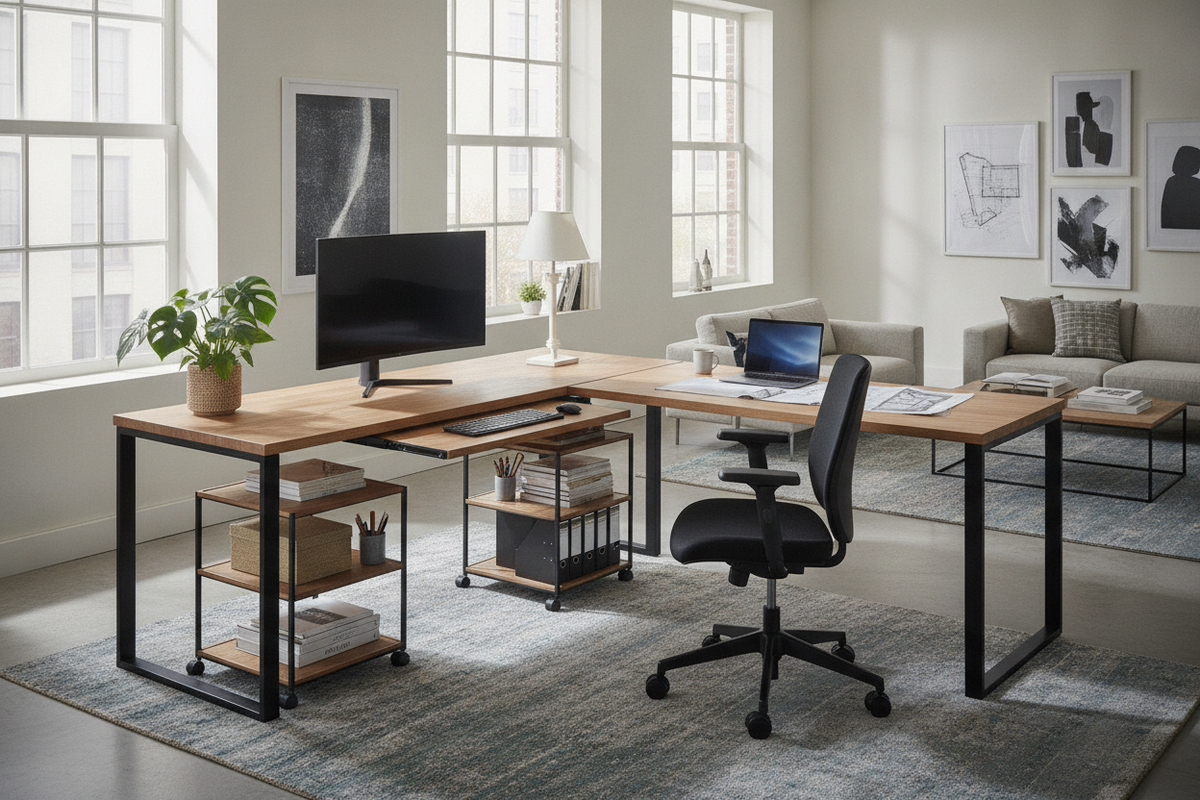
Because the desktop shifts up and down, attached under-desk storage must be planned with precision. Fixed credenzas or tall filing cabinets directly underneath the primary desk edge can interfere with the frame when descending to its lowest level. Instead, pair your corner workstation with mobile low-profile file pedestals, freestanding lateral credenzas, or wall-mounted shelving located above the standing travel path.
For additional styling advice on blending office utilities with surrounding decor, exploring an aesthetic standing desk guide offers useful insights into coordinating wood tones, matte metal accents, and discreet organizing accessories.
Assembly, Maintenance, and Surface Care Considerations
Assembling a large corner desk involves careful alignment of the desktop seam where the main top meets the return wing. Securing connecting mending plates before final frame tightening supports a flush surface plane across both sections.
Routine care involves periodic visual checks on motor sync cables, keeping control pads free of dust, and wiping laminate or wood-grain surfaces with microfiber cloths. By organizing work zones thoughtfully and planning your spatial clearance in advance, your corner standing workstation can serve as a dependable, highly organized home office foundation.

Leave a comment
This site is protected by hCaptcha and the hCaptcha Privacy Policy and Terms of Service apply.