

















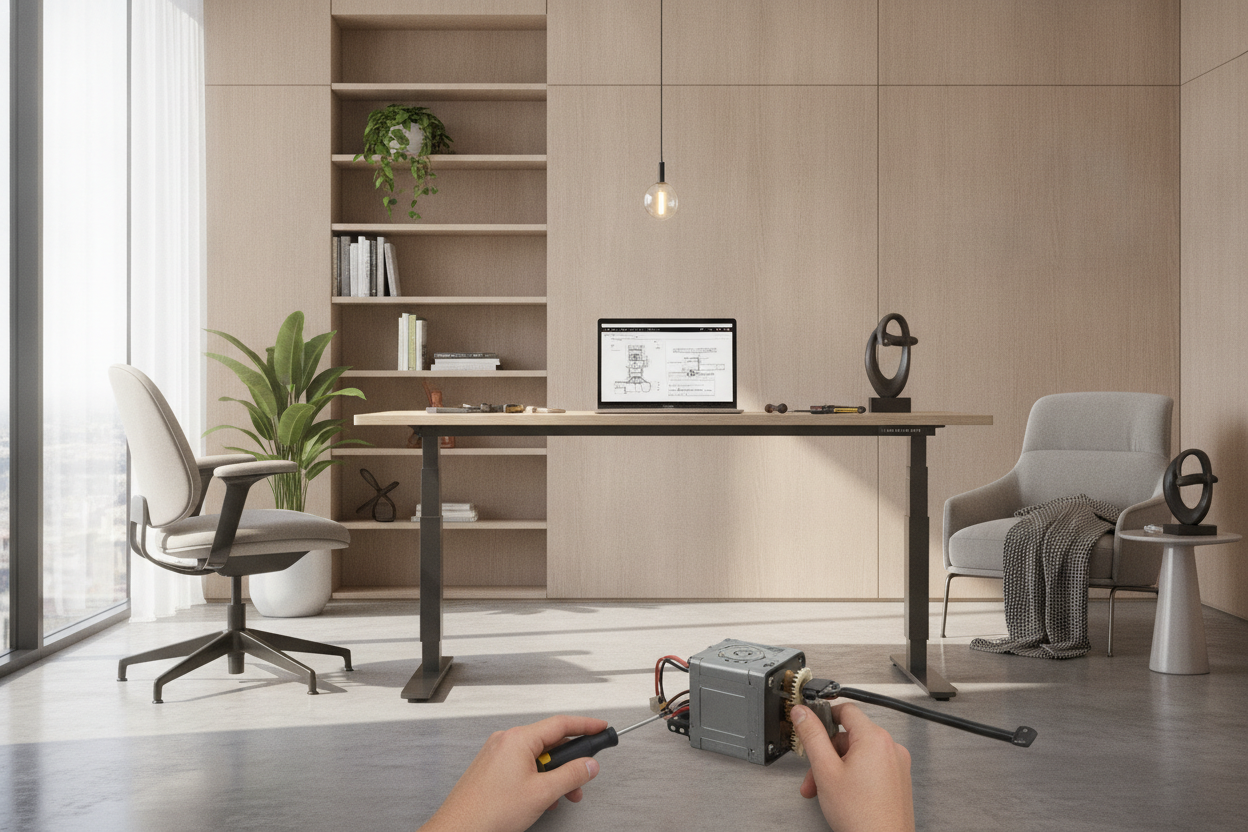
It’s 10:00 AM on a Tuesday. I’m mid-Zoom call, feeling a bit stiff, so I reach down and hit the 'up' preset on my desk. The desk groans, lifts exactly two inches, and then—silence. No hum, no movement, just my monitors wobbling slightly at a height that is neither comfortable for sitting nor high enough for standing. My standing desk motor had officially entered the afterlife.
I spent the next forty-five minutes on my knees under the desk, unplugging cables and smelling for ozone. It’s a specific kind of frustration. You buy these things for the health benefits, but when the tech fails, you're left with a 150-pound paperweight that’s stuck at armpit height. I’ve assembled dozens of these frames, and I can tell you: the motor is always the first thing to go.
Quick Takeaways
- If your control box still lights up but the legs don't move, the motor is likely burnt out or the gears are stripped.
- Single-motor desks are significantly more prone to failure than dual-motor systems because they use a hex rod to drive the second leg.
- Finding an exact replacement motor for an off-brand desk is nearly impossible without buying a whole new frame.
- Resetting the desk (holding the 'down' button) fixes 50% of 'dead' desks, so try that before you panic.
The Day My Setup Got Stuck at Armpit Height
There is no gradual decline with a desk motor. It doesn't get 'tired.' It just stops. When mine died, I was trapped in a workspace purgatory. I tried to force it down—don't do that, by the way—and nearly snapped the drive rod. The panic is real because your entire workflow depends on a $40 piece of Chinese hardware buried inside a steel leg.
I ended up having to stack three shoeboxes on top of the desk just to keep typing for the rest of the day. It looked ridiculous. It felt worse. That’s the moment you realize that your high-tech ergonomic workstation is actually just a very expensive, very heavy shelf once the electricity stops doing its job.
Diagnosing the Click of Death: Brain vs. Brawn
Before you toss the whole thing, you have to figure out if the 'brain' (the control box) or the 'brawn' (the motor) is the culprit. If the handset is dead—no lights, no numbers—check your power brick first. But if the handset shows an error code like 'E01' or 'RST,' the brain is at least talking to you.
The 'click of death' is a telltale sign. You press the button, you hear a faint click from the control box, but the legs stay still. That means the brain is sending power, but the desk motor is jammed or the motor's internal thermal protection has tripped. I remember hearing a nasty, high-pitched standing desk motor noise about a week before mine gave out. It sounded like a coffee grinder full of pebbles. If you hear that, your days are numbered.
Why Single Sit Stand Desk Motor Setups Fail So Fast
If you paid less than $250 for your desk, you probably have a single-motor setup. These are the 'budget' kings, but they are fundamentally flawed. One motor has to do double the work, spinning a long metal rod that connects to the other leg. If your desk is even slightly uneven, or if you have a heavy PC tower hanging off one side, that motor is straining every single time it moves.
I learned this the hard way by overloading my old frame with a triple-monitor mount. A high-quality sit stand up desk with memory preset usually utilizes dual motors—one in each leg. This distributes the weight and prevents the dreaded 'leaning tower' effect. If you’re a power user with a heavy solid-wood top, a single adjustable desk motor is basically a ticking time bomb.
The Dark Art of Sourcing Replacement Parts
Here is the reality: most standing desk companies don't actually make their own motors. They buy them from massive factories like Jiecang or Timotion. If you try to find a replacement motor desk part on Amazon, you’ll find a sea of identical-looking black boxes with slightly different pin connectors. It’s a nightmare.
I spent hours trying to match the voltage and the 6-pin DIN connector of my dead motor. I even considered just unscrewing the legs and turning it into a static writing computer desk because the shipping for a replacement part from China was going to take six weeks. Most manufacturers would rather sell you a whole new frame for $200 than a single motor for $60.
My Verdict: DIY Repair or Buy a New Frame?
Is it worth fixing? If your desk is under warranty, yes—make them ship you a new leg. But if you’re out of warranty, don't waste your life chasing a specific motor part that might not even be compatible with your control box. The 'brain' and 'brawn' are often proprietary pairs.
In my case, I gave up on the repair. The time I spent troubleshooting was worth more than the desk itself. I eventually traded my broken motor for a Unicoo frame and kept my original desktop. It was a $180 lesson in why you shouldn't cheap out on the moving parts of your office. If you're staring at a stuck desk right now, check the cables one last time, try the reset, and then start shopping for a dual-motor frame.
FAQ
Can I manually lower a motorized desk?
Usually, no. The worm gear inside the motor is designed to lock in place so the desk doesn't collapse under weight. If you try to force it, you'll likely snap the internal plastic gears.
Why does my desk only move an inch then stop?
This is usually the anti-collision sensor being too sensitive or the legs being unlevel. Try a hard reset: hold the 'down' button until the desk hits its lowest point, bounces up slightly, and shows a height reading.
How long should a standing desk motor last?
A cheap single-motor unit might last 2-3 years of daily use. A high-end dual-motor frame from a reputable brand should easily go for 5-10 years. Always check the warranty on the electronics specifically, as it's often shorter than the frame warranty.


Leave a comment
This site is protected by hCaptcha and the hCaptcha Privacy Policy and Terms of Service apply.