

















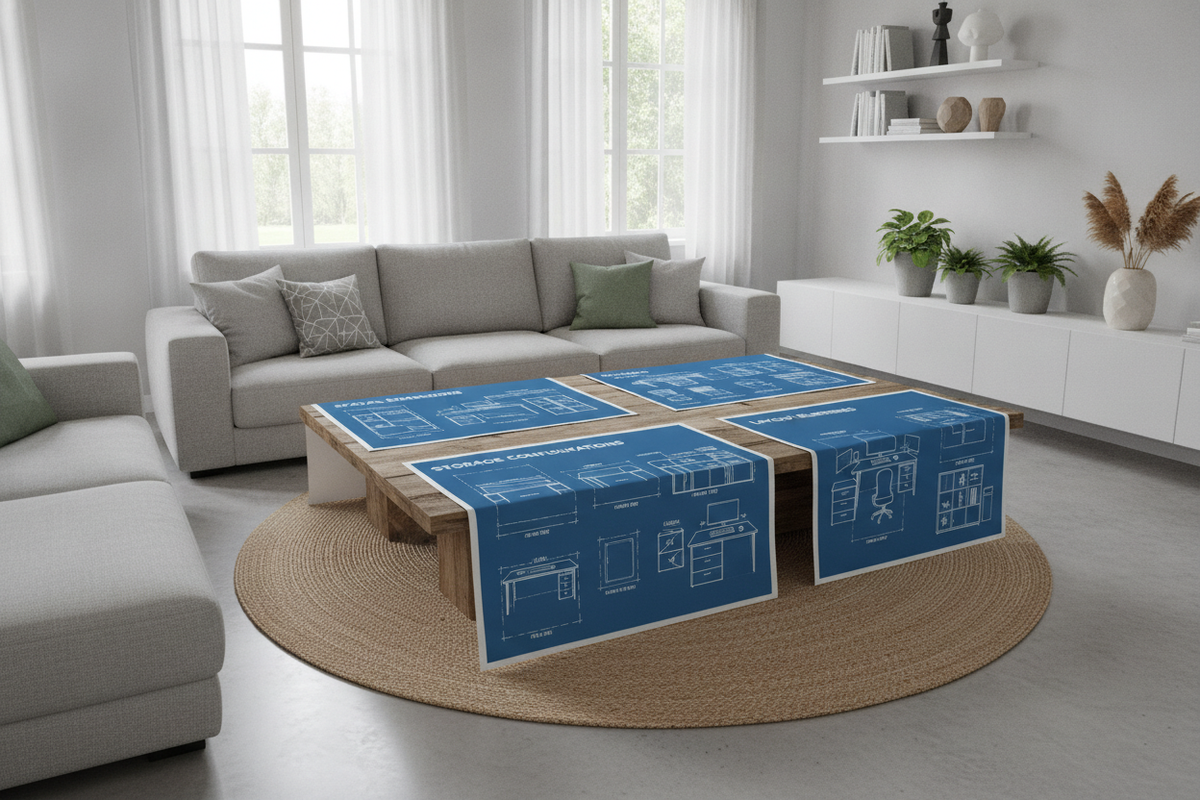
Understanding Computer Table Formats: Silhouettes, Depths, and Layout Roles
Choosing an effective workstation requires balancing surface real estate against room proportions. Modern Scandinavian silhouettes and minimalist computer tables prioritize adaptability, allowing users to configure functional study or remote work zones across diverse floor plans. Whether configuring a dedicated office suite or fitting a study station into a living room corner, understanding the baseline desk shapes and depths is the first step toward building an ergonomic workstation.
Compact and Slim Profiles for Tight Workspaces
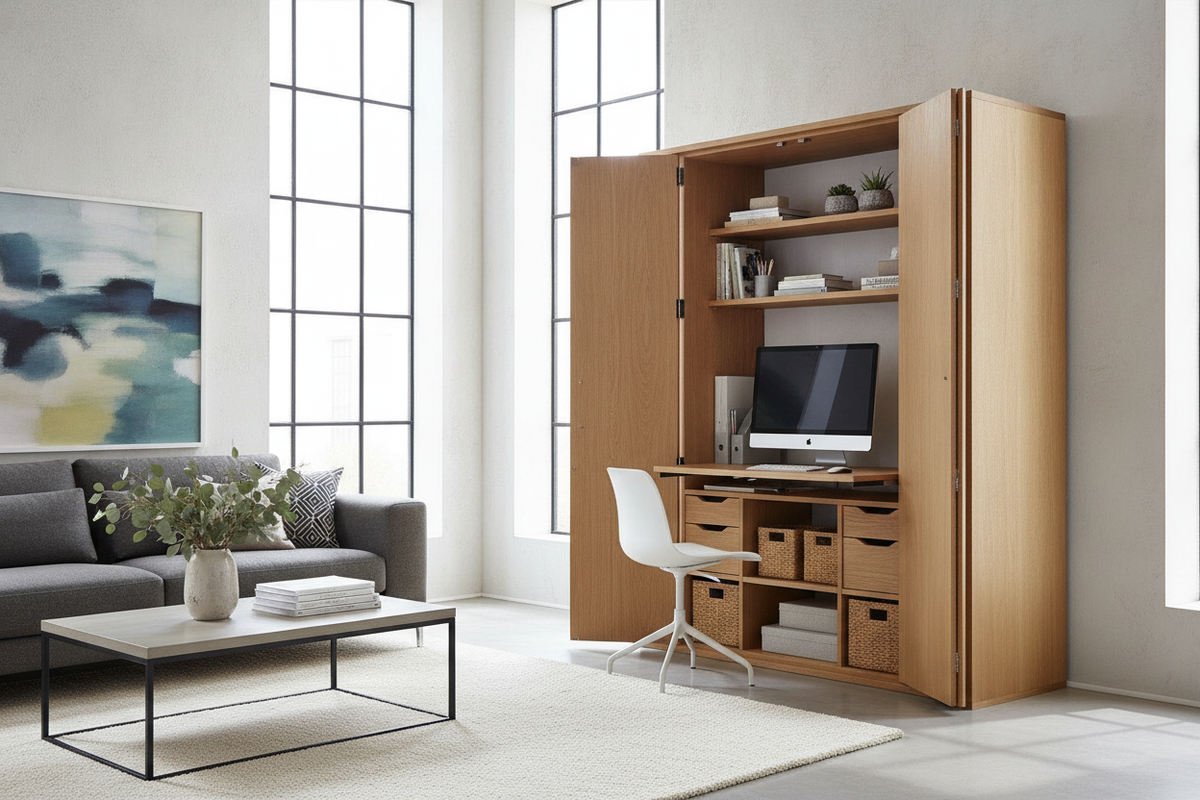
Slim desk silhouettes provide a streamlined footprint for laptop users, writing tasks, and apartment alcoves. By keeping table depth shallow, these desks prevent visual bulk in compact rooms while maintaining an intentional boundary between working and living zones. For those seeking even greater visual concealment or multipurpose storage in multifunctional rooms, exploring a specialized computer desk ikea guide can highlight methods for closing away computer equipment when the workday concludes.
Standard and Expansive Multi-Tasking Workstations
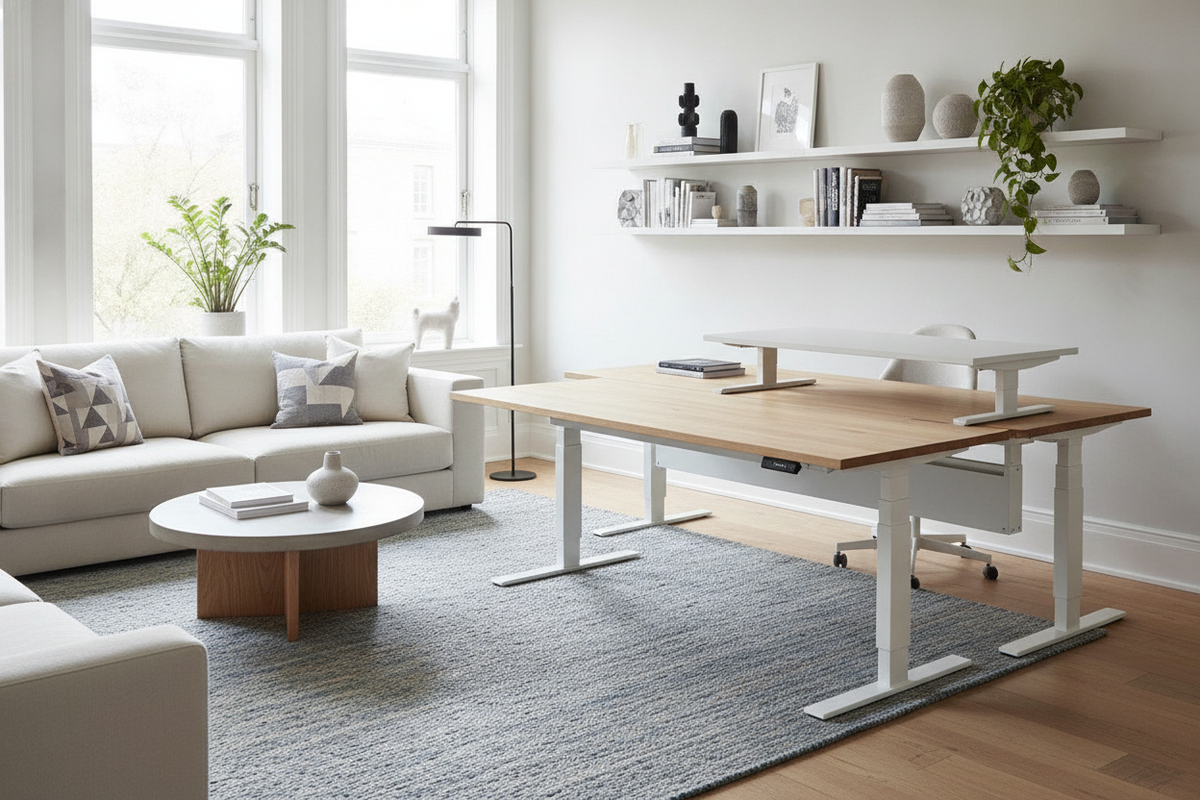
Full-depth computer tables accommodate larger desktop computer monitors, external peripheral trays, and dedicated audio equipment. These broader surfaces offer sufficient space for dual-screen setups, paper organizers, and desk pads, ensuring that active projects do not encroach upon keyboard and mouse movement. Broader surfaces also distribute weight evenly across supportive underframes, creating a stable environment for heavy digital workstations.
Spatial Sizing Framework: Matching Desk Dimensions to Room Footprints
Before selecting a desk, evaluating room circulation and spatial clearance ensures comfortable movement and day-to-day usability. A desk that occupies too much floor area compromises room traffic, while a desk that is too shallow can create visual and physical clutter.
Clearance Zones and Walkway Buffer Rules
When mapping out your workspace, keep these spatial principles in mind:
- Chair Pushback Margin: Allow ample space behind the desk front edge to accommodate fully rolling out an office task chair without striking baseboards or perimeter furniture.
- Perimeter Walkway Clearance: Maintain open travel pathways between desk corners and nearby entry doors, closet panels, or bed frames.
- Drawer Opening Clearance: Ensure under-desk drawers or neighboring cabinet doors can fully extend without colliding with chair legs or rugs.
Depth Considerations: Laptop Work vs. Desktop PC Monitors
Working depth directly affects visual comfort and typing ergonomics. For laptop setups, shallow desk depths allow comfortable arm resting positions while leaving space for a compact notebook or charging stand. Desktop monitors with deep display stands require greater surface depth to ensure comfortable focal distances and to prevent the display from intruding on mouse pad space.
Storage Architecture: Drawers, Cabinets, and Modular Add-Ons
Storage planning determines how cleanly a desk setup integrates into a home. Deciding between built-in filing drawers and open minimalist framing balances organizational capacity against legroom comfort.
Under-Desk Drawer Stacks vs. Open Leg Span
Integrated drawer pedestals offer convenient access to stationery, tech accessories, and paper files. However, incorporating side cabinets reduces the width available for knee clearance and chair swivel. In tighter room arrangements, pairing an open frame desk with supplementary pieces from a coordinated office study storage collection can keep work essentials organized without sacrificing ergonomic sitting posture.
Vertical Add-Ons and Desktop Organizers
When horizontal square footage is limited, vertical storage options maximize functional space. Modular desktop hutches, elevated monitor risers with integrated sliding drawers, and wall-mounted grid panels elevate clutter off the main tabletop. This arrangement preserves clear workspace for typing, reading, and peripheral movement while keeping daily tools in plain view.
Dedicated Room Blueprints: Bedroom, Corner, and Multi-Use Workspaces
Integrating a workstation into residential rooms requires harmonious styling and thoughtful furniture positioning.
Dual-Purpose Bedroom Desks and Vanity Hybrids
In bedroom setups, a compact desk often serves as both a daytime workstation and an evening vanity table. Positioning the desk adjacent to natural window lighting or beside a coordinated wardrobe creates a cohesive aesthetic flow. Readers seeking refined interior balance can consult our space bedroom desks guide for curated palette ideas. To maintain visual order, pairing a minimalist desk with a clean modern space storage product keeps clothing and office items separated into designated compartments.
Corner Placement and Wall-Anchor Strategies
Corner areas offer natural zoning advantages, turning underutilized wall intersections into productive command centers. Selecting a specialized L-shaped configuration or an engineered modern office computer product maximizes surface area while preserving central floor space. For stability and peace of mind, securing vertical hutches and desk frames to wall studs ensures rigid support across varied flooring surfaces.
Material Selection, Assembly Durability, and Cable Management
Long-term desk performance depends on material durability, maintenance habits, and clean wire routing.
Surface Finishes: Solid Wood, Veneer, and Laminate Performance
Modern desks utilize several primary surface construction types:
- Melamine and Laminate: Engineered for daily resistance against moisture rings, minor scratches, and pen marks, making them ideal for high-volume family and student workstations.
- Wood Veneer: Delivers authentic organic grain patterns and rich warmth while requiring gentle cleaning with microfiber cloths and damp wiping.
- Solid Wood Tops: Provide natural resilience and can be refinished or oiled over years of use, offering classic longevity.
Concealed Cable Routing and Power Supply Integration
Uncontrolled computer cables degrade workspace aesthetics and catch dust. Integrating under-desk cable baskets, spine organizers, and grommet pass-throughs routes power cords and display cables neatly down a single table leg. Mounting surge protectors beneath the desktop keeps power bricks off the floor, streamlining cleaning and protecting electronic connections.

Leave a comment
This site is protected by hCaptcha and the hCaptcha Privacy Policy and Terms of Service apply.