

















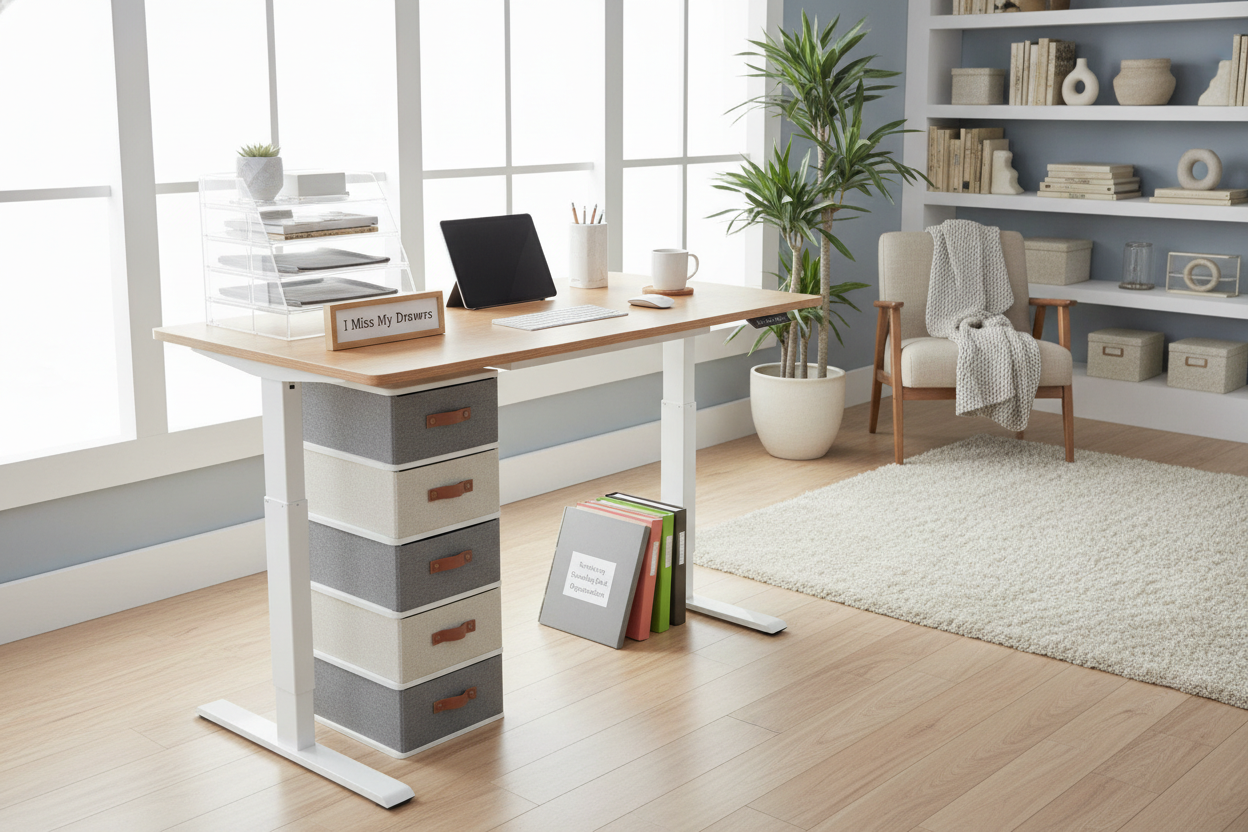
I remember the exact moment I finished assembling my first motorized sit-stand desk. It was a gorgeous slab of solid birch, sleek and modern. Then I looked at my stapler, my three notebooks, and my pile of loose charging cables and realized I had nowhere to put them. I had traded my massive, six-drawer executive desk for what was essentially a glorified, expensive ironing board. standing desk organization isn't just a design choice; it's a survival skill for anyone who actually does work at their desk.
Quick Takeaways
- Avoid heavy aftermarket drawers that strain your desk motor.
- Use a rolling cart for items you don't need every five minutes.
- Gravity and vibration are your biggest enemies during height transitions.
- If it has a cord, it needs to be anchored, not just laid on the surface.
The Day I Realized My New Desk Had Zero Storage
I spent a decade hiding my clutter in deep mahogany drawers. Moving to a standing setup was a rude awakening. Suddenly, every pen, receipt, and sticky note was on full display. I spent my first week scouring the internet for 'solutions' that ended up being flimsy plastic trays held on by double-sided tape. It was a disaster.
I quickly learned why 90% of storage for standing desk setups is totally useless. Most of those stick-on drawers can't handle the weight of a heavy stapler, let alone a laptop charger. They sag, they fall off at 3 AM, and they make a $600 desk look like a middle school locker.
Why Your Basic Stand Up Desk Organizer Will Fail You
The physics of a moving desk are unforgiving. When you hit that 'up' button, the motor creates a subtle vibration. A cheap, lightweight stand up desk organizer made of acrylic or mesh will literally walk across your desk. I once watched a pen cup slowly migrate toward the edge like it was trying to escape a sinking ship.
Unlike a traditional writing computer desk that has built-in cubbies to trap your stuff, a standing desk is an open prairie. If your organizer doesn't have a weighted base or a rubberized bottom, it’s going to move. Even worse, if you have a tall organizer, the top-heavy design makes it prone to tipping the moment the desk starts its vertical journey.
The 'Gravity-Proof' Rule for Moving Workstations
After knocking a full cup of lukewarm coffee onto my mechanical keyboard, I developed the 'Gravity-Proof' rule. If an item can fall off, vibrate off, or get snagged by a dangling cable, it doesn't belong on the desktop. This rule forced me to be brutal about what I actually need within arm's reach.
I started using adhesive cable clips to anchor every single wire to the underside of the desk. I also stopped using tall, tippy organizers. Now, everything on my desk is low-profile. If it’s taller than five inches, it better be heavy enough to act as a boat anchor. My workspace finally felt stable instead of like a house of cards.
Offloading Clutter to the Floor (Where It Belongs)
The biggest breakthrough in my standing desk organization journey was admitting defeat. You cannot fit a filing cabinet's worth of stuff onto a moving platform without ruining the aesthetics and the motor. I moved my heavy supplies to a three-drawer steel rolling cabinet that lives under the desk.
When I'm sitting, it's right there. When I stand, it stays on the floor. This is a much smarter move than trying to find a rolling standing desk with storage that usually compromises on both surface area and stability. By offloading the weight, I saved my desk motor from an early grave and kept my desktop looking like a workspace rather than a junk drawer.
What to Do If You Absolutely Must Have Drawers
I get it—some people can't work with a bare tabletop. If you’re a designer or an illustrator, you need your tools right there. If you find yourself constantly reaching for the floor, you might need a more integrated solution than a DIY hack. You need something built for the load.
In those cases, look for an electric height adjustable desk with dual storage modules. These are rare because they require precision engineering to keep the drawers from throwing off the balance of the lifting columns. It’s the only way to get that 'executive desk' feel without the clutter of external carts or the risk of falling plastic trays.
FAQ
Is it safe to drill into my standing desk to add a drawer?
Usually, yes, but check your manual first. Most tabletops are MDF or particle board, so you’ll want to pre-drill small pilot holes to avoid cracking the laminate. Just make sure your screws aren't longer than the desk is thick!
How do I stop my monitor from wobbling when I stand?
Wobble usually comes from the floor or the desk legs being uneven. Ensure the leveling feet are tight. If that doesn't work, move your monitor arm closer to one of the legs rather than centering it on the back edge where the board has the most flex.
What is the best way to manage cables on a sit-stand desk?
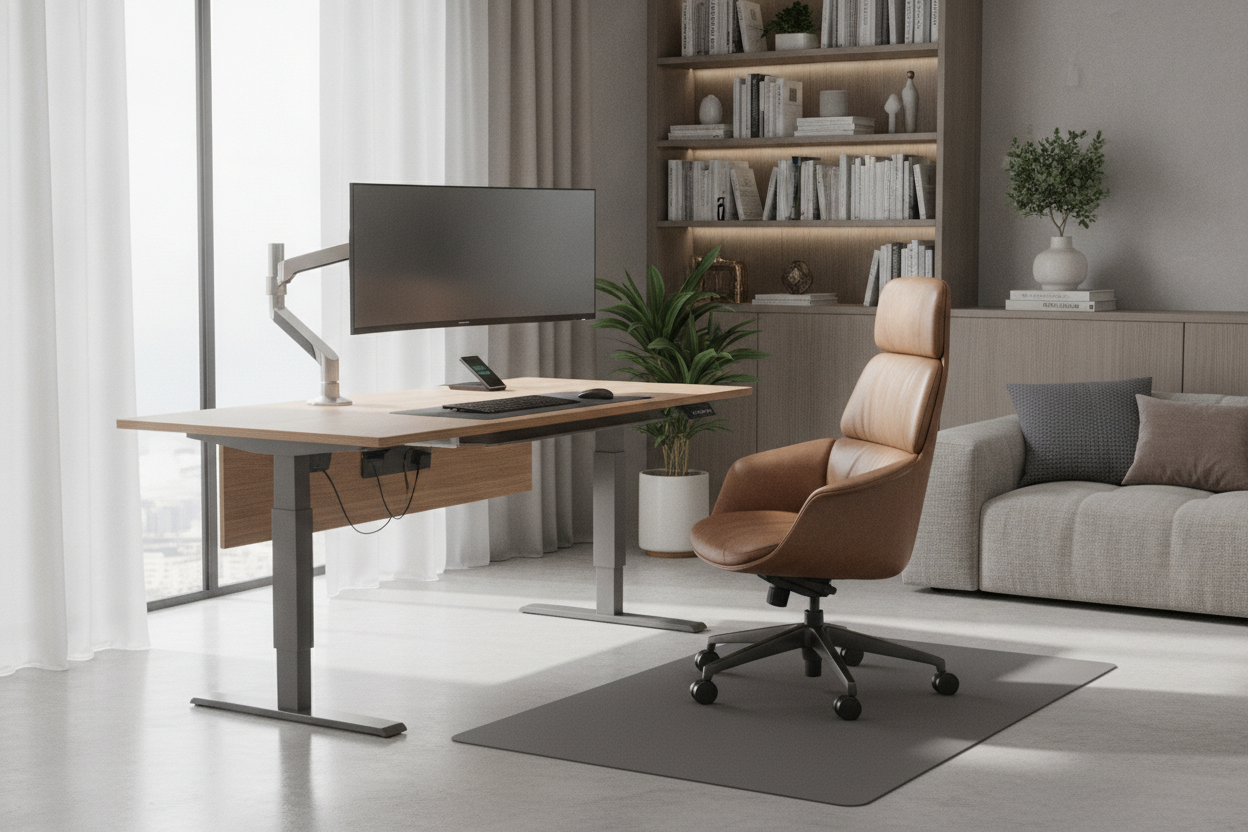
Use a cable tray that mounts to the underside of the desk. Everything—power strips, bricks, and excess cord—should live in that tray. Only one 'umbilical cord' should go from the desk to the wall outlet.


Leave a comment
This site is protected by hCaptcha and the hCaptcha Privacy Policy and Terms of Service apply.