

















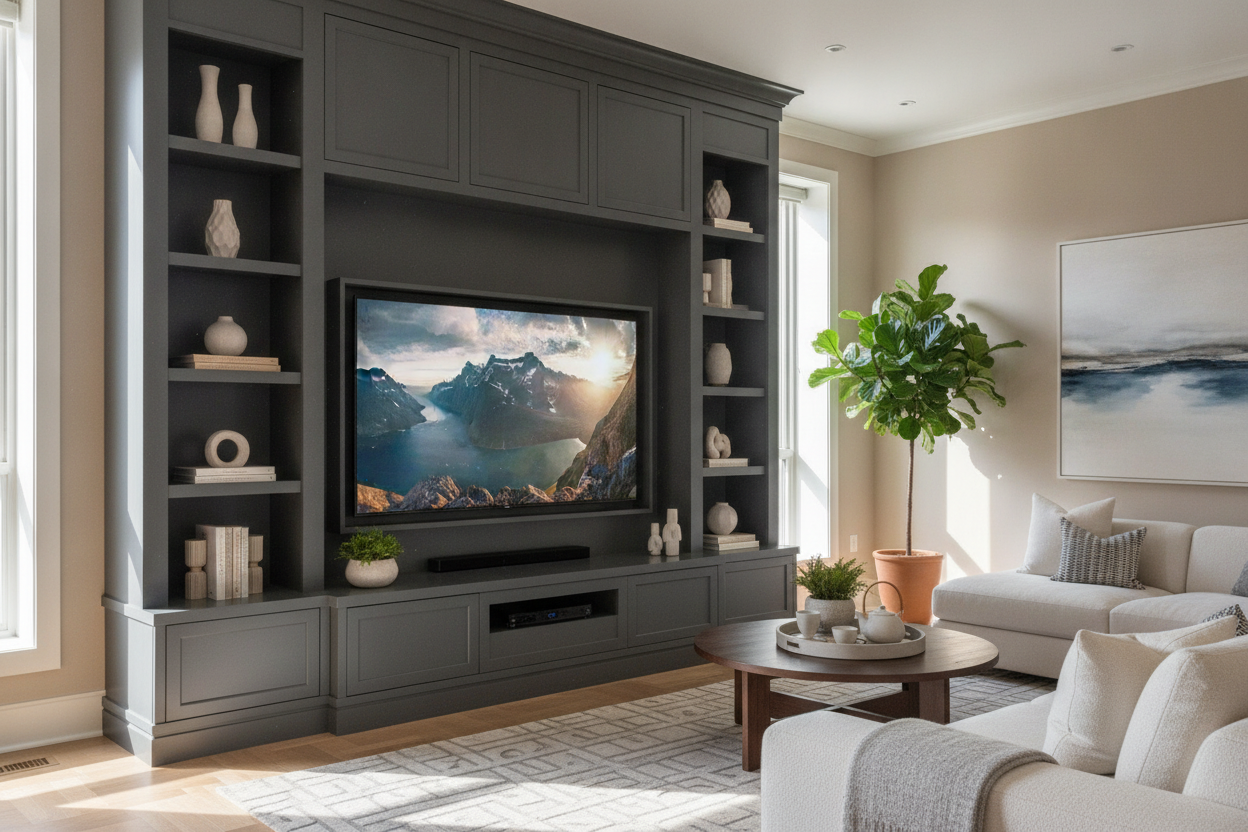
I spent three years curating a living room that felt like a refined Parisian flat, only to have my dreams crushed by a 70-inch cardboard box. My partner wanted the 'big game' experience; I wanted a room that didn't look like a local sports bar. When that massive screen finally sat on my vintage mid-century credenza, it looked ridiculous—like a bodybuilder standing on a toothpick.
Finding an entertainment center 70 inch tv setups actually look good on isn't just about finding a big piece of wood. It's about scale, cable management, and admitting that your tiny accent table isn't going to cut it anymore. I've spent thousands of dollars and way too many Saturdays at the returns desk to figure this out.
Quick Takeaways
- Go wider than you think: Aim for at least 80 inches of furniture width.
- Keep it low: 18 to 24 inches from the floor is the ergonomic sweet spot.
- Closed storage is non-negotiable for hiding modern tech junk.
- Balance the 'black hole' effect with tall plants or asymmetrical art.
The Day the Giant Black Rectangle Arrived
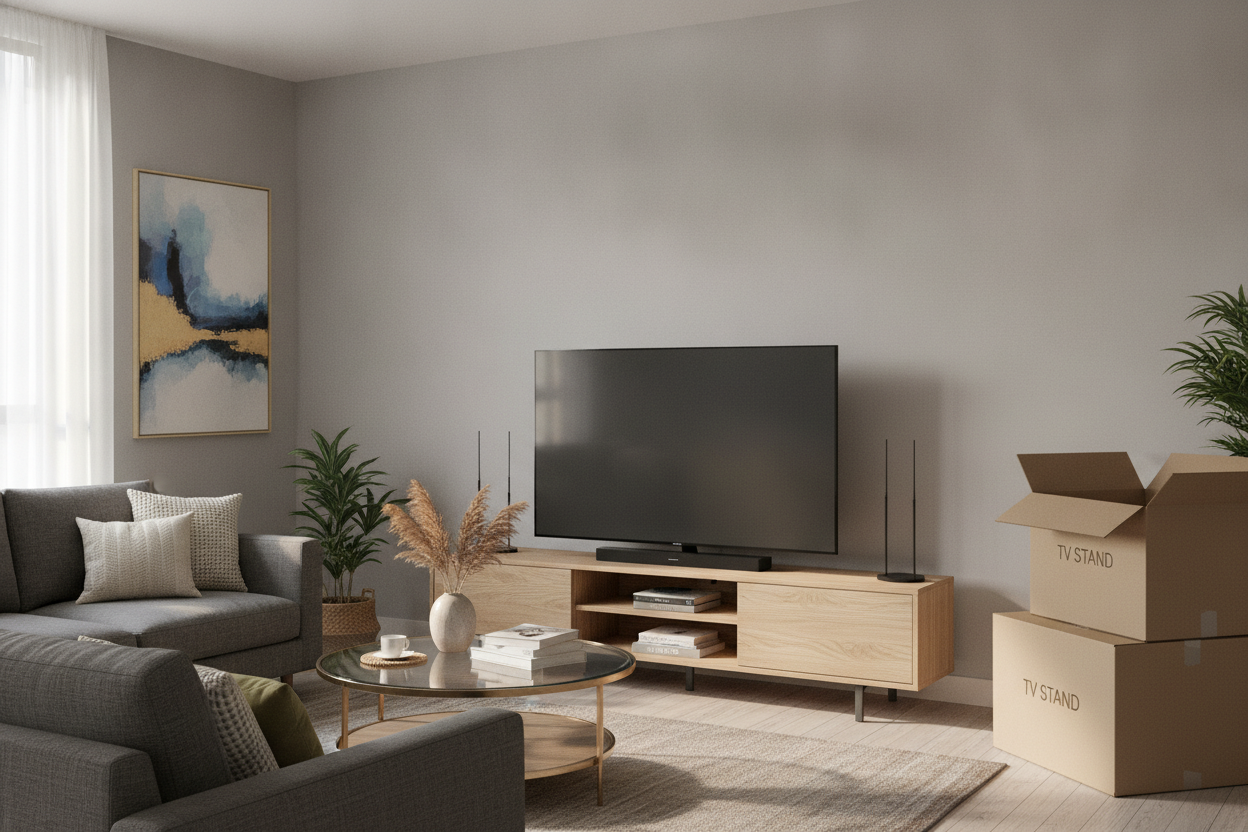
The delivery guys looked at my delicate 60-inch walnut console and then at the 70-inch TV box, and I saw them smirk. They knew. As soon as that screen was unboxed, it didn't just sit in the room; it consumed it. The TV overhung the edges of my stand by half an inch on each side, making the whole setup look precarious and cheap.
I realized then that my 'aesthetic' was dead unless I changed my furniture strategy. A large TV acts like a visual anchor—if the anchor is heavier than the boat, the boat sinks. My living room was sinking. I needed a 70 inch entertainment center that could actually handle the visual weight of a screen that size without looking like a dorm room setup.
The 'Plus 20' Rule for a 70 Inch Entertainment Center
Here is the math nobody tells you: a 70-inch TV is usually about 61 inches wide. If you buy a 62-inch stand, your living room looks completely unbalanced. You get what I call the 'mushroom effect,' where the top is wider or nearly equal to the base. It creates a top-heavy anxiety that ruins the flow of the room.
My rule is 'Plus 20.' You want your console to be roughly 20 inches wider than the TV itself. For a 70-inch screen, you should be hunting for a unit that is at least 80 to 82 inches long. This leaves about 10 inches of breathing room on either side for a lamp, a stack of books, or just... air. Trust me, the extra length makes the TV look like a deliberate design choice rather than an accidental intrusion.
Hiding the Unavoidable Cable Spaghetti
Big TVs bring big problems, specifically in the form of HDMI cables, soundbar power bricks, and gaming consoles. I used to love open shelving, but with a 70-inch setup, open shelves are just a front-row seat to a wire nightmare. You need a 70 inch entertainment center that prioritizes hidden compartments.
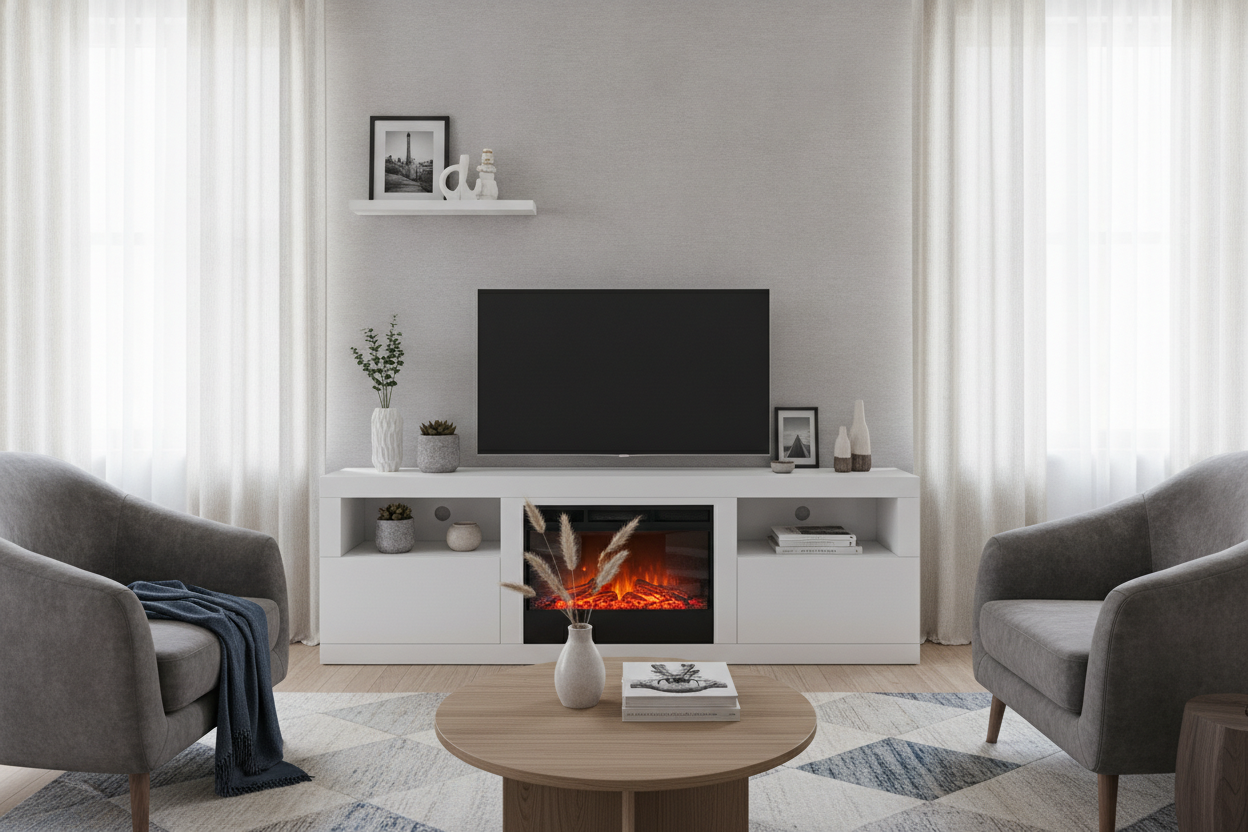
I eventually swapped my open-back unit for a black TV stand entertainment center with solid doors and ventilated back panels. If you have a PlayStation or an Xbox, make sure those cabinets have airflow; otherwise, you're just slow-cooking your electronics. I look for units with 'cord escapes'—those pre-drilled holes—so I don't have to take a hole saw to a $900 piece of furniture.
Tricking the Eye: Styling Around the Beast
Once you have the right scale, you have to deal with the fact that you have a giant black mirror in your room when the power is off. I've styled a TV entertainment center for dozens of clients, and the trick is always distraction. You want to lead the eye away from the screen's center.
I use asymmetrical styling. Place a tall, leafy plant (like a Fiddle Leaf Fig or a large Monstera) on one side to break up the horizontal line. On the other side, try a stack of oversized coffee table books or a ceramic vase. I also swear by bias lighting—sticking an LED strip to the back of the TV. It softens the harsh edges of the screen against the wall and makes movie night much easier on the eyes.
Where to Actually Shop for Oversized Consoles
Shopping for 80-inch-plus furniture is a chore because most big-box stores stop at 60 inches. You have to look for 'extra-wide' or 'modular' units. I personally look for solid wood or high-quality veneers. Avoid the cheap honeycomb-fill stuff; a 70-inch TV isn't light, and I've seen cheap MDF sag in the middle after just six months.
Check out modern entertainment center options that sit low to the ground. Because the screen is so large, if the stand is too high, you'll be craning your neck like you're in the front row of a movie theater. Keep the base height under 24 inches for the best viewing angle. It keeps the room feeling grounded rather than cluttered.
FAQ
How wide should a stand be for a 70 inch TV?
At least 80 inches. You want about 10 inches of clearance on each side of the screen so the furniture looks like it's supporting the TV, not being crushed by it.
What is the best height for a 70 inch TV stand?
Low-profile is best. Look for a height between 18 and 22 inches. Since the screen itself is tall, a high stand will put the center of the image above your eye level, which is a recipe for neck strain.
Should I wall mount or use a stand?
I prefer a 'hybrid' look. Mount the TV so it sits just 2-3 inches above a long, low console. It gives you the clean look of a mount with the storage and styling surface of a stand.

Leave a comment
This site is protected by hCaptcha and the hCaptcha Privacy Policy and Terms of Service apply.