

















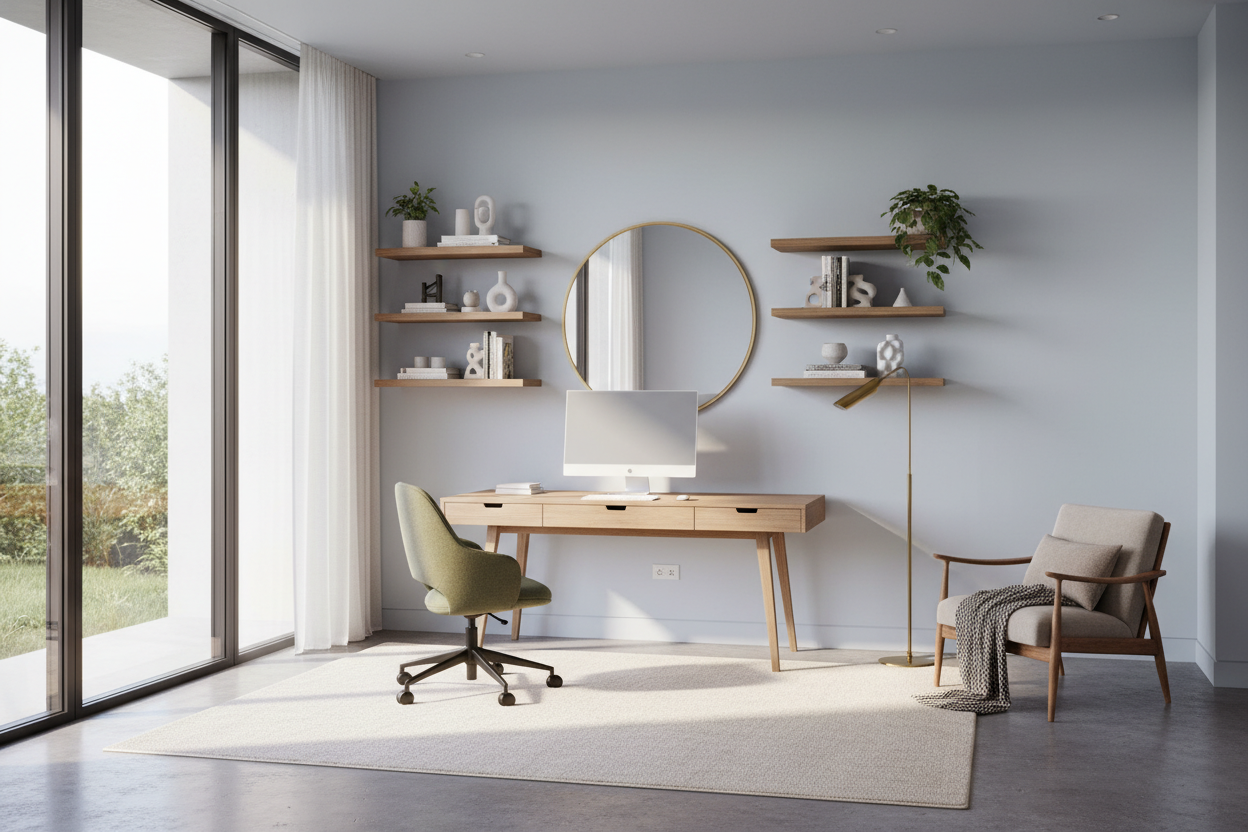
We've all been there: trying to squeeze a productive workday out of a cramped corner of the guest room or the edge of the dining table. When your workspace feels like an afterthought, your focus usually follows suit. If you are wondering how to set up office zones that actually support your daily routine, you have to look past the generic corporate catalog. Whether you have a dedicated room or just an alcove, learning to properly set up an office requires balancing ergonomic geometry with residential warmth. By the end of this guide, you will know exactly where to place your desk, what dimensions matter, and how to hide the inevitable tech clutter.
Quick Decision Guide: The Home Office Blueprint
- Position for power: Never face a wall if you can avoid it; float your desk facing the door for a commanding, spacious feel.
- Mind the clearance: Leave at least 36 inches of push-back space behind your desk chair to move comfortably.
- Prioritize task lighting: Overhead fixtures cast shadows on your keyboard. Always include an adjustable desk lamp.
- Invest in the chair, save on the desk: Your spine cares about seat depth and lumbar support, not whether your desk is solid walnut or veneer.
Space Planning: Finding the Right Footprint
In North American homes, the home office often doubles as a guest room or a den. This dual-purpose reality means your layout needs to be intentional.
The Command Position
Whenever possible, avoid shoving your desk against a blank wall. It creates a claustrophobic, penalty-box feeling. Instead, pull the desk out into the room so you face the entryway. This layout, often called the command position, increases visual depth and makes the room feel significantly larger.
Clearance Rules for Desks and Chairs
Proportion is everything. A standard desk is 28 to 30 inches high, but the footprint around it dictates your comfort. You need a minimum of 36 inches between the edge of your desk and any wall or furniture behind you. If your office serves as a primary walkway, allow 48 inches of clearance for traffic to flow smoothly without bumping your chair.
Comfort and Ergonomics: The Physical Reality
A workspace that looks beautiful on social media but leaves your neck aching by 2 PM is a failed design. Ergonomics must dictate your foundational furniture choices.
Monitor Height and Seat Depth
Your monitor should sit at eye level to prevent the dreaded forward-head posture. If you use a laptop, invest in a stand and an external keyboard. For seating, look for a chair with an adjustable seat pan. You want about two inches of space between the back of your knees and the edge of the seat; anything less cuts off circulation, and anything more leaves you sliding forward.
Styling: Blending Work with Home
Corporate furniture often feels cold and sterile. To make your office feel like a natural extension of your home, introduce residential textures.
Hiding the Tech Clutter
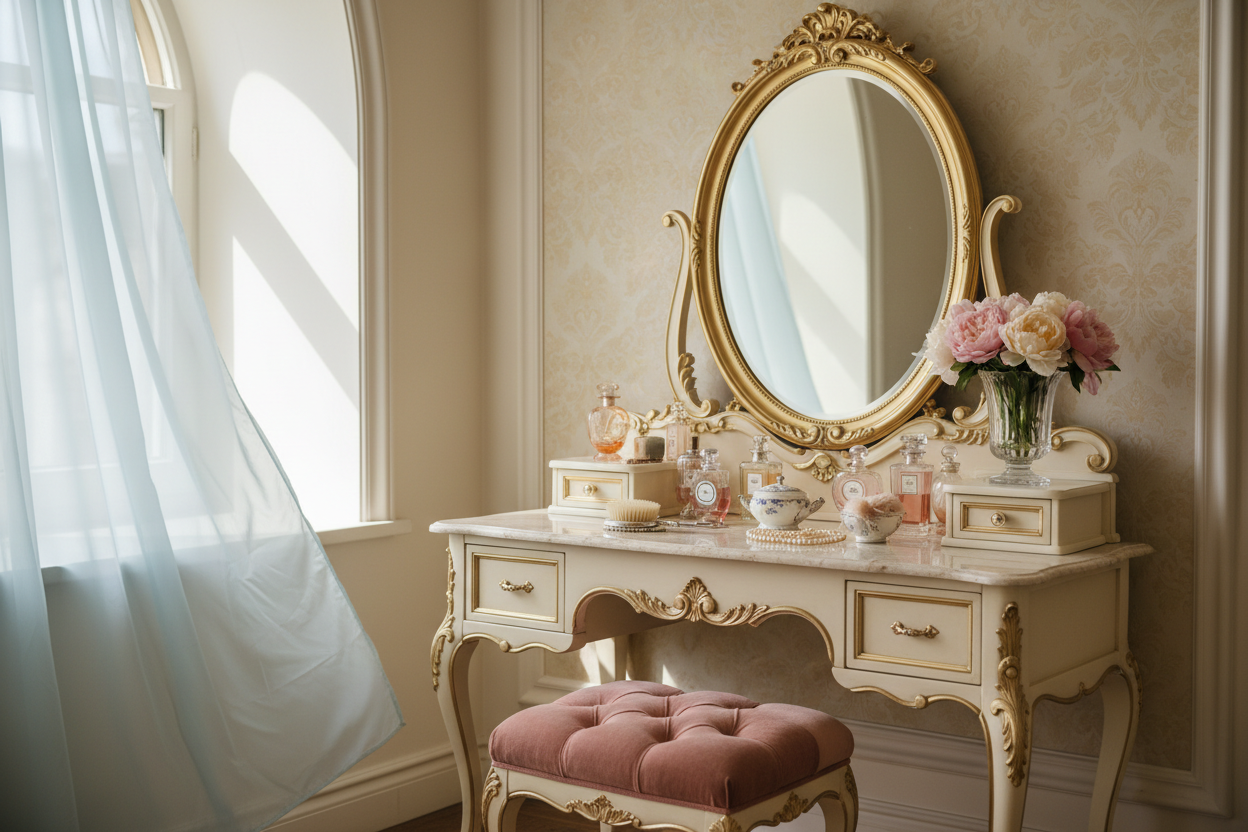
Nothing ruins a room's visual weight faster than a tangle of black cords. Mount a cable management tray directly under your desktop to hold power strips and chargers. Swap out standard plastic filing cabinets for woven baskets or a vintage wooden credenza. Layering a vintage-inspired area rug under the desk anchors the space and adds acoustic dampening.
Designer's Honest Take: My Own WFH Mistakes
A few years ago, I decided my own home office needed a visual refresh. I bought a stunning, authentic mid-century modern wooden chair with a cane back. It looked incredible against my matte black desk. I was thrilled.
By day three, my lower back was screaming. The pitch of the seat was completely wrong for typing, and the rigid back offered zero lumbar support. I learned the hard way that you cannot compromise on a desk chair. I eventually swapped it out for an ergonomic mesh chair. It is not nearly as photogenic, but I can actually put in an eight-hour day without needing a chiropractor. Save the sculptural seating for your dining room.
Frequently Asked Questions
Where is the best place to put a desk in a home office?
Ideally, place your desk near a window for natural light, but position it perpendicular to the glass to avoid screen glare. Facing the door from the center of the room is the strongest layout for focus and aesthetics.
How much space do I actually need to set up an office?
A functional workspace can be carved out of an area as small as 4 by 5 feet. This provides enough room for a compact 36-inch desk and the necessary 36-inch clearance for your chair.
How can I make my office look less cluttered?
Implement closed storage. Open shelving is great for books and decor, but printers, routers, and loose paperwork need to live behind solid doors. A credenza or a small armoire works perfectly for this.


Leave a comment
This site is protected by hCaptcha and the hCaptcha Privacy Policy and Terms of Service apply.