

















We have all been there. You drag a desk into the spare bedroom, shove it against the nearest blank wall, and call it a workspace. Six months later, you are dealing with chronic neck stiffness, a background of messy cables on your video calls, and a room that feels more like a storage closet than a place of focus.
Figuring out exactly how to arrange a home office is one of the most common dilemmas my residential clients face. It is not just about making the room look magazine-ready; it is about creating a layout that supports your workflow, protects your posture, and manages visual clutter. By the end of this guide, you will know exactly where to place your desk, how to handle lighting, and the spatial rules designers use to make a room feel intentional.
Quick Decision Guide
- Command the room: Never face a blank wall if you can avoid it. Position your desk so you have a clear view of the door.
- Respect the clearance: Leave at least 36 to 42 inches of space behind your desk to push your chair back comfortably.
- Control the light: Place your monitor perpendicular to windows to avoid harsh screen glare and severe backlighting on calls.
- Anchor with storage: Keep daily items within a 24-inch reach, and push secondary storage (like filing cabinets and bookshelves) to the perimeter.
Space Planning & Layout Rules
The Command Position
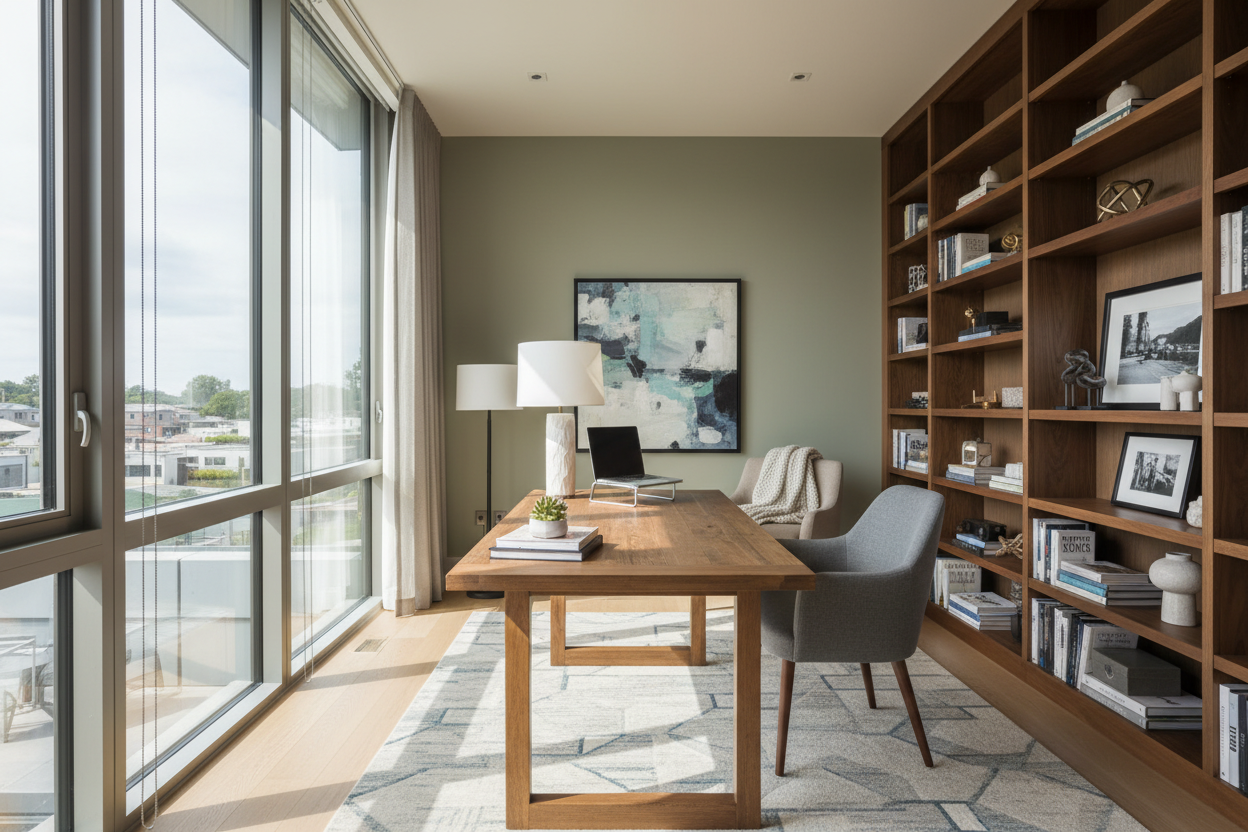
When clients ask me how to arrange home office layouts, the first thing I look at is desk placement. The biggest mistake you can make is shoving your desk flat against a wall. This creates a cramped, uninspiring view and leaves your back exposed to the door—a layout that subconsciously increases tension.
Instead, borrow a concept from Feng Shui known as the command position. Float your desk in the room facing the entrance, or place it perpendicular to the wall. This gives you a sweeping view of the space, creates a strong focal point, and instantly makes the room feel like a legitimate executive suite rather than a makeshift homework station.
Clearances and Walkways
Proper proportion and spacing are what separate a functional office from an obstacle course. You need a minimum of 36 inches behind your desk to roll your chair in and out without hitting the wall or a credenza. If your office doubles as a guest room, ensure there is a clear 30-inch walkway from the doorway to the secondary furniture.
Comfort & Ergonomics
Lighting the Workspace
Natural light is a massive productivity booster, but it can be a nightmare for computer screens. Never place your desk directly facing a bright, unshaded south-facing window, as the contrast will cause severe eye strain. Similarly, having a window directly behind you turns you into a shadowy silhouette on video calls.
The ideal arrangement places the window to your left or right. Supplement this with layered artificial lighting: an ambient overhead fixture, and a dedicated task lamp with an articulated arm on your desk to reduce shadows on your keyboard.
Style & Coordination
Managing Visual Weight and Tech Clutter
A home office requires a lot of ugly hardware. Monitors, printers, and endless cords carry heavy visual weight that can drag down the aesthetic of your home. To balance this, incorporate negative space. Do not fill every inch of your walls with shelving. Leave breathing room around your art and windows.
For cables, rely on a solid cable management tray mounted under the desk surface. If you are floating your desk in the center of the room, run a floor cord cover to the nearest outlet, or layer a textured area rug over the cords to keep the floor visually clean.
Designer's Honest Take
Early in my career, I designed my own home office around a stunning, mid-century modern walnut writing desk. It had beautiful tapered legs and a slim profile. It looked incredible in photos.
I learned the hard way that a writing desk is not a computer desk. The lack of depth meant my monitor was mere inches from my face, and the shallow drawers left my pens and hard drives scattered across the top. Worse, because it was a vintage piece, there was no way to clamp a monitor arm to the back without damaging the veneer. I spent a year dealing with shoulder pain before finally swapping it for a commercial-grade standing desk. The lesson? Never sacrifice ergonomics for an aesthetic silhouette. Your body will always lose that battle. Buy the ugly ergonomic chair, get the deeper desk, and use your artwork and rugs to bring the style.
Frequently Asked Questions
Where should my desk face in a home office?
Ideally, your desk should face the center of the room or the entryway, allowing you to see who is coming in. If space dictates that you must face a wall, place a mirror above the desk or angle the setup so a window is visible in your peripheral vision.
Can I put my desk in the middle of the room?
Yes, floating a desk is highly recommended if you have the square footage. It establishes a strong focal point and improves the flow of the room. Just make sure you have a plan for power cords, such as a floor outlet or a heavy rug to conceal wires.
How do I arrange a small home office?
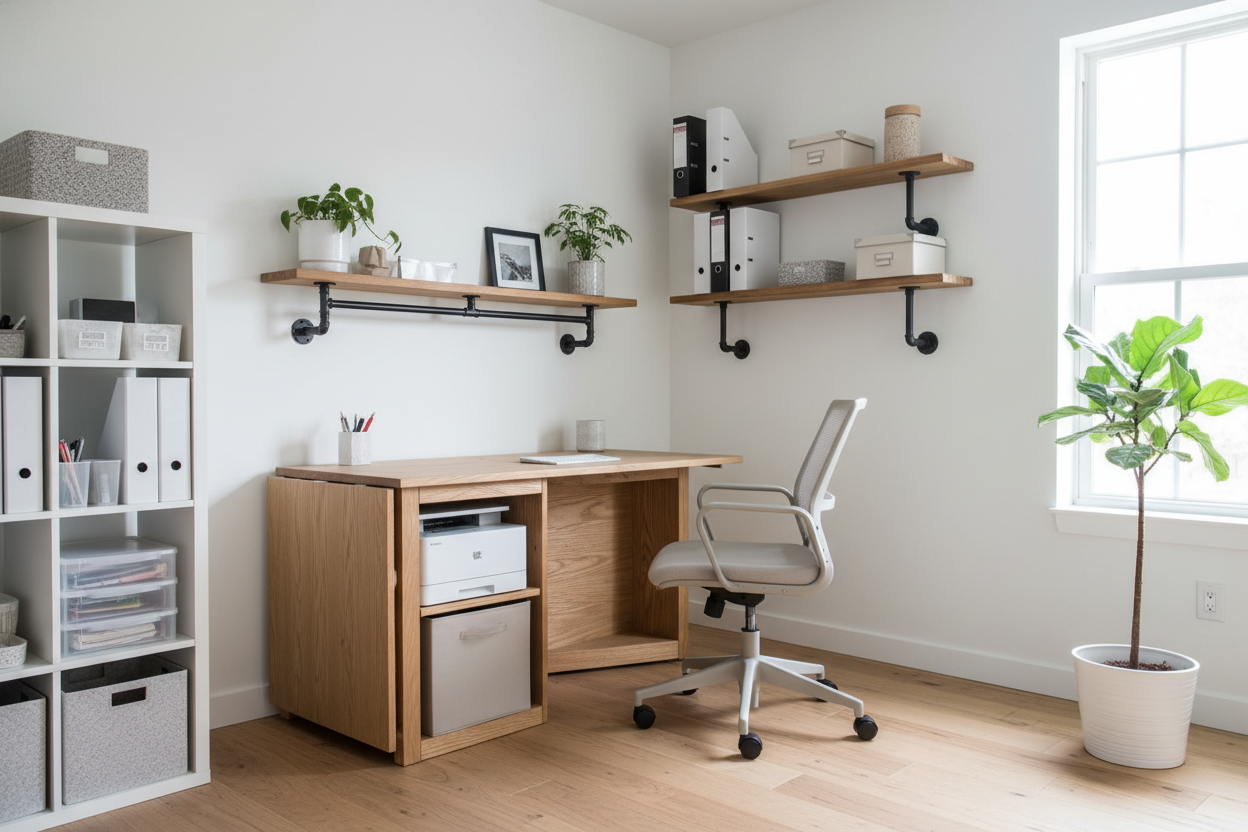
In tight quarters, prioritize vertical space. Use tall, narrow shelving units instead of wide credenzas. If you must place the desk against a wall, use a monitor arm to lift the screen off the desk surface, freeing up valuable square inches for your keyboard and notebook.

Leave a comment
This site is protected by hCaptcha and the hCaptcha Privacy Policy and Terms of Service apply.