

















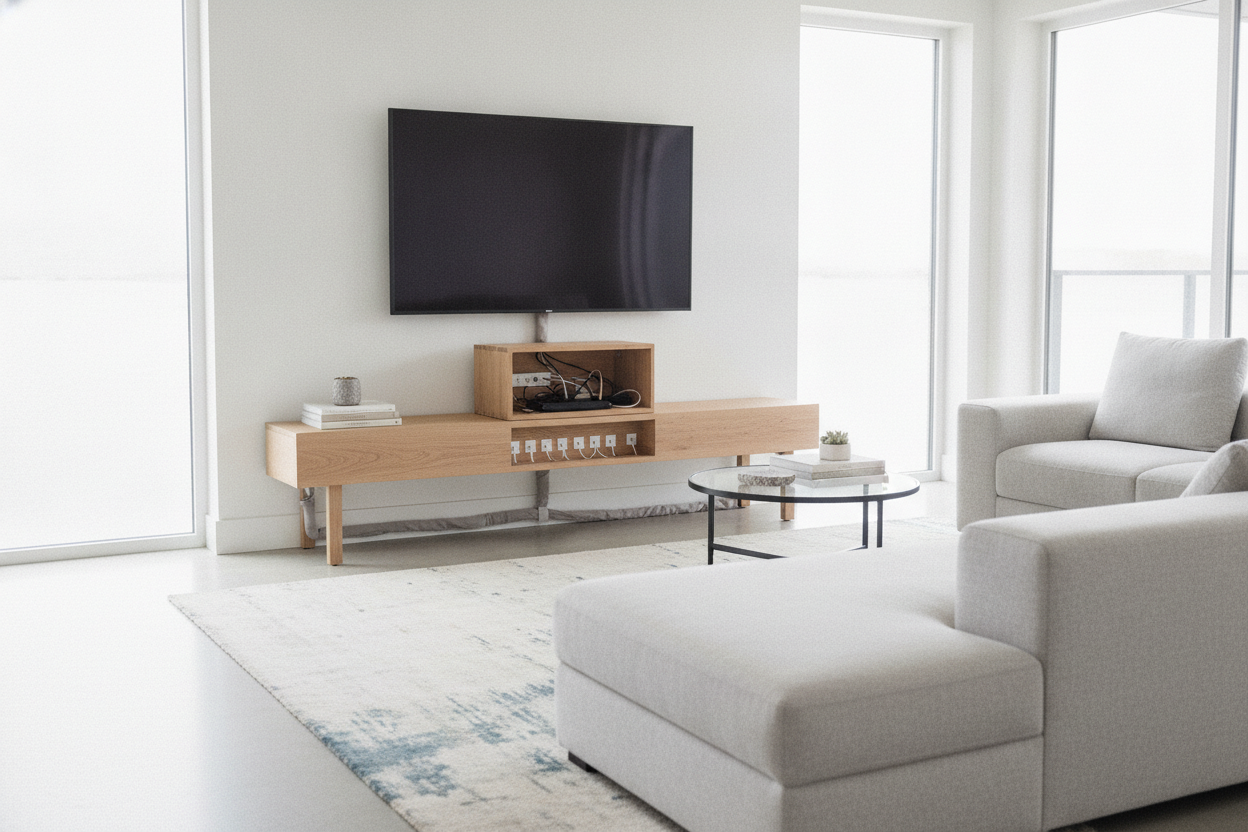
I spent three years living with a media console that looked like a giant espresso-colored coffin. It was 70 inches of solid MDF that weighed 200 pounds and swallowed my entire living room wall. When I finally moved, I swore I'd never own a 'media center' again. I wanted something leggy, light, and airy—an entryway console or a slim table for under tv setups that didn't feel like a permanent architectural feature.
Quick Takeaways
- Standard entryway tables (12-15 inches deep) are perfect for mounted TVs.
- Adhesive cable clips and velcro are your best friends.
- Mount tech boxes to the underside of the table surface.
- Use oversized baskets on the floor to catch cable 'slack.'
Why I Ditched My Heavy Media Cabinet
Bulky furniture is the fastest way to make a 600-square-foot apartment feel like a closet. Traditional media units are deep and heavy, creating a visual block right at eye level. By swapping to a minimalist under the tv table with an open frame, I suddenly had two extra feet of 'perceived' floor space. It makes the room breathe.
However, there's a catch. A wall-mounted TV looks intentional when it has a surface beneath it to ground the design. I learned the hard way that a mounted screen looks weird without a table or some kind of visual anchor. It just floats there like a giant black mirror in a gallery. You need the table, but you don't need the bulk.
The Ugly Reality of the Open-Back Furniture Trend
Here is the part the Instagram photos don't tell you: open-frame tables have nowhere to hide the 'spaghetti.' The second I set up my beautiful, thin-legged console, I was staring at a black power strip, three HDMI cables, and a dangling router cord. It looked like my TV was being kept alive by a messy life-support system.
The panic is real. You've bought the minimalist dream, but the reality is a tangled nest of plastic. You can't just shove the wires behind a solid back panel anymore because there isn't one. You have to get tactical.
Mounting Tech (Yes, Putting the Apple TV Under Table Tops)
Stop letting your streaming boxes sit on top of the table. If you want that clean, 'staged' look, you have to hide the gear. I use heavy-duty 3M Dual Lock (it's like velcro but stronger) to stick my Apple TV and my router directly to the underside of the table. It's invisible from the sofa, but the remote signal still works perfectly.
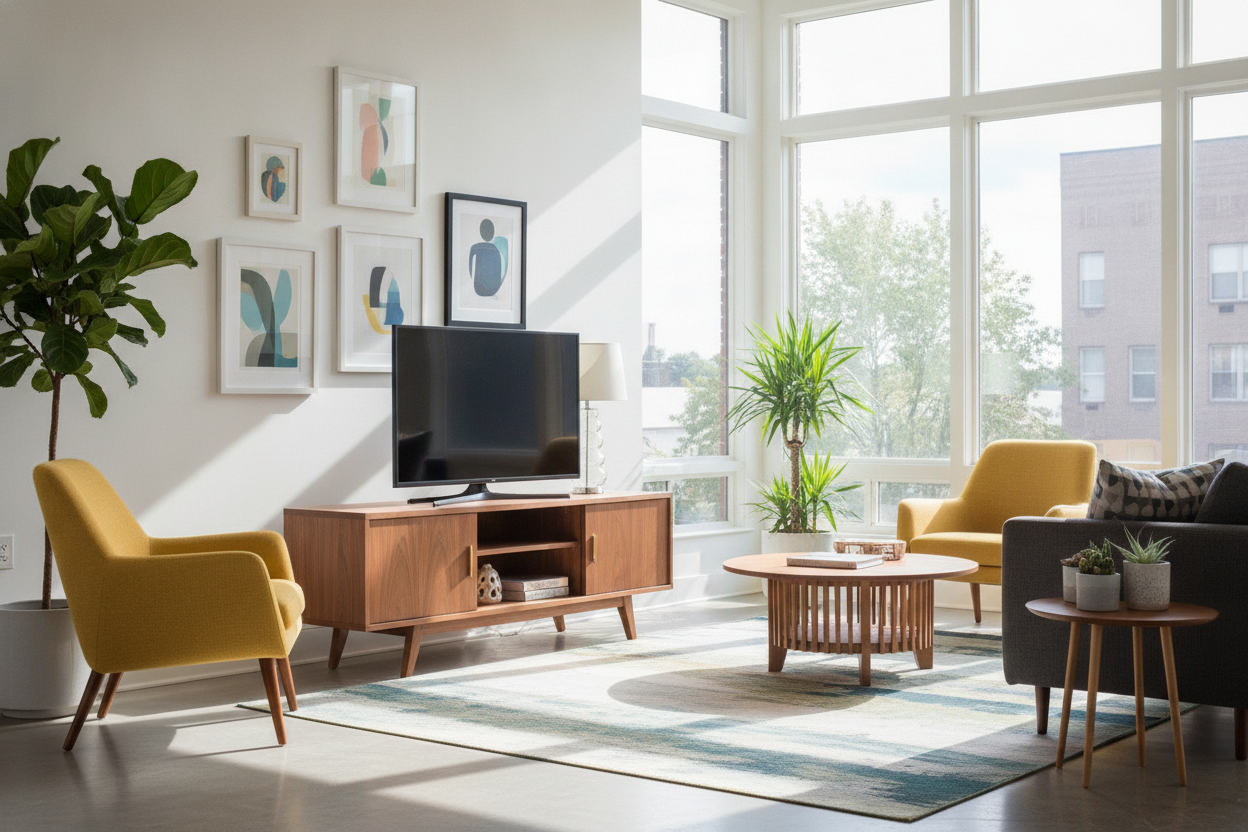
If you're not the DIY type, some small Ikea TV tables actually have a tiny hidden shelf or a wire-management channel built into the back. But for most of us using a standard console, the trick is zip-tie anchors. You stick them to the back of the table legs and guide the wires down a single leg so they stay out of sight.
Camouflaging the Plugs You Simply Can't Hide
For the wires that have to travel from the TV down to the table, use a cord raceway. Don't leave it white if your walls are grey—buy the paintable kind. It takes ten minutes to paint, and it makes the 'umbilical cord' of your tv under table setup virtually disappear.
For the bottom half, I use velcro strips to bundle every single cord into one tight line. I run that line down the leg of the table that is closest to the wall outlet. If you do it right, the cables are only visible if you’re literally lying on the floor.
How to Style the 'Under the TV Table' Space
Once the wires are managed, you have to fill the 'void' under the table. This is where people mess up. If you leave it empty, you're just staring at the wall outlet. I suggest two large, textured woven baskets. They fill the space and—pro tip—they can hold a power strip and all the excess cable slack that you couldn't trim down.
On the top surface, keep it simple. A few stacked coffee table books and maybe a sculptural bowl. I like to match the 'vibe' of the room by using a glass finish coffee table in the center of the room. The transparency of the glass coffee table paired with the open legs of the TV console makes the whole living room feel cohesive and light.
When You Should Probably Just Buy a Real TV Unit
I love the minimalist look, but I'm also a realist. If you own a PS5, an Xbox, a physical Blu-ray player, and a massive surround sound receiver, a thin console table will be a nightmare. You'll spend more time fighting wires than watching movies.
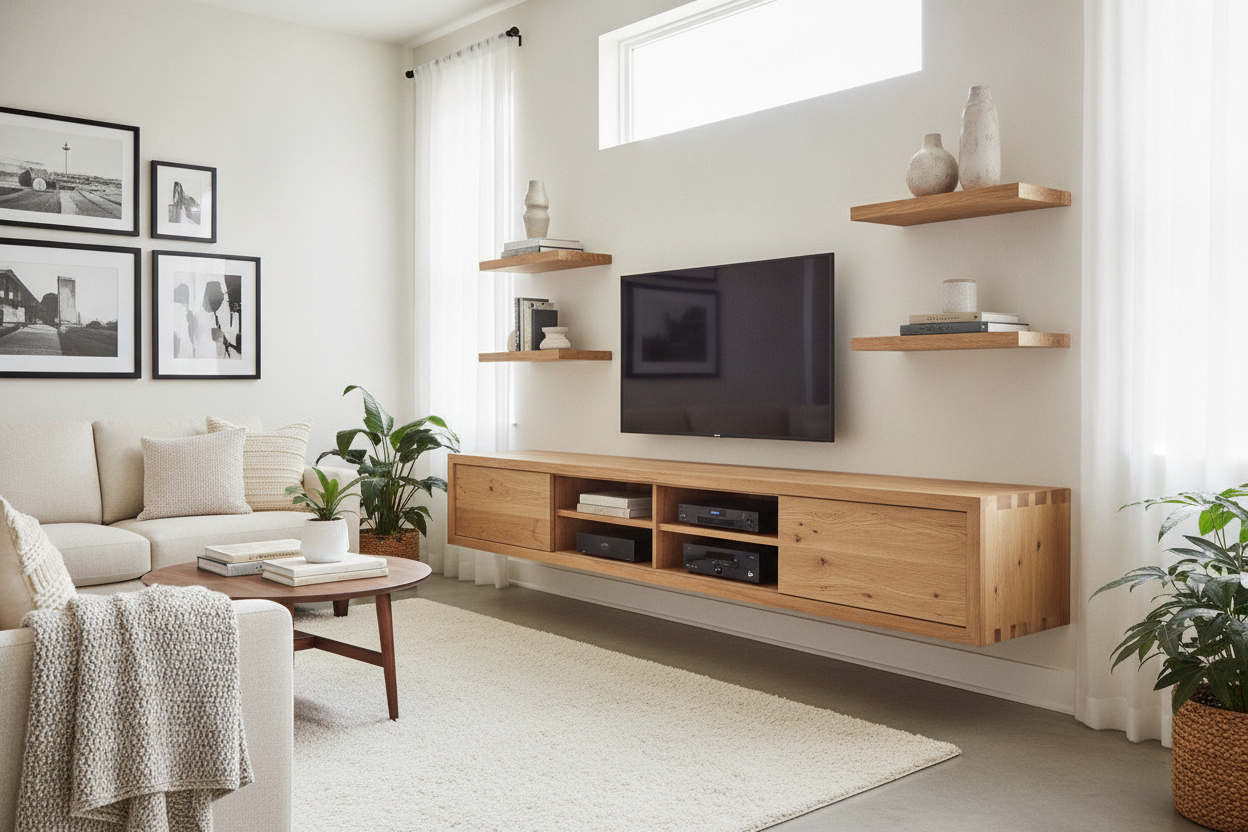
If you have a high-tech 'battle station' setup, just embrace the storage. A glossy LED entertainment center with solid doors is the better move. It hides the mess for you, and the high-gloss finish still keeps things looking modern without the cable-management headache.
FAQ
How deep should a table for under a TV be?
Keep it between 12 and 16 inches. Anything deeper starts to eat into your walking path, and anything shallower won't fit a decorative lamp or a pair of books comfortably.
Will my remote work if the box is under the table?
Most modern remotes (Apple TV, Roku, Fire Stick) use Bluetooth or RF, which doesn't need a direct line of sight. If you have an old-school IR remote, you might need a small IR repeater, which costs about ten dollars.
How do I hide the wall outlet?
The easiest way is to position one of the table's legs directly in front of it, or use a large basket or a stack of floor pillows to block the view of the plugs.

Leave a comment
This site is protected by hCaptcha and the hCaptcha Privacy Policy and Terms of Service apply.