

















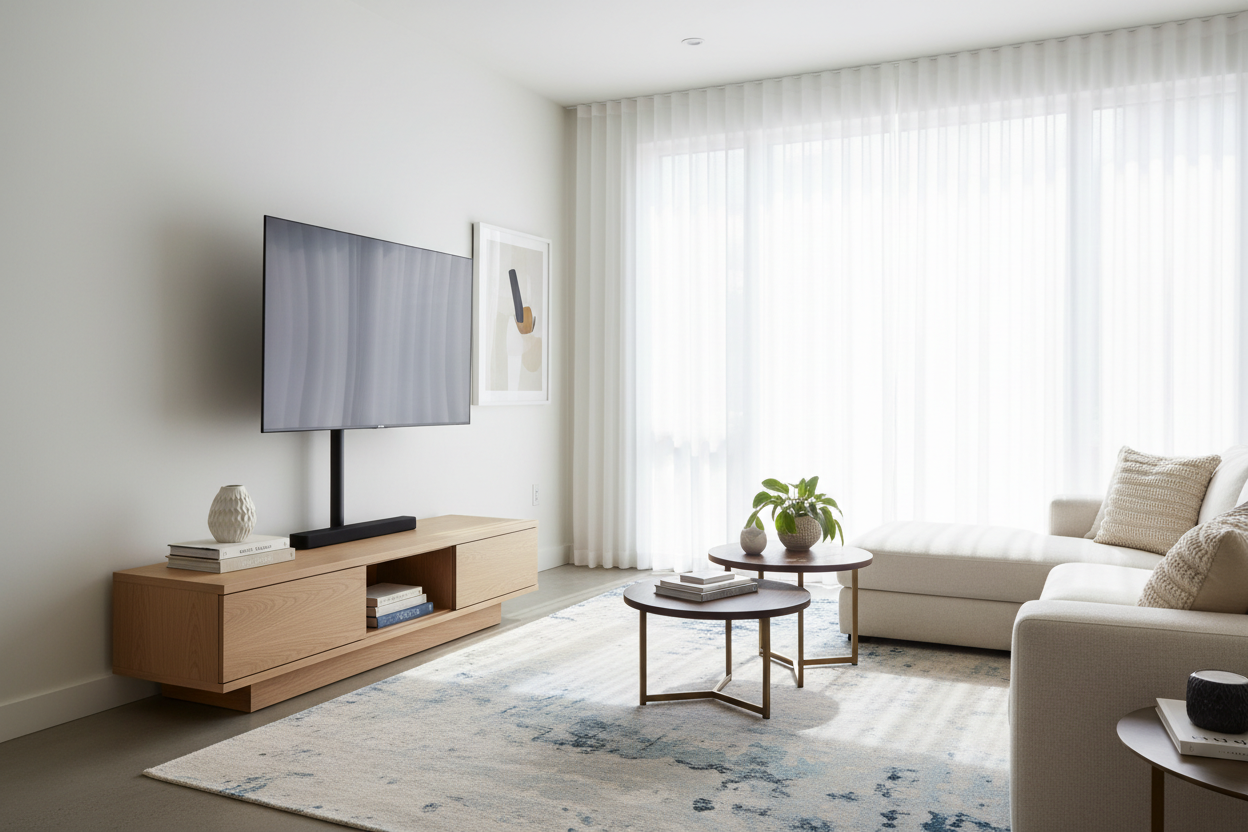
I spent three weeks hunting for the perfect media console. I finally found this gorgeous, walnut-veneer piece that sat just 12 inches off the floor. It looked like a mid-century dream in the catalog, but the moment I put my 55-inch OLED on it, I realized I had made a huge mistake. I was looking down at the screen like I was reading a book on my lap. My neck was screaming after one episode of a prestige drama.
The fix wasn't a new couch or a neck brace. It was a television mount stand. This simple piece of hardware allowed me to keep my trendy furniture while actually enjoying the view. If you are currently staring at a screen that feels way too low, here is how to fix it without calling a handyman to drill into your drywall.
- Ergonomics first: Your eye level should hit the middle of the screen to avoid chronic neck strain.
- Renter-friendly: A standalone tv mount provides the floating look without the permanent wall damage.
- Cable control: Most mounts feature integrated channels to hide the ugly 'spaghetti' of HDMI cords.
- Compatibility: Always verify your VESA pattern and weight capacity before buying.
The Trap of the Trendy Low-Profile Console
We have all seen them in the glossy catalogs. Those ultra-low modern TV stands that look sleek, minimalist, and expensive. They look fantastic in a showroom, but once you get them home and attach your flat screen tv mount stand to the factory legs, the reality sets in. Most of these units sit so low that you are essentially looking at your floorboards.
I realized quickly that sitting on an 18-inch high sofa and looking down at a 12-inch high console is a recipe for a chiropractor visit. The aesthetic is great, but the ergonomics are a nightmare. You find yourself slouching just to get your eyes in line with the subtitles. It ruins the immersion of a movie and makes your living room feel cramped instead of curated.
Enter the Television Mount Stand (My Wall-Free Fix)
I was not about to start drilling into my apartment walls and risking my security deposit. I needed a solution that offered the height of a wall mount with the portability of a traditional base. That is where the stand up tv mount comes in. It is essentially a heavy-duty metal spine with a weighted base that lets you stop resting your TV on TV stand surfaces directly.
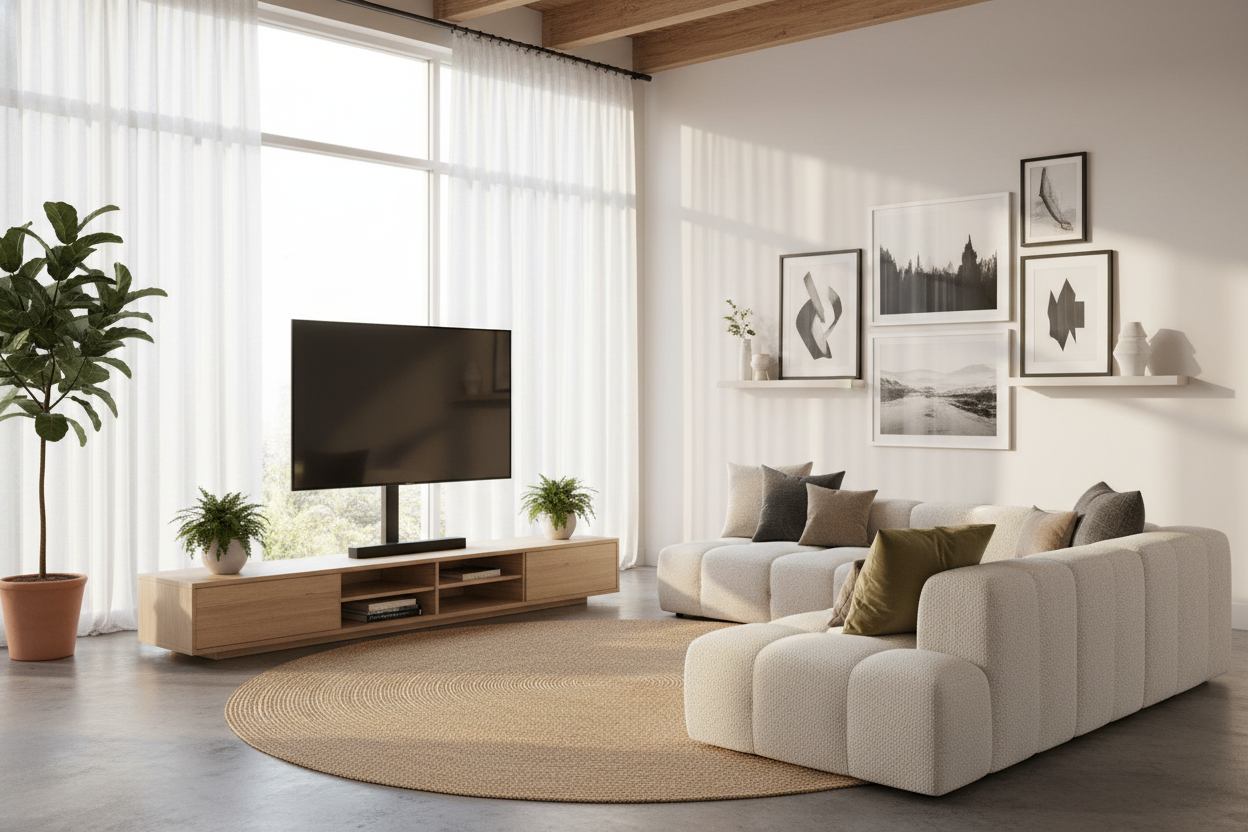
By using a mounted stand, you create a 'floating' effect. The TV hovers at the perfect height, and you reclaim the top surface of your furniture for decor, speakers, or—in my case—a record player. Whether you choose a tv mount base that sits on the table or a standing tv mount nearby that stays on the floor, the result is the same: a cleaner, more professional-looking setup.
Finding the Perfect Height (Without Drywall Dust)
The goal is to get the center of the screen exactly at eye level when you are seated. For most setups, that means the bottom of the TV should be about 25 to 30 inches off the floor. A high tv mount stand gives you the vertical range to hit that sweet spot. I personally used a tv mount stand 55 inch model that allowed for six inches of height adjustment, which was just enough to clear my center-channel speaker.
Before you buy, flip your TV around and look for four screw holes. That is your VESA pattern. Most led tv stand mount options are universal, but you need to ensure the weight of your screen doesn't exceed the mount's rating. I have seen cheap mounts sag under the weight of older, heavier screens, so do not skimp on the steel thickness. A solid tv back stand should feel heavy and stable, not flimsy.
Hiding the Mess: The Cable Management Bonus
One of the biggest perks of a mounted tv rack is the built-in cable management. Instead of having four different black wires dangling from the back of your TV, you can snake them through the hollow center of the mount's spine. It creates a much more polished look than just letting them hang.
If you combine this with a freely arranged TV stand, you get total flexibility. You can move the entire setup around the room without worrying about where the studs are in the wall. You get the 'built-in' look with 'DIY' effort. Plus, most of these stands include a tv stand clamp or a safety tether to ensure the whole thing doesn't tip over if a dog or a toddler bumps into it.
My Personal Experience: The VESA Mistake
I will be honest: I messed up my first purchase. I bought a mount that was 'universal' but didn't actually include the M8 bolts my specific TV required. I had to make a midnight run to the hardware store because I was too impatient to wait for a replacement. My advice? Check the manual for your TV's bolt size before the mount arrives. Also, if you are using a mount tv to tv stand setup, make sure your furniture can handle the concentrated weight in the center. I saw a cheap particle-board console bow slightly under the pressure of a heavy-duty mount.
Frequently Asked Questions
Will a television mount stand work with a curved TV?
Yes, most modern mounts come with spacers that allow the brackets to sit flush against the curved back of the screen. Just check the box to ensure spacers are included.
Is a standalone tv mount stable enough for kids and pets?
If you buy a quality model with a wide, weighted base (usually tempered glass or heavy steel), they are very stable. However, I always recommend using the included safety tether to anchor it to the back of your furniture for extra peace of mind.
Can I swivel the TV with these stands?
Most television mount stand options offer at least 30 degrees of swivel in either direction. This is a massive upgrade over factory legs, which are usually fixed in one position.

Leave a comment
This site is protected by hCaptcha and the hCaptcha Privacy Policy and Terms of Service apply.