

















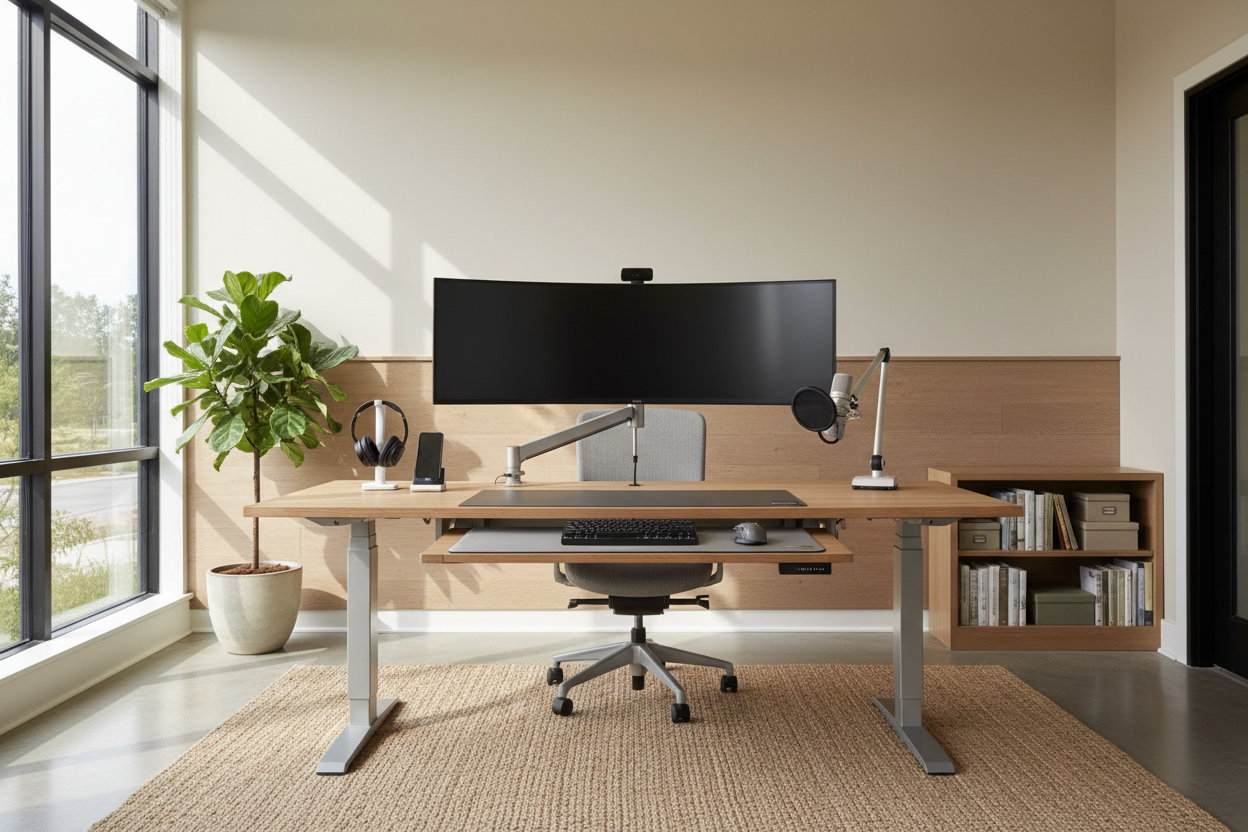
We have all seen the curated feeds: the pristine marble desk, the sculptural chair that looks like art, and the absolute absence of wires. However, the reality of working from home often clashes with these editorial images. As a designer, I frequently see clients prioritize the silhouette of a chair over its lumbar capabilities, only to regret it two weeks later. Investing in the right home office gear is about striking a delicate balance between high-end aesthetics and the brutal reality of an eight-hour workday.
Key Features to Look For
- Ergonomic Adjustability: Look for seat depth, armrest height, and lumbar tension adjustments rather than fixed positions.
- Material Integrity: Prioritize solid hardwoods, commercial-grade laminates, or high-rub count textiles over particle board or bonded leather.
- Visual Weight: Consider how much space the item visually occupies; slim profiles suit smaller rooms, while executive styles anchor large libraries.
- Cable Management: Integrated channels or grommets are essential for maintaining a clean, uncluttered visual plane.
Balancing Ergonomics with Aesthetic Integrity
The most common friction point in designing a workspace is the battle between the "executive look" and the "ergonomic feel." Historically, the best home office gear for your back looked like it belonged in a cubicle farm. Fortunately, design houses have evolved.
The Seating Silhouette
When selecting a task chair, look for mechanisms that are hidden within the chassis. High-end manufacturers now offer synchro-tilt mechanisms wrapped in premium textiles like wool blends or breathable architectural mesh. Avoid the temptation of the rigid, mid-century bucket chair for full-time work. While beautiful, they lack the dynamic movement required to keep blood flowing. Instead, opt for chairs that offer a "floating" recline which moves with your body while maintaining a sophisticated profile.
Materiality: Tactile Feedback and Durability
Your desk surface is the most touched element in the room. The tactile experience matters as much as the visual one.
Wood vs. Synthetics
Solid walnut or oak provides a warmth that glass or metal cannot replicate. Natural wood changes temperature with the room and develops a patina over time, adding character. However, if you are heavy-handed with writing or use multiple monitors that generate heat, a high-pressure matte laminate or linoleum top (like Forbo) offers superior durability and a softer landing for your wrists. Avoid high-gloss finishes; they create glare from overhead lighting and are magnets for fingerprints.
The Visual Architecture of Accessories
Monitor arms, laptop stands, and lighting are often afterthoughts, yet they dictate the visual clutter of the space. To maintain a luxury feel, these elements must be cohesive.
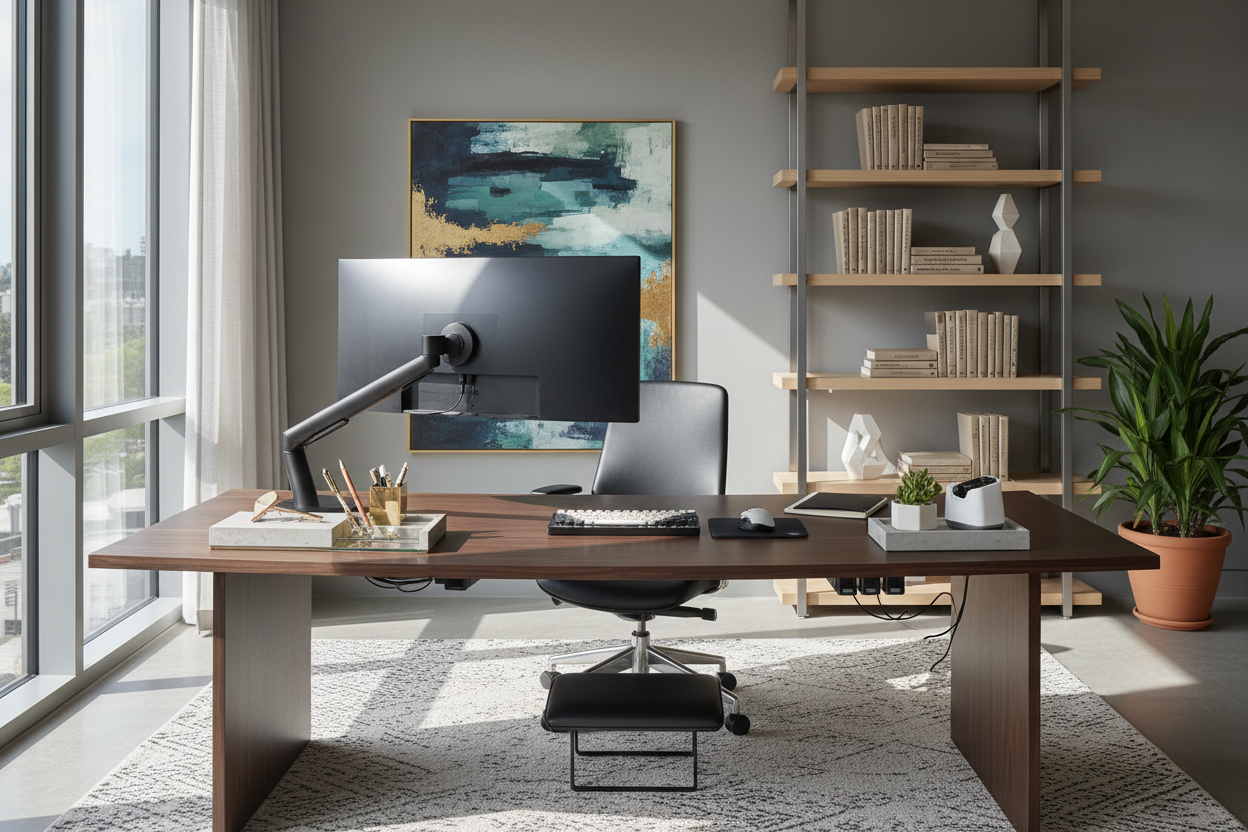
Select gear with matte black or brushed metal finishes that disappear into the background rather than competing for attention. A monitor arm not only reclaims valuable desk real estate but also allows you to align the screen with your eye level, correcting your posture instantly. Lighting should be layered: ambient light to soften the room and directional task lighting with a high CRI (Color Rendering Index) to reduce eye strain without washing out the colors of your surroundings.
My Personal Take on Home Office Gear
I learned the hard way about the importance of "surface temperature" early in my career. Years ago, I designed a stunning, minimalist office for myself centered around a bespoke, tempered glass desk. It was visually weightless and photographed beautifully.
However, within a week, I hated it. The glass was perpetually cold on my forearms, which actually caused tension in my shoulders as I subconsciously lifted my arms to avoid the chill. Furthermore, optical mice struggle on glass without a pad, ruining the clean look I was aiming for. I replaced it three months later with a desktop featuring a furniture-grade linoleum top. It feels soft to the touch, stays room temperature, and hides micro-scratches perfectly. Now, when I advise clients, I always have them touch the surface material before we discuss dimensions. Comfort is a sensory experience, not just a posture one.
Conclusion
Curating your workspace is an investment in your own efficiency and well-being. By looking past the initial "wow" factor and focusing on the tactile and functional performance of your furniture, you create a space that serves you. Do not settle for temporary solutions; build a sanctuary that makes the workday feel effortless.
Frequently Asked Questions
How much space do I ideally need behind my desk chair?
For a functional layout, allow at least 36 to 48 inches of clearance behind your desk. This allows you to push back freely and stand up without hitting a wall or bookshelf, maintaining the flow of the room.
Is a standing desk worth the aesthetic compromise?
Absolutely. The health benefits of varying your posture are undeniable. To mitigate the "industrial" look, choose a standing desk where the lifting columns are shrouded or choose a model with solid wood legs that hide the telescoping mechanism.
What is the best lighting temperature for a home office?
Aim for a color temperature between 3000K and 4000K. This range provides a crisp, bright light that aids concentration without being as harsh or sterile as the 6000K daylight bulbs often found in commercial office blocks.


Leave a comment
This site is protected by hCaptcha and the hCaptcha Privacy Policy and Terms of Service apply.