

















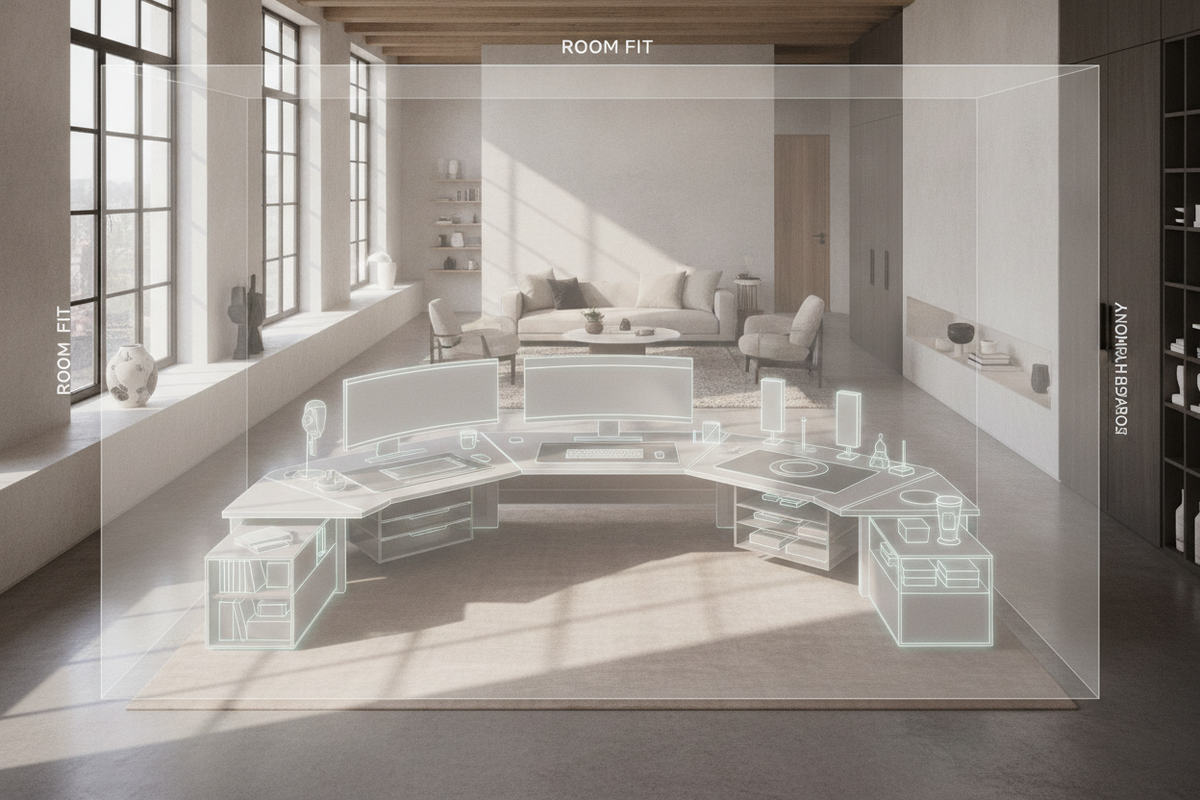
A high-performance workspace relies heavily on its foundational surface. For multi-monitor developers, creative professionals, and executive multitaskers, standard desktop dimensions frequently fail to accommodate expansive digital arrays and tactile drafting zones. Integrating an extra large standing desk bridges the gap between hardware capacity and ergonomic movement, delivering a versatile platform that adapts smoothly between seated focus and standing collaboration.
However, simply adding sheer square footage to an office footprint is not an automatic upgrade. Without intentional structural planning, an extra wide standing desk can lead to center-span sagging, lateral wobble at full elevation, and visual clutter. Achieving an optimal workstation requires understanding dimensional tiers, structural engineering principles, dynamic reach zones, and coordinated storage integration.
Dimensional Scale Frameworks: Defining Extra Wide Standing Desk Categories
Choosing the proper scale involves balancing physical equipment loads against available floor real estate. Oversized sit-stand desks generally fall into distinct continuous width categories, each catering to different workflow requirements.
Moderate Expansions: Standard Long Formats
Desk surfaces spanning roughly five to five-and-a-half feet represent an accessible entry point for wide formats. This dimensional tier comfortably houses side-by-side dual displays, mid-sized desktop audio monitors, and standard peripheral gear without crowding the central keyboard zone. It fits cleanly into modest bedroom offices and shared creative studios where peripheral walkway space remains tight.
True Extra Wide Spans: Extended Multi-Display Envelopes
Surfaces extending six to seven feet or beyond constitute true extra wide standing desk footprints. These expansive platforms accommodate triple-monitor arrays, ultrawide curved screens, dedicated analog drafting sections, and secondary laptop docking stations simultaneously. By providing uninterrupted horizontal continuity, these surfaces allow users to pivot between distinct workflows without rearranging desktop hardware.
Surface Geometry: Multi-Zone Layouts and Dynamic Reach Envelopes
An expansive surface area requires deliberate ergonomic zoning to prevent excessive reaching and shoulder strain. Applying proven standing desk setup styling strategies helps organize wide workstations into three key operational envelopes:
- Primary Active Zone: Positioned directly within comfortable forearm reach, this central area houses the primary keyboard, pointer device, and primary focus display to support neutral spine alignment.
- Secondary Digital Zone: Flanking the primary zone, this arc holds secondary displays, document stands, and task lighting accessible via smooth torso pivoting rather than torso extension.
- Tertiary Utility Envelopes: Situated at the outer desktop perimeters, these zones are reserved for reference books, charging stations, acoustic accessories, and decorative greenery.
Structural Architecture: Lifting Columns, Crossbeam Dynamics, and Frame Stability
Operating a wide desktop at standing heights introduces substantial physical leverage. As an oversized desktop rises, minute mechanical tolerances within the frame can translate into perceptible wobble during active typing or writing. Maintaining stability requires robust under-structure architecture.
Heavy-gauge steel telescoping crossbeams are critical for spanning extended widths, as they prevent desktop deflection and distribute dynamic lifting forces evenly across dual or triple motorized lifting columns. Wide footplates with adjustable leveling glides provide steady contact with flooring surfaces, counteracting lateral sway and ensuring smooth, synchronized height transitions regardless of hardware placement.
Room Fit and Spatial Flow: Integrating Expansive Desks into Varied Floor Plans
Deploying a substantial workstation demands thoughtful floor plan analysis to preserve room circulation and visual harmony. Adapting large-scale furniture spatial planning principles ensures oversized office furniture anchors the space without obstructing primary walkways or window lines.
When positioning an extra wide desk against a primary wall, maintaining sufficient clearance from adjacent door frames and heating vents is essential. For corner configurations where linear wall space is shared, evaluating a dedicated computer corner desk with large storage or an adaptable wide L-shaped corner desk can provide comparable surface expanse while optimizing structural corner boundaries.
Material Selection: Desktop Substrates, Finishes, and Load Distribution
The choice of desktop core material directly influences structural longevity and deflection resistance across wide unsupported expanses. Dense engineered wood substrates finished with high-pressure laminate or durable melamine provide balanced weight, excellent moisture resistance, and reliable screw-retention capacity for under-desk mounts.
Solid wood tops deliver unique grain character and substantial tactile weight, which naturally dampens motor vibration during height adjustments. Regardless of material, selecting a desktop with adequate continuous thickness prevents center sagging when supporting multi-arm monitor clamp systems over long periods.
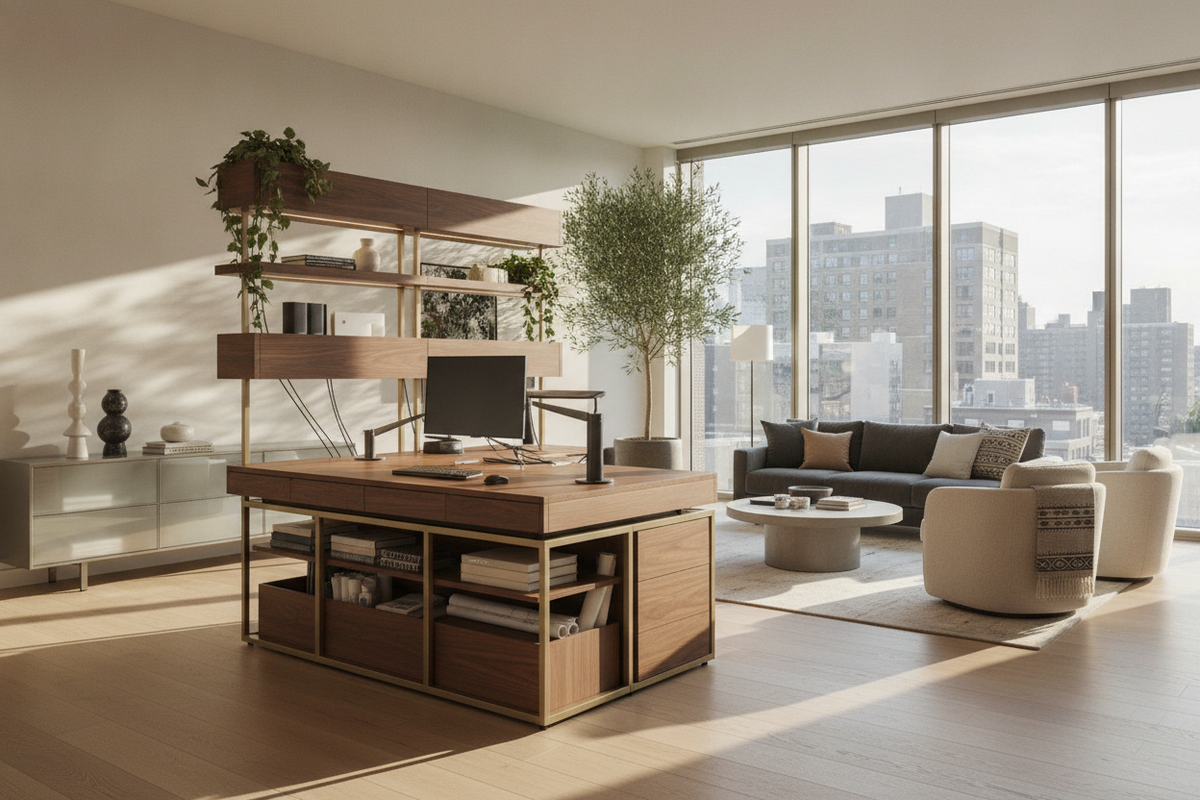
Integrated Storage Synergy: Complementing Expansive Desktops with Modular Furniture
An expansive desktop can quickly lose its productivity benefits if loose paperwork and hardware accessories accumulate across its surface. Because motorized sit-stand frames require clear vertical travel pathways beneath the crossbeam, integrating secondary modular storage around the perimeter is essential.
Pairing the primary desk with a low-profile mobile pedestal allows under-desk utility storage during seated sessions while rolling clear for standing work. For higher volume office archiving, positioning a matching wide chest dresser with extra large storage along an adjacent wall preserves an uncluttered desktop horizon and maintains clean visual lines throughout the room.
Assembly, Cable Management, and Dynamic Transition Planning
Assembling an oversized standing desk requires methodical handling. Due to the physical leverage and weight of extended desktops, two-person assembly is strongly recommended when aligning crossbeams and safely flipping the finished frame upright.
Cable management requires dedicated planning for vertical mobility. Installing high-capacity under-desk cable raceways, surge protector trays, and flexible articulating cable spines ensures power and data cables travel smoothly through the full vertical elevation range without catching on structural crossbeams or pulling on hardware ports.
Conclusion: Curating a Balanced and Productive Large-Scale Workstation
Investing in an extra large standing desk provides the spatial real estate required for demanding modern workflows. By balancing expansive desktop dimensions with dual-motor frame stability, ergonomic reach geometry, and complementary storage architecture, you can create a dynamic home office environment that supports sustained focus, healthy movement, and enduring organizational order.

Leave a comment
This site is protected by hCaptcha and the hCaptcha Privacy Policy and Terms of Service apply.