

















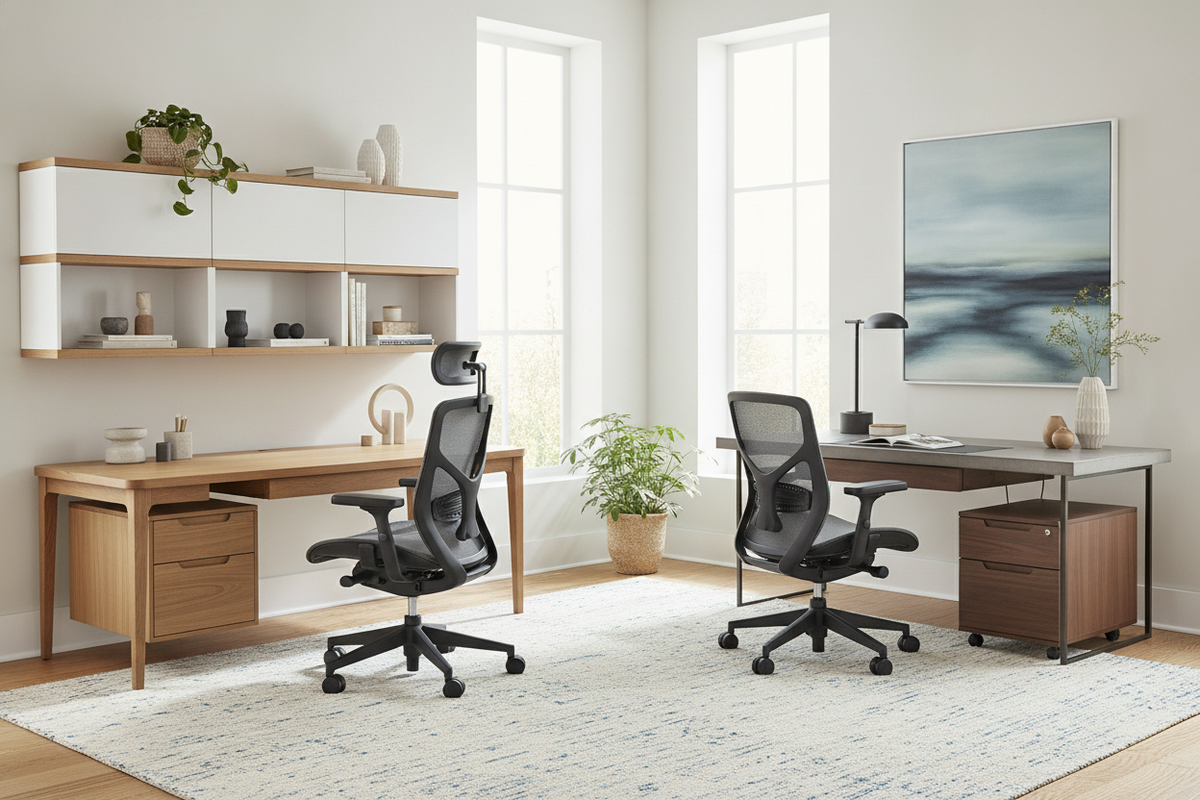
The Ergonomic Workstation Ecosystem: Why Chair and Desk Synergy Matters
Creating an effective workspace requires looking past standalone pieces. Selecting ergonomic chairs and desks as an integrated pair ensures that your seating mechanics, table elevations, and storage elements work in harmony rather than causing physical strain or spatial clutter. When individual items are purchased in isolation, discrepancies in armrest clearance, legroom depth, and tabletop height often emerge, creating subtle daily friction.
Moving Beyond Isolated Furniture Selection
Comprehensive ergonomic office furniture planning treats the human body as the central reference point around which all surfaces and supports revolve. An advanced task chair cannot deliver its full benefits if a desk frame blocks natural knee movement or forces you to reach awkwardly toward screens and keyboards. By coordinating the proportional envelope of both elements simultaneously, you establish an adaptable environment suited for extended focus.
The Dynamic Relationship Between Seat, Surface, and Storage
True ergonomic comfort design connects the seat pan, the primary desktop tier, and immediate storage components into a fluid workstation. When considering a high-end setup, reviewing an office comfort ergonomic guide can offer helpful context on harmonizing supportive functionality with refined interior aesthetics. Integrating these zones eliminates unnecessary torso twisting, stabilizes forearm positioning, and keeps everyday supplies within easy reach.
Spatial Clearance Geometry: Establishing the Interaction Envelope
Successful layout planning begins with physical clearances. Evaluating the dimensional boundaries beneath and around your desk ensures your task seating maneuvers freely throughout the day.
Under-Desk Leg and Knee Depth Envelopes
The space beneath the desk must remain unobstructed from front edge to back panel. Crossbars, shallow center drawers, or poorly positioned modesty panels can restrict knee travel and prevent natural shifting. Ensuring adequate open depth allows your legs to extend comfortably without knocking into structural cross-bracing or under-mounted equipment.
Armrest Travel and Desktop Edge Clearances
A frequent point of friction in home office setups is the collision between chair armrests and the desk edge. When selecting ergonomic tables and chairs, verify that armrests can either adjust downward or slide cleanly underneath the tabletop surface. Smooth, rounded, or gently chamfered desktop edges also reduce contact pressure on the forearms during active typing and writing sessions.
Perimeter Movement and Push-Back Radii
A task chair requires sufficient rear clearance to glide back, swivel, and recline without striking baseboards, back walls, or adjacent credenzas. Planning an unobstructed perimeter behind the seat prevents scuffing on delicate drywall or finished wood cabinets while facilitating effortless transitions between seated work and standing breaks.
Workstation Archetypes: Selecting the Right Configuration for Your Space
Room proportions and daily work routines dictate which furniture silhouette performs best. Evaluating classic workstation layouts helps you match room architecture with functional demands.
The Linear Minimalist Pod for Dedicated Studies
Linear desks provide a focused, streamlined footprint suitable for dedicated study rooms or modern perimeter layouts. By keeping all primary equipment along a singular axis, linear pods maximize floor space and maintain clean visual sightlines across the room.
The L-Shaped Executive Layout with Extended Return Wings
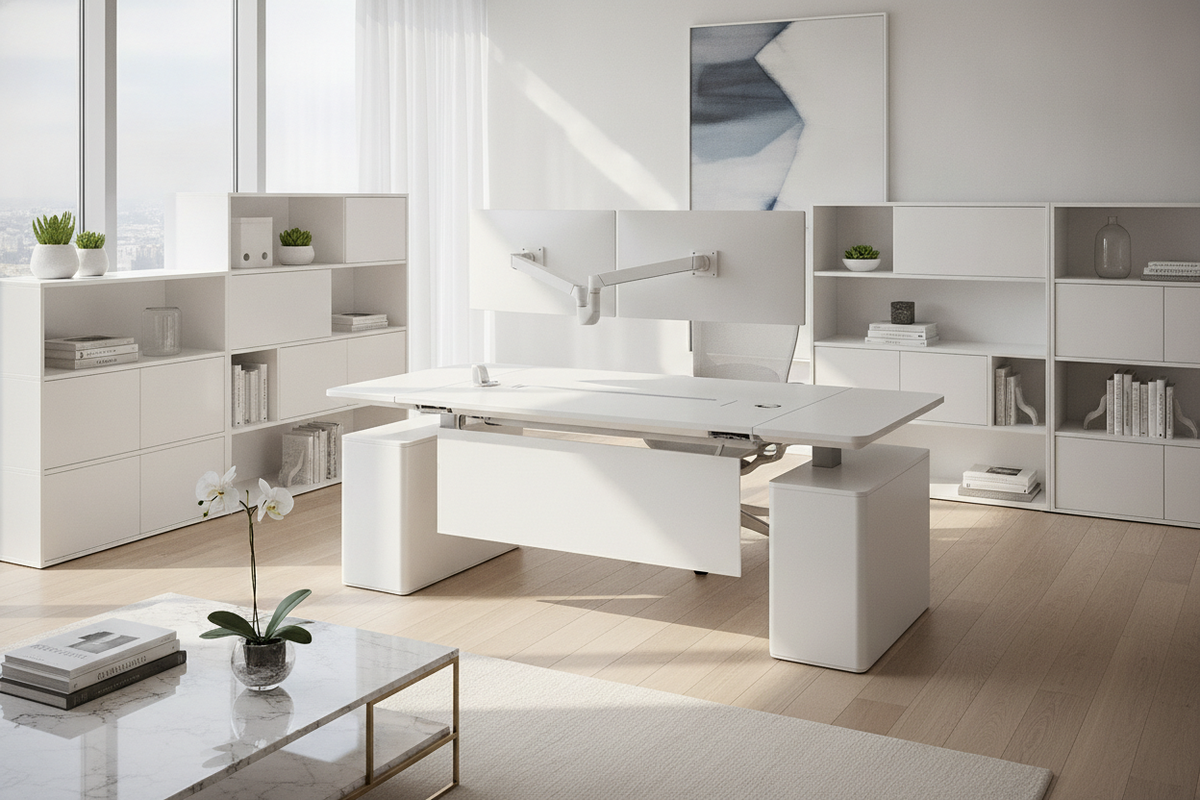
For individuals juggling physical paperwork, dual monitors, or specialized hardware, L-shaped configurations offer dedicated secondary task zones. To orchestrate larger room layouts with extensive filing needs, consulting a desks office design guide helps align expansive executive returns with complementary room storage. This split layout allows one wing to host digital displays while the perpendicular surface remains dedicated to tactile tasks.
Compact Corner Formats for Multi-Functional Living Areas
When selecting ergonomic furniture for home office zones embedded within bedrooms or open living areas, compact corner desks help define clear boundaries. These configurations conserve valuable square footage while still accommodating targeted lumbar support seating and essential cable routing.
Material Synergy and Tactile Craft: Blending Durability with Visual Balance
The materials defining your workstation determine both daily tactile comfort and long-term surface resilience. Coordinating finishes across wood, textile, and metal components creates a cohesive interior aesthetic.
Surface Resilience: High-Pressure Laminates, Veneers, and Solid Wood
Desktop surfaces experience continuous friction from hardware, wrists, and accessories. High-pressure laminates and engineered wood offer resilient resistance against daily wear, moisture rings, and light abrasions. Natural wood veneers and solid hardwoods, meanwhile, provide organic warmth and distinctive grain textures that age gracefully when maintained properly.
Seating Breathability: Mesh Weaves vs. Contoured Upholstery
Task seating materials directly influence thermal regulation and pressure distribution:
- High-Tensile Mesh: Promotes active ventilation across the backrest and adapts dynamically to micro-movements during warmer seasons.
- Multi-Density Foam Upholstery: Delivers consistent contouring, plush tactile support, and enhanced vibration dampening for dedicated seating postures.
- Performance Fabrics: Blend spill resistance with soft surface textures, making them well-suited for high-traffic multi-use rooms.
Coordinating Structural Metals, Powder Coats, and Hardware Accents
Visual harmony strengthens when the metallic elements of your furniture speak the same design language. Aligning matte black, brushed steel, or powder-coated white chair bases with desk legs and cabinetry pulls produces an organized, intentional atmosphere across your entire ergonomic home office furniture collection.
Storage Architecture: Clearing the Visual and Physical Reach Zones
An uncluttered desktop is vital for sustained concentration. Organizing items into structured reach zones preserves primary work surfaces for active tasks.
Primary Reach Zones vs. Secondary Archival Tiers
Items used continuously—such as input devices, note pads, and current reference documents—belong within arm's sweep across the main desktop. Materials referenced periodically, such as archival files, surplus stationery, and secondary drives, are best housed in designated modular drawers or shelving tiers positioned adjacent to the desk.
Mobile Pedestals, Lateral File Cabinets, and Vertical Credenzas
Mobile pedestal drawers fit neatly alongside or beneath larger desks, offering adaptable storage that can be rolled aside when extra legroom is desired. For extensive storage demands, freestanding lateral file cabinets or tall vertical credenzas anchor the room's perimeter, keeping bulkier items organized without encroaching upon active seating zones.
Cable Pathway Routing and Peripheral Concealment
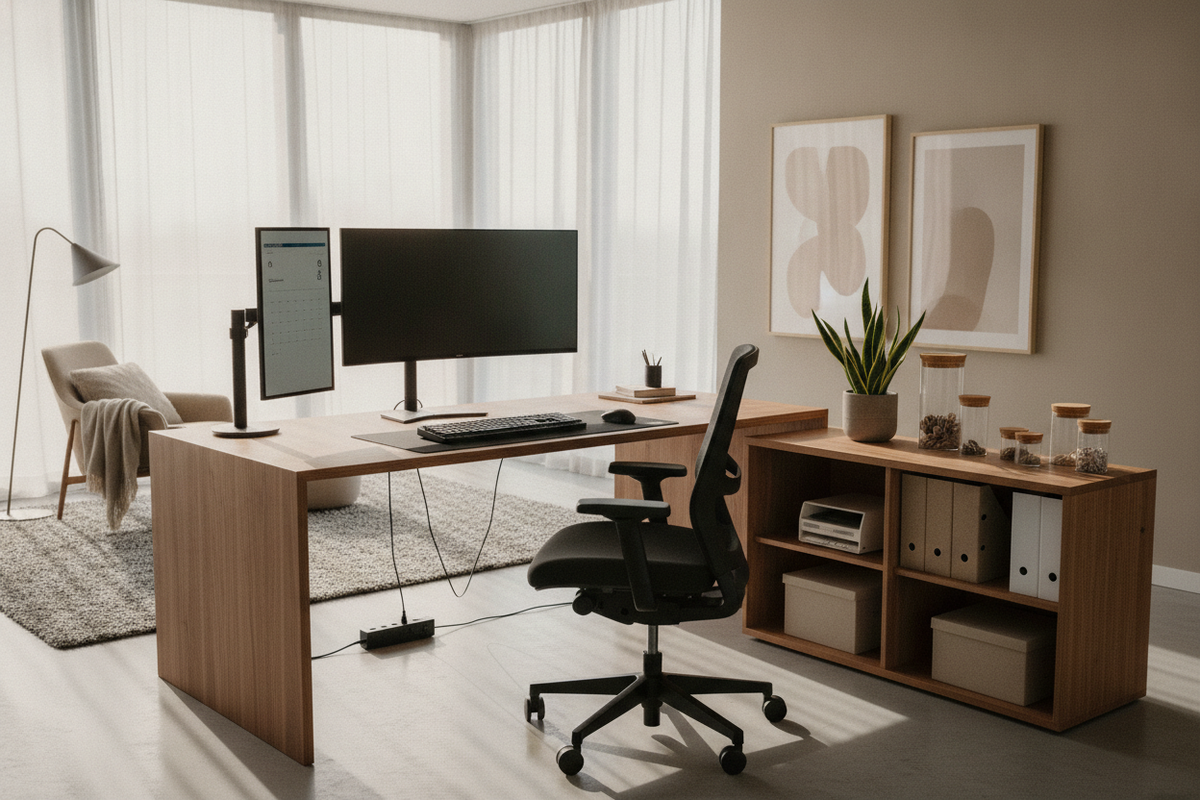
Exposed wiring creates visual disarray and introduces kinetic snag hazards for chair casters. Workstations featuring integrated wire grommets, under-desk cable raceways, and modesty panel routing keep power cords neatly secured and hidden from view.
Assembly, Placement, and Long-Term Workspace Maintenance
Proper assembly and routine care protect the mechanical longevity and structural stability of your ergonomics furniture investment.
Unboxing and Foundational Hardware Alignment
During initial assembly, loosely thread all major structural fasteners before applying final torque. This technique prevents diagonal racking and ensures the desk frame sits level on uneven floors. When assembling task chairs, verify that the central gas lift mechanism and caster stems seat securely into the star base.
Zoning Workstation Proximity to Natural and Task Lighting
Position your workstation perpendicular to exterior windows rather than facing directly into or away from them. This orientation reduces screen glare and balances natural daylight with dedicated desk lamps, supporting clear visibility across all work surfaces.
Routine Fastener Checks and Surface Care Rituals
Over months of daily movement, mechanical fasteners on adjustable desks and swivel chairs can experience micro-vibrations. Inspecting and tightening structural bolts on a seasonal basis preserves stability. Clean desktop surfaces with mild, non-abrasive cleaners, and periodically vacuum fabric upholstery or wipe down mesh backrests to keep your workspace pristine and functional.

Leave a comment
This site is protected by hCaptcha and the hCaptcha Privacy Policy and Terms of Service apply.