

















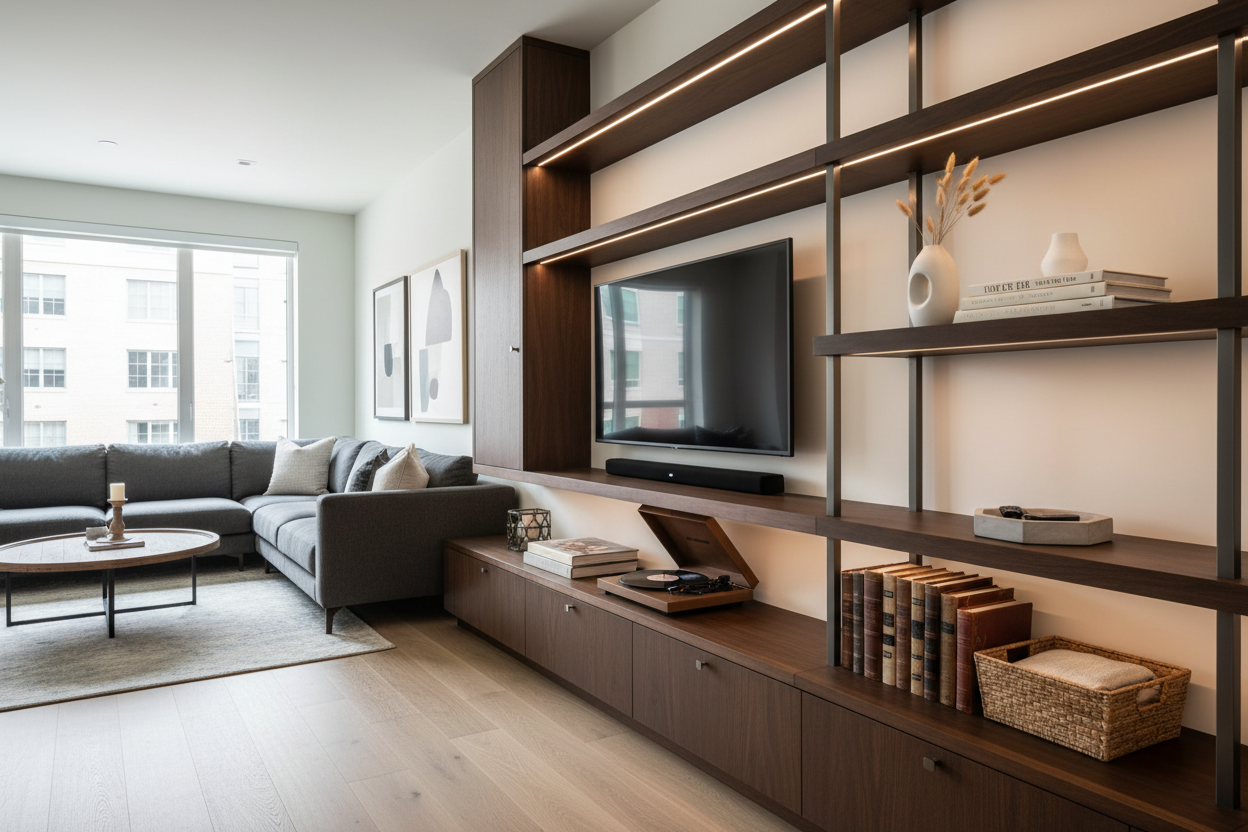
You know that moment when you finally get your new TV mounted, but then you're left staring at a tangle of game consoles, streaming boxes, and cables? I've seen it in over 200 homes. That's where a well-designed entertainment center shelf becomes your secret weapon. It's not just about storage; it's about creating a living room that feels intentional, not like a tech support desk.
Quick Takeaways
- Measure your largest component first (like a 16-inch wide AV receiver) to determine minimum shelf depth.
- Leave 2-3 inches of clearance behind equipment for airflow and cable routing.
- Mix open shelves with at least one closed cabinet to hide less attractive items.
- Use adjustable shelves whenever possible—your tech will change in 2-3 years.
Why Your Entertainment Center Needs Smart Shelving
Think about your media setup. You've probably got a game console, maybe a soundbar, a router, and those inevitable charging cables. Without dedicated shelves, they end up stacked haphazardly, blocking vents and creating a visual mess. Smart shelving solves this by giving each piece a home. From a design perspective, it also lets you balance the room. A large TV on a blank wall feels heavy. Shelves, especially flanking the TV, add visual weight lower down, grounding the space. I always remind clients that investing in good furniture is about long-term livability. As discussed in our article Is A Tv Stand And Entertainment Center Worth The Space, the right piece saves you from constant reorganization and actually enhances daily life.
Choosing the Right Entertainment Center Shelf Configuration
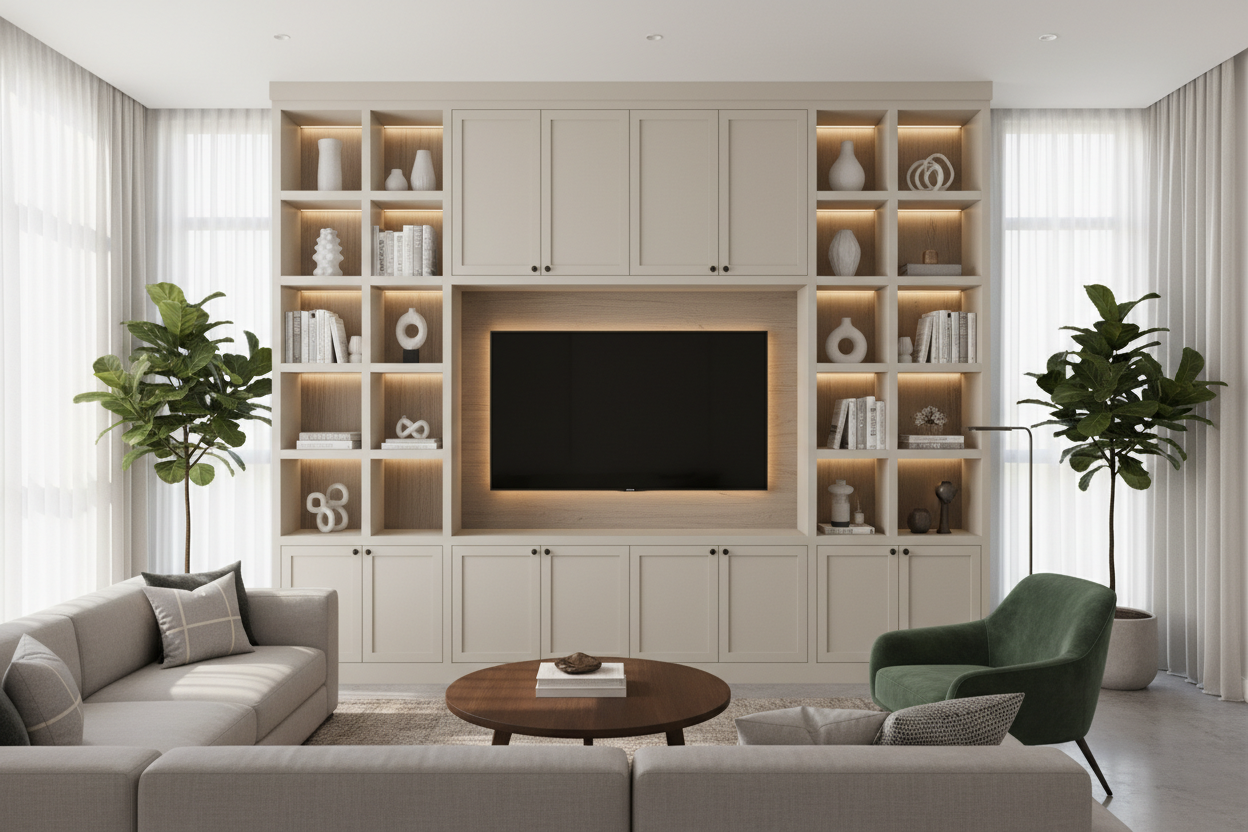
This is where we get practical. Start by listing every item that needs a home: cable box, gaming console, speakers, books, decor. Now, measure them. A standard media shelf depth is 16 inches, which fits most components. For a cleaner look, I recommend a mix. Use deeper shelves (18-20 inches) for AV equipment and shallower ones (12 inches) for books and decorative objects to create depth. The arrangement matters, too. Place the heaviest, boxiest items on the lowest shelves for stability. Reserve eye-level shelves for items you use daily, like a streaming device. A great example of this balanced approach is our 100 Entertainment Center With Storage Cabinets Open Shelves. It combines closed cabinets for board games or spare blankets with open shelves for display, offering both concealment and accessibility.
Design Principles for Media Center Shelves That Work
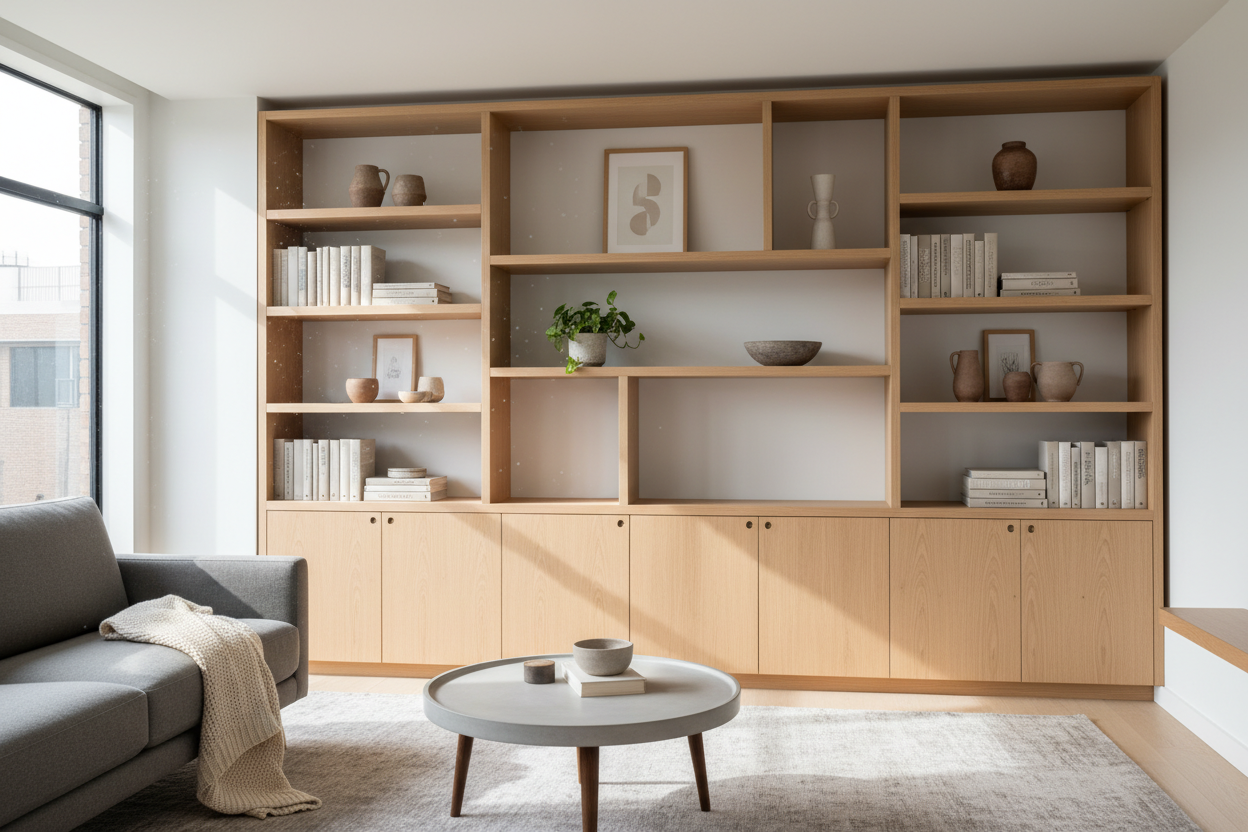
Styling shelves is an art, but it follows simple rules. First, create visual triangles. Place a taller item (a vase, a stack of books) on one side, a medium item in the middle, and a smaller item on the other end. Repeat this pattern across the unit. Second, use the rule of thirds. Don't fill every shelf completely. Leave about one-third of the shelf space empty to let the eye rest. For color, group items in odd numbers (3s or 5s) and stick to a cohesive palette—maybe natural materials like wood and stoneware. I share more detailed techniques in my guide on Styling A Bookcase And Entertainment Center For A Custom Look. Remember, the goal is to complement your tech, not compete with it.
The Cable Management Challenge
This is the most common headache I fix. Exposed wires ruin a clean shelf design. The solution is a three-part system. First, use adhesive-backed cable clips or velcro straps to bundle cords together behind each shelf. Second, invest in a power strip with a long cord (at least 6 feet) and mount it inside a cabinet or on the back of the furniture with industrial-strength hook-and-loop tape. This creates a single, manageable power hub. Finally, use a grommet or a strategic gap between the back panel and the shelf to thread all cables down and out of sight. For the cleanest look, leave a 3-inch gap between the back of your equipment and the wall for cables to loop neatly.
Shelf Materials and Finishes That Last
Your shelves need to support weight and resist wear. Solid hardwoods like oak or walnut are my top choice for fixed shelves—they're durable and can hold up to 50 lbs per shelf without sagging. For adjustable shelves in a budget-friendly unit, look for plywood cores at least 3/4-inch thick with a real wood veneer, not a photo finish. Metal brackets and supports should feel substantial, not flimsy. For finishes in a high-use area, I recommend satin or matte. They hide fingerprints and minor scratches much better than high-gloss lacquers. In one project, a client's glossy white shelf showed every smudge from their toddler; we switched to a satin-finish oak and the difference in maintenance was immediate.
Space-Saving Entertainment Center Shelf Solutions
Not everyone has room for a large console. In apartments or smaller living rooms, wall-mounted solutions are brilliant. A floating media shelf keeps the floor clear, making the room feel larger. The key is proper installation: always anchor into wall studs, not just drywall. For a typical setup, you'll need a shelf at least 60 inches wide and 16 inches deep. This provides enough surface for a soundbar and a couple of game consoles underneath a mounted TV. Our Floating Tv Stand Wall Mounted Media Console Entertainment Center is designed for this, with integrated cable channels in the back. Another trick is to use tall, narrow shelving units on either side of the TV instead of one wide piece below it. This draws the eye upward and utilizes vertical space without consuming precious floor square footage.
Putting It All Together: Your Entertainment Center Shelf Plan
Let's build your plan. First, audit your tech and decor. Write it down with measurements. Second, measure your wall space. Remember to leave at least 4-6 inches on either side of your TV for balance if using a wide console. Third, decide on your mix: how much open shelving versus closed storage do you truly need? Fourth, consider future needs. Will you add a new gaming system? Choose a unit with adjustable shelves. Finally, style in layers. Start with your functional tech, add books for height, then incorporate personal items like framed photos or a plant. Once you have a clear idea of your needs, you can explore tailored options in our full Entertainment Center Collection.
Frequently Asked Questions
How much weight can a typical media shelf hold? A well-built, fixed wooden shelf can support 30-50 lbs. Adjustable shelves on metal pins often have a lower limit, around 20-30 lbs. Always check the manufacturer's specifications, especially for wall-mounted units.
What's the ideal height for shelves holding media components? For seated viewing, the center of your TV should be at eye level, roughly 42 inches from the floor. Shelves below it should be spaced to accommodate your tallest component (like an AV receiver at 7 inches tall) plus 2 inches of clearance above for ventilation.
How do I prevent my shelves from looking cluttered? Use the 'edit' rule. Place everything you think you need on the shelves, then remove one-third of the items. Stick to a color scheme of 2-3 main colors and vary textures (wood, metal, ceramic) instead of adding more objects.
Can I add shelves to my existing entertainment center? Often, yes. If it has a standard shelf pin system, you can order additional shelves from the manufacturer or a custom woodworker. For a built-in look, you can attach simple bracket shelves to the inside walls of open compartments.

Leave a comment
This site is protected by hCaptcha and the hCaptcha Privacy Policy and Terms of Service apply.