

















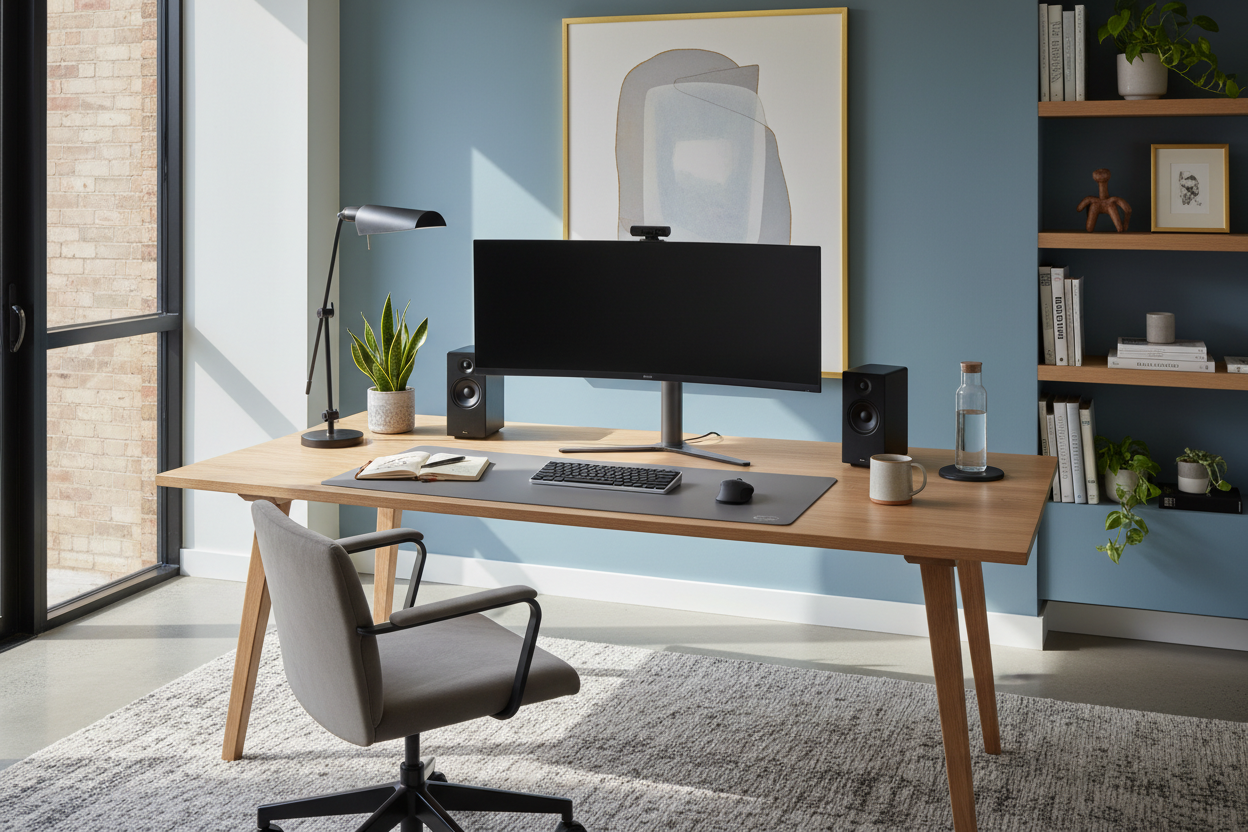
We often treat the desk as a utilitarian island—a flat surface where the laptop lands and coffee cups accumulate. However, as an interior designer, I see the workspace as the cockpit of your home. It requires a delicate balance between rigid ergonomics and soft aesthetics. When you are setting up desk configurations, you are not just arranging furniture; you are curating a zone for focus, creativity, and comfort. The difference between a chaotic tabletop and a sanctuary of productivity lies in the intentional layering of lighting, height mechanics, and material selection.
Quick Decision Guide: The Essentials
If you are looking for the ideal desk setup immediately, prioritize these four pillars before buying a single accessory:
- Ergonomic Triangle: Ensure your chair, keyboard, and screen align so your elbows remain at 90 degrees and your eyes hit the top third of the monitor.
- Lighting Layers: Never rely on a single overhead bulb. Combine ambient light with a dedicated, adjustable task lamp.
- Surface Depth: An optimal desk setup requires a minimum depth of 24–30 inches to prevent eye strain from monitors sitting too close.
- Cable Management: Plan for power access immediately. Visual clutter breaks focus faster than physical clutter.
Positioning and Layout: The Command Position
When clients ask how to set up my office, the first thing I assess is the room's architecture. The most common mistake is facing a wall directly. In design psychology, we utilize the "Command Position." Ideally, you should position your desk to face the door or into the room, with a solid wall behind you. This reduces subconscious anxiety about what is happening behind your back and anchors the room visually.
If space constraints force you against a wall, soften the boundary. Use a large piece of art or a pinboard clad in linen to add texture and sound absorption. This turns a blank stare into a moment of visual interest.
Ergonomics Meets Aesthetics
Learning how to set up a desk correctly involves acknowledging that the human body is not a straight line. While we want the clean lines of a modern silhouette, we need the adjustability of performance gear.
The Chair-Desk Relationship
Your chair is the foundation. If you are using a fixed-height desk, your chair must offer height and lumbar adjustments. For a luxury look, avoid the racing-stripe gaming chairs. Opt for high-performance mesh or leather task chairs that offer breathable support without dominating the room's color palette. The goal is an ideal computer setup where your feet are flat on the floor, not dangling.
Monitor Placement and Visual Balance
To maintain a sophisticated aesthetic while ensuring functionality, lift your monitors. Monitor arms are superior to static stands because they reclaim valuable desk real estate. This negative space is crucial for visual breathing room. Ensure the screen is an arm's length away. If you use dual monitors, center them to avoid constant neck rotation.
Lighting: The Mood Setter
When figuring out how to setup desk environments, lighting is often the failure point. Overhead "can" lights cast shadows on your work surface, causing eye fatigue. You need task lighting with a high CRI (Color Rendering Index) to show true colors, especially if you work with physical samples or paper.
Position your task lamp on the opposite side of your dominant hand to eliminate writing shadows. For a warm, inviting atmosphere, aim for a color temperature of 2700K to 3000K. This prevents the sterile "clinical" feel of standard office cubicles.
Materiality and Texture
The tactile experience matters. A glass desk looks sleek but feels cold on the forearms and amplifies the sound of typing. Solid wood or high-quality veneer offers warmth and acoustic dampening. If you already have a cold surface, introduce a large wool or leather desk pad. This not only defines the work zone but acts as a coaster for your devices, protecting the finish underneath.
Lessons from My Own Projects: The "Cable Spaghetti" Reality
I want to share a specific realization from a home office I designed in a Manhattan loft. We selected a stunning, floating walnut desk that looked like a piece of sculpture. It was breathtaking until the client plugged in their hardware. We had completely underestimated the visual weight of power cords.
I learned the hard way that how to setup your office effectively means warring against cables. In that project, I had to retrofit a cable spine down the leg of the desk and mount a tray underneath. Now, when I consult, I insist on "tech-ready" furniture or immediate cable management solutions. I use velcro ties rather than zip ties (you will change your setup eventually), and I mount the power strip to the underside of the desk. If you can see a wire hanging, the design isn't finished. It’s a small detail, but removing that visual noise is often the single biggest factor in whether a client feels "peace" in the room.
Frequently Asked Questions
What is the best desk depth for a computer setup?
For a standard laptop setup, 24 inches is sufficient. However, if you are using external monitors, aim for 30 inches deep. This allows you to focus properly without pixelation and leaves room for a keyboard and notepad without feeling cramped.
How do I set up my office desk near a window?
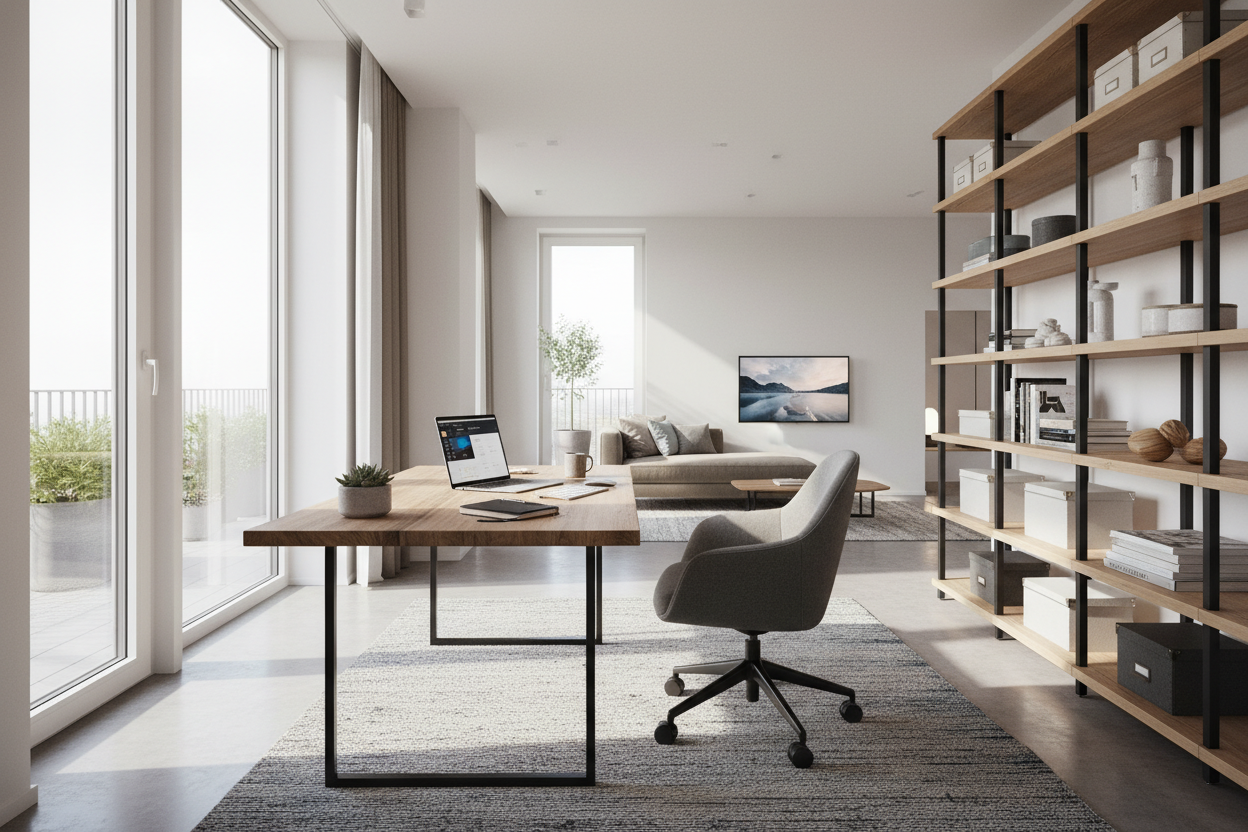
Natural light is wonderful, but glare is the enemy. Avoid placing your screen directly in front of a window (backlight issues) or directly opposite a window (glare on the screen). The optimal placement is perpendicular to the window, allowing light to wash across the room without hitting your eyes directly.
Is a standing desk worth the investment?
From a health perspective, absolutely. From a design perspective, they can be tricky. If you choose a standing desk, look for one with a modesty panel or integrated cable management to hide the mechanics. The ability to shift posture throughout the day is invaluable for long-term comfort.

Leave a comment
This site is protected by hCaptcha and the hCaptcha Privacy Policy and Terms of Service apply.