

















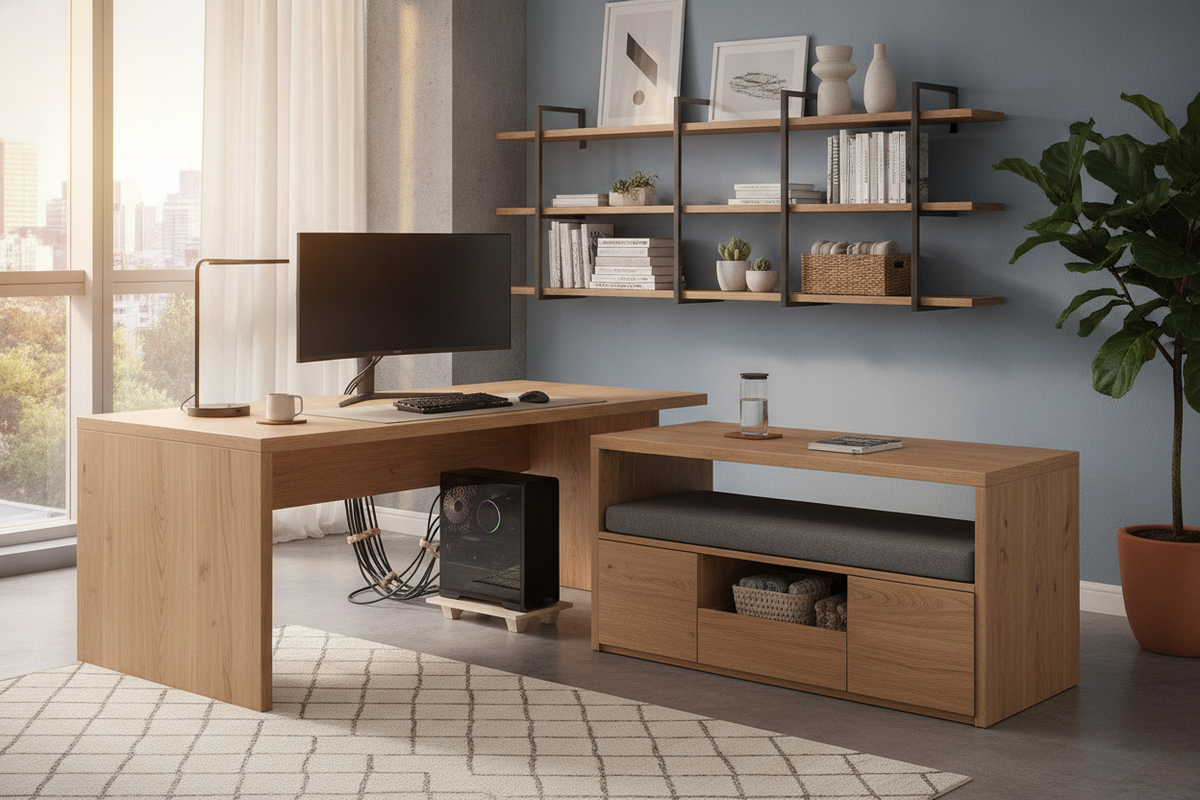
A well-planned workstation relies on deliberate zoning. When a single desktop attempts to hold primary monitors, input devices, desktop computer towers, and administrative supplies, the working surface quickly becomes congested. Integrating a coordinated desk and side table setup establishes a secondary tier of utility that preserves elbow room while keeping essential hardware and reference materials immediately accessible.
Understanding the Desk and Side Table Workstation Dynamic
Pairing a desk side table with your main surface transforms a standard desk into an adaptable modular workstation. By establishing clear physical boundaries between your primary task surface and auxiliary support tools, you can tailor your office footprint to your daily habits.
Primary Desktop Relief: Separating Active Tasks from Peripheral Clutter
The primary desk zone should prioritize ergonomics, focusing on clean sightlines to screens, neutral arm angles, and unobstructed keyboard and mouse movement. Placing secondary items—such as external hard drives, desktop speakers, charging docks, or notepads—directly in front of you can crowd your central workspace. Introducing a side desk table provides dedicated landing zones for auxiliary equipment, allowing the central desk to remain open for core creative or analytical tasks.
Spatial Footprint Versatility: Linear Alignment vs. L-Shaped Corner Returns
A modular side desk offers superior spatial flexibility compared to rigid, oversized executive furniture. Arranging a computer desk and side table in a straight line produces an elongated workstation suited for long, narrow walls. Alternatively, orienting a side table next to desk surfaces perpendicularly yields an L-shaped configuration. This return provides a natural pivot zone, letting you shift between digital input and paperwork with a simple turn of your office chair.
Dedicated Roles for an Office Desk Side Table
Rather than acting as an accidental surface for miscellaneous clutter, a side table for office desk configurations works best when assigned a distinct operational role.
CPU Elevation and Ventilation: Dedicated PC Side Table Configurations
Resting a tower chassis directly on flooring exposes delicate cooling intakes to dust and pet hair, while placing it atop the main desktop consumes critical real estate. A dedicated side table for pc hardware lifts the chassis off carpet fibers while preserving open desktop space. Choosing an open side table for desktop pc setups allows unobstructed airflow through front intakes and rear exhausts, simplifying component access whenever cables need adjustment.
Hardware Staging: Printers, Scanners, and External Hard Drives
Desktop peripherals generate vibrations, emit ambient heat, and require substantial depth. Allocating a computer desk side table to house shared printing equipment or desktop backup units isolates mechanical vibration from your primary writing surface. This division maintains a stable, quiet foundation for typing and video conferencing.
Analog and Staging Zones: Notebooks, Reference Binders, and Beverages
Digital workflows often intersect with physical documentation. Using a small desk side table as an analog station provides room for open binders, sketchpads, or legal pads without obscuring your monitor. It also serves as a secure perch for beverages, positioning liquids away from sensitive computer accessories.
Proportions and Dimensional Alignment Strategies
Achieving harmony between your primary workstation and companion furniture requires careful attention to scale, surface elevation, and depth transitions.
Flush Surface Heights vs. Tiered Step-Down Profiles
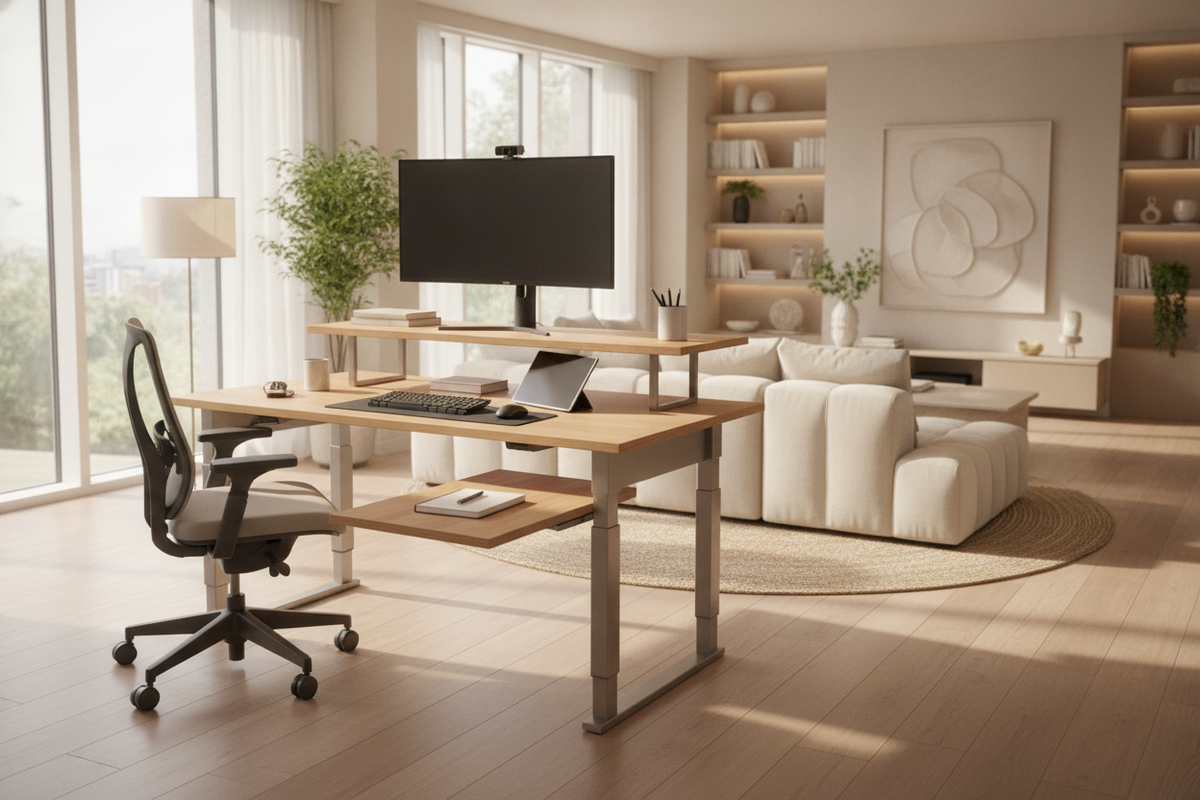
When selecting a side table for computer desk pairing, consider whether you need continuous surface plane continuity or a tiered step-down. A flush height creates an uninterrupted expanse, ideal for spreading out technical drawings or shifting dual monitors outward. In contrast, a slightly lower end table desk profile works well for desktop towers, printers, or auxiliary keyboards, preventing bulky hardware from interrupting natural eye-level sightlines.
Depth Continuity: Matching Primary Desk Proportions for Seamless Reach
To ensure a comfortable reach radius, compare the front-to-back depth of both pieces. When establishing an L-shaped corner return, a side table workstation with a shallower profile than the main desk preserves valuable floor clearance while remaining within arm's reach.
Narrow Profiles for Compact Home Offices and Bedroom Workstations
In tight apartments or multipurpose guest rooms, bulky furniture can overwhelm walking corridors. Selecting a narrow side table for desk layouts introduces functional square footage without restricting door swings or closet access. For further ideas on styling streamlined desk areas, explore our small desk end guide.
Storage Architecture: Choosing Open Shelving vs. Concealed Drawers
The internal arrangement of your companion table dictates how neatly your office functions on a day-to-day basis.
Desk Side Tables with Storage Drawers for Office Stationery
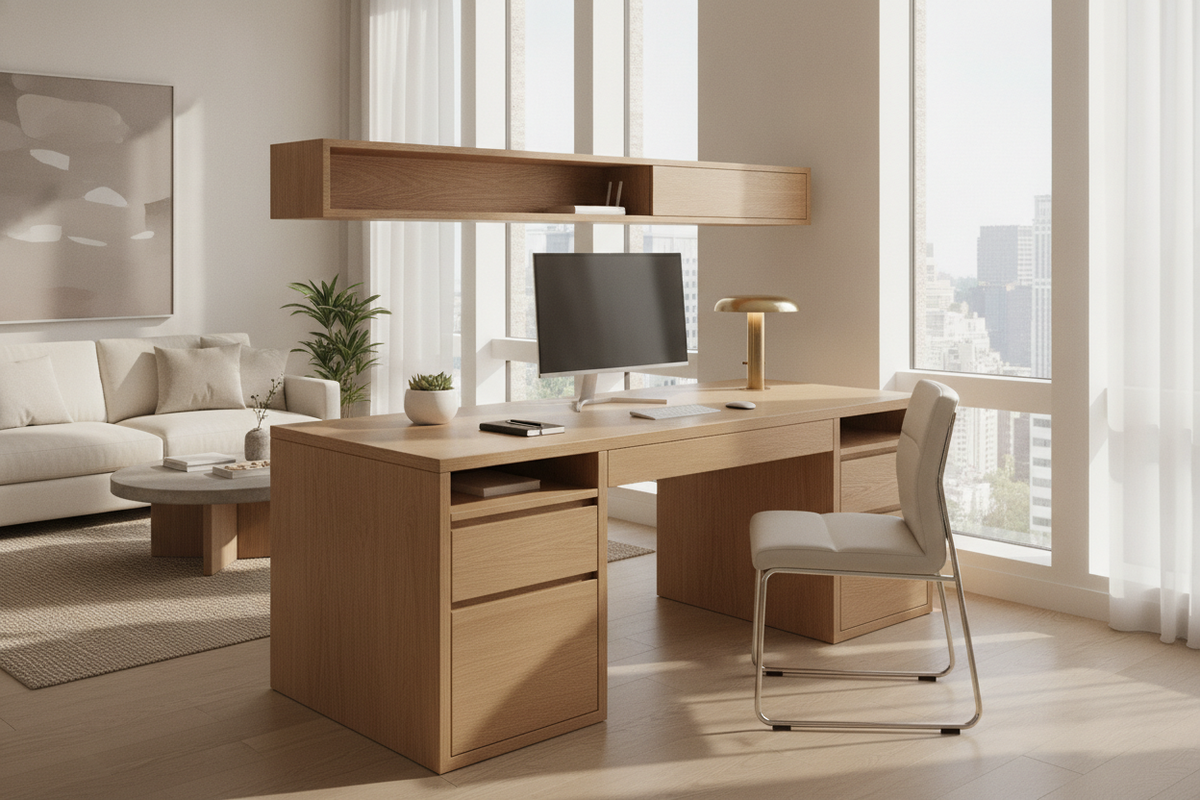
Choosing a desk side table with storage drawers provides concealed space for writing tools, cables, and everyday desktop essentials. Enclosed storage reduces visual noise across the room. For inspiration on pairing internal compartmentalization with organized cabinetry, review our desk storage office guide alongside the wider office storage collection.
Open Bottom Racks for Unrestricted Desktop PC Cable Runs and Airflow
If your side desk functions primarily as an end table for pc towers, open frames or lower shelves without solid backboards are preferred. Solid back panels can trap warm exhaust air and complicate cable routing. Open framing allows thick power cables and display cords to pass cleanly toward wall outlets without awkward kinks.
Mobile Side Desks: Locking Casters for Dynamic Reconfiguration
In dynamic work environments, flexibility is paramount. A mobile small side desk equipped with locking casters can be moved effortlessly to provide maintenance access to tower ports, or wheeled across the room to serve as an impromptu presentation stand during collaborative meetings.
Material Coordination and Cable Management Across Dual Surfaces
Combining two independent furniture pieces requires deliberate design choices to ensure the room feels cohesive rather than pieced together at random.
Coordinating Finishes: Wood Tones, Matte Metals, and Engineered Composites
To avoid visual clash, evaluate the predominant finishes in your office. Pairing a matte steel desk frame with an end table computer desk sharing similar metal profiles creates architectural cohesion. If mixing wood grains, aim for complementary undertones—pairing warm oak surfaces together, or balancing walnut desktop panels with neutral dark framing.
Bridging Power and Data Wires Without Tangled Floor Clusters
Bridging two desks often creates a gap where cables can dangle unsightly across open flooring. Fastening adhesive wire channels or under-desk cable baskets beneath the adjoining edges keeps cords organized. Grouping display and USB lines inside braided sleeves prevents tripping hazards and maintains clean lines from every room angle.
Room Integration Framework: Placing Your Side Table Workstation
Room proportions, natural light, and traffic pathways dictate how effectively your desk and side table arrangement functions in practice.
Wall-Bound Run: Streamlined Linear Extensions
Placing both surfaces flush against a single flat wall maintains an open central floor area. This configuration works especially well in long, narrow rooms, offering a clear path from entry doors to windows while stretching the functional desktop along a single perimeter.
Corner Anchoring: Maximizing Compact Studio Nooks
Placing your computer desk with side table accessories into a designated room corner establishes a focused, cockpit-style perimeter. If you prefer a factory-matched corner silhouette with integrated shelving, an office computer desk product offers an all-in-one alternative that maximizes corner efficiency without requiring manual furniture pairing.
Floating Executive Configurations: Balancing Client Sightlines and Tech Concealment
When positioning your workstation toward the center of the room facing the entry door, the back and sides of your furniture remain exposed to view. Here, pairing your primary desk with an office desk side table allows you to angle technology towers and peripheral equipment away from entry sightlines, maintaining an organized, welcoming impression for guests.

Leave a comment
This site is protected by hCaptcha and the hCaptcha Privacy Policy and Terms of Service apply.