

















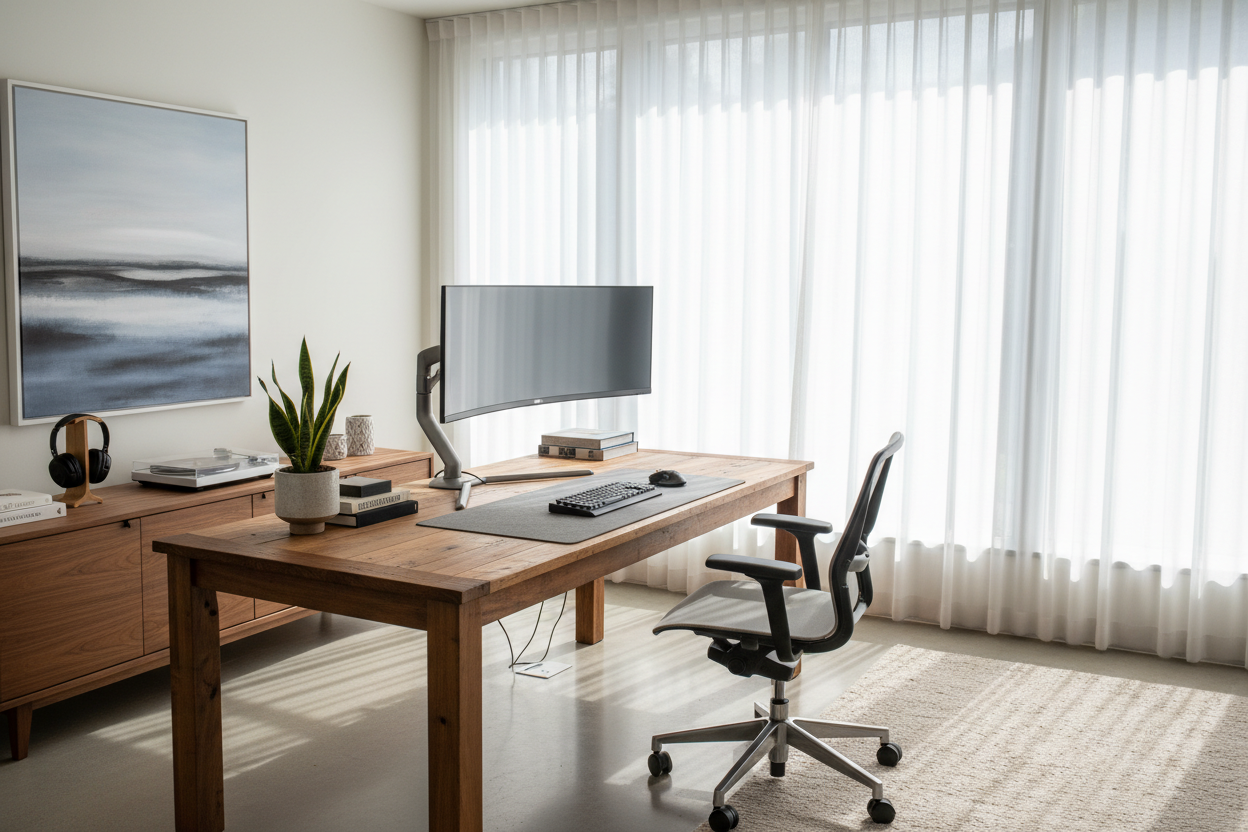
We have all experienced the distinct fatigue that comes from a poorly planned workspace. It is not merely physical discomfort; visual clutter and disjointed layouts actively drain mental energy. As an interior designer, I often see clients treat their workspace as an afterthought, prioritizing a single piece of furniture rather than considering the ecosystem as a whole. Truly effective desk setups are not just about buying a table and a chair; they are about curating a zone where functionality meets visual harmony.
Key Elements of a Curated Workspace
- Visual Balance: Ensuring monitors and peripherals do not overwhelm the desk surface, maintaining 'negative space' for clarity.
- Material Tactility: Choosing surfaces (solid wood, matte laminate, linoleum) that are comfortable to touch for extended periods.
- Ergonomic Flow: Positioning the desktop setup so that the screen is at eye level and input devices allow for neutral wrist positioning.
- Ambient & Task Lighting: Layering light sources to reduce eye strain and highlight the desk's focal points.
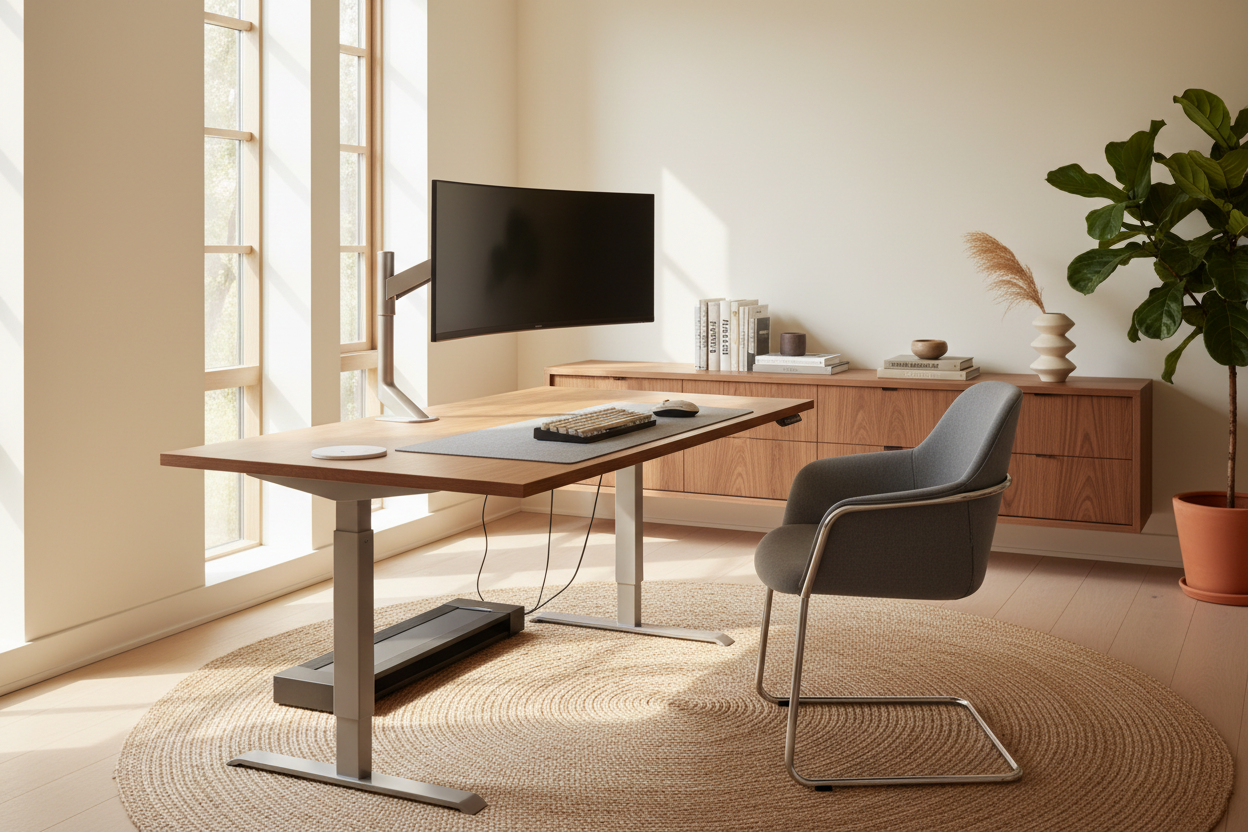
- Cable Architecture: Implementing concealed management systems to maintain a clean silhouette.
Establishing the Foundation: Surface and Material
The core of any office design lies in the material selection. While glass offers a sleek, modern silhouette, I often advise against it for heavy daily use due to its cold tactile nature and tendency to amplify sound. For the best desk setups, consider solid hardwood or high-grade veneer. Walnut and white oak provide warmth and introduce organic grain patterns that soften the harsh lines of modern technology. If you prefer a monochromatic look, opt for Fenix NTM or soft-touch laminates which resist fingerprints and reduce light reflection.
Mastering Desk Configurations and Layout
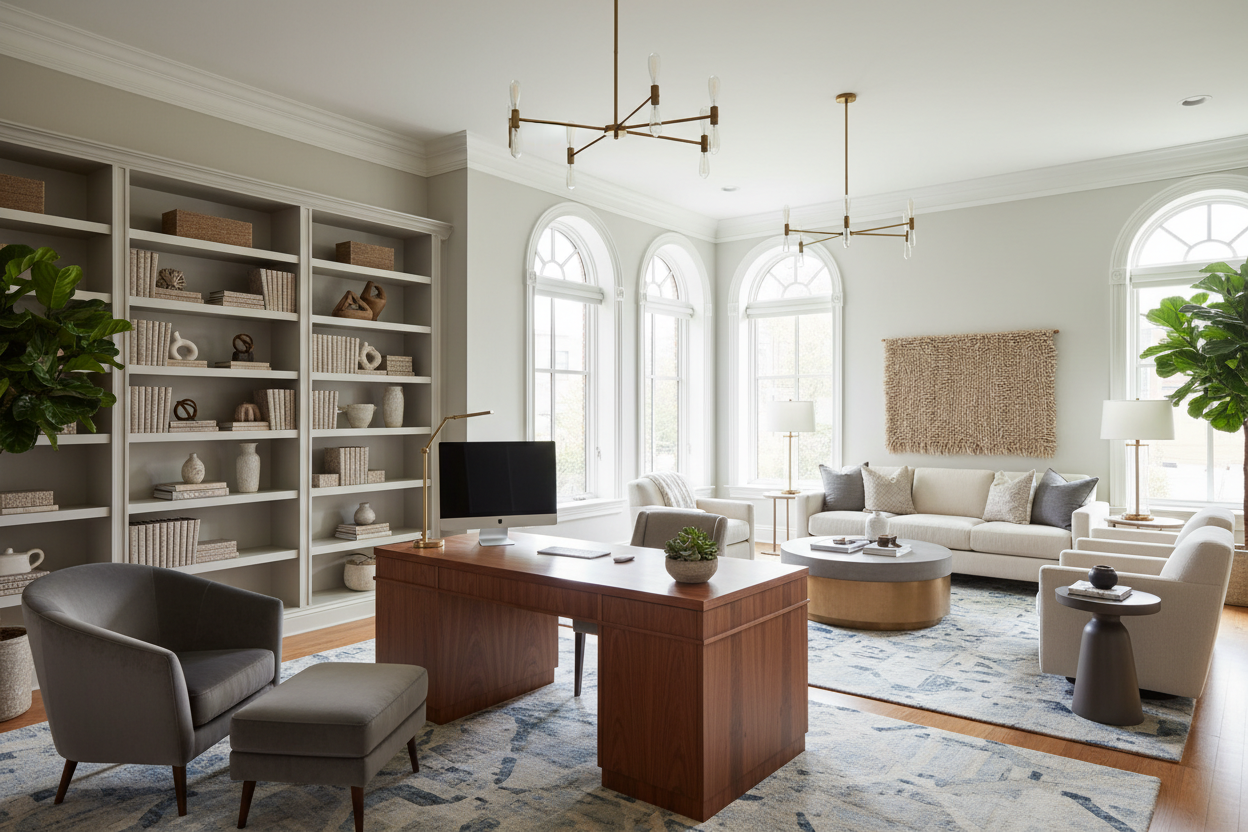
Space planning is critical. Placing a desk directly against a wall is standard, but floating the desk in the room—facing the door—can command authority and improve flow. When planning your desk configurations, consider the 'visual weight' of your equipment. If you utilize dual monitors, the desk width must be substantial enough to prevent the setup from looking top-heavy. A good rule of thumb is to ensure at least 30% of your desktop surface remains clear of permanent fixtures.
Integrating the Desktop Setup
Your desktop setup—the arrangement of the computer, monitor, and peripherals—should dictate the desk choice, not the other way around. For creatives using large tablets or drawing displays, a deeper desk (30 inches or more) is non-negotiable to accommodate the hardware without cramping the keyboard area. This depth also allows you to push monitors back, preserving your eyesight.
Lighting and Ambiance
Standard overhead lighting is the enemy of a sophisticated workspace. To elevate office desk setups, layer your lighting. Start with a high-quality monitor light bar to illuminate the immediate work zone without screen glare. Complement this with a warm architectural table lamp or bias lighting behind the monitor. This reduces the contrast between the bright screen and the dark room, significantly lowering eye strain while adding a luxurious, moody aesthetic.
My Personal Take on Desk Setups
I learned a hard lesson about desktop setups during a project for a minimalist loft a few years ago. I specified a stunning, architectural desk with a severe 'knife-edge' bevel (a slanted edge profile). It looked sculptural and incredible in photos.
However, three weeks later, the client called me in frustration. Because of that beautiful beveled edge, they couldn't mount their ergonomic monitor arm—the clamp simply slipped off the slanted wood. We had to drill into the pristine solid wood to use a grommet mount, which was painful to watch. Since then, I always check the underside clearance and edge profile of a desk before considering it for a client who uses heavy tech gear. It’s those unpolished, practical details—like whether a microphone boom arm can actually grip the table—that determine if a setup is livable or just photogenic.
Conclusion
Transforming your workspace requires looking beyond the utility of the furniture. By selecting materials that age gracefully, planning for the volume of your technology, and respecting the ergonomics of your body, you create a space that invites focus. Treat your desk not as a utility, but as a command center for your creativity.
Frequently Asked Questions
What is the ideal depth for office desk setups with dual monitors?
For dual monitors, a depth of 30 inches (approx. 76 cm) is ideal. This depth prevents the screens from sitting too close to your face and provides ample room for a keyboard, mouse, and notepad without the space feeling cluttered.
How do I hide cables in open desk configurations?
If your desk is floating in the room, cable management is vital. Use a cable spine (a vertebrae-like tube) to guide wires from the desk underside to the floor. Additionally, mount a power strip directly to the underside of the desk so only one single power cord needs to run to the wall outlet.
Are standing desk converters worth it for aesthetic setups?
From a design perspective, bulky converters often ruin the silhouette of a high-end desk. If ergonomics are a priority, it is better to invest in a dedicated sit-stand desk with integrated motors and hidden legs, rather than placing a clunky mechanism on top of a static table.

Leave a comment
This site is protected by hCaptcha and the hCaptcha Privacy Policy and Terms of Service apply.