

















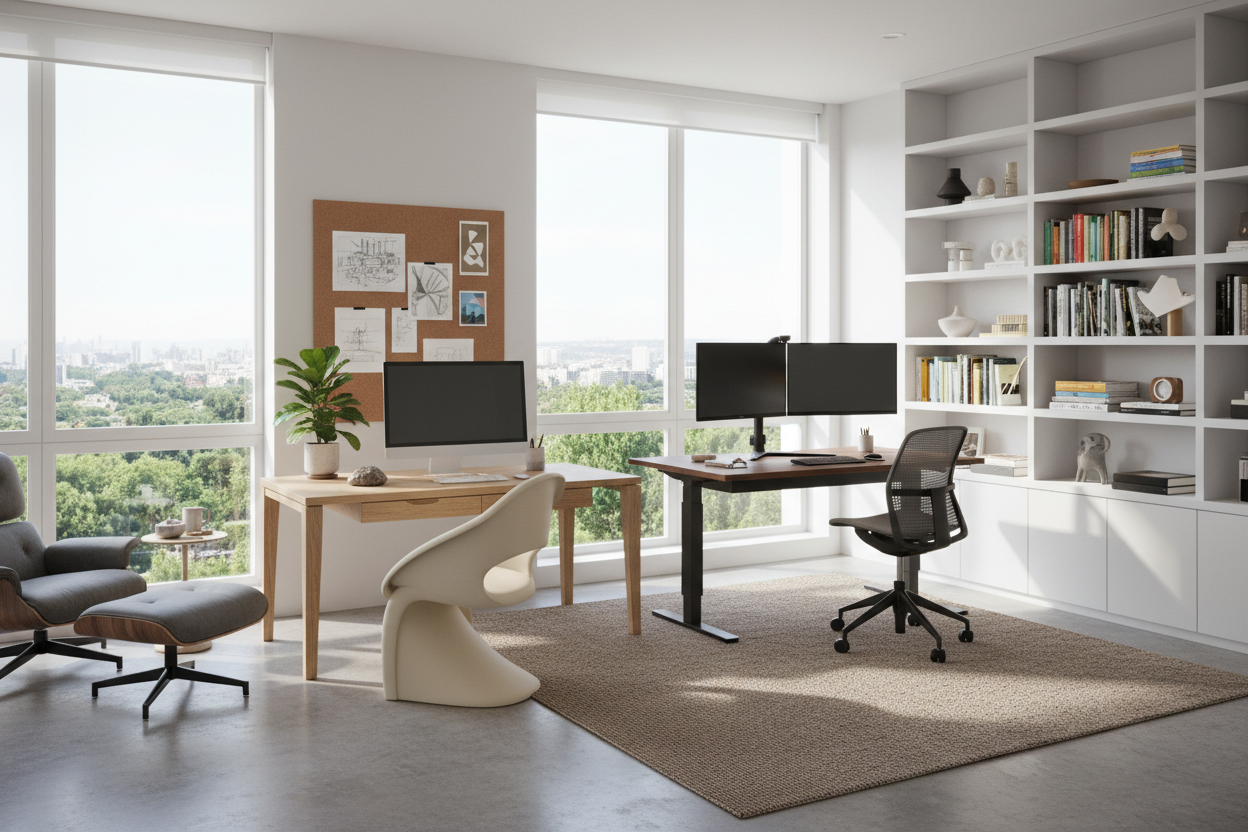
We have all spent too many hours hunched over a dining table, trying to find focus amidst the chaos of daily life. A dedicated workspace is no longer a luxury; it is a fundamental component of a healthy work-life balance. However, curating the perfect setup requires more than just buying a table and a chair. It demands a thoughtful approach to ergonomics, lighting, and spatial flow. In this guide, we will explore how to select and style home office workstations that marry high-end aesthetics with rigorous functionality, ensuring your space works as hard as you do.
Key Features to Look For
- Surface Depth: Ensure a minimum depth of 24–30 inches to accommodate monitors without straining your eyes.
- Material Durability: Look for scratch-resistant laminates or sealed hardwoods (like walnut or oak) rather than soft pine.
- Cable Management: Prioritize designs with integrated grommets or hidden channels to maintain visual calm.
- Ergonomic Height: The standard height is 29–30 inches, but adjustable sit-stand mechanisms are superior for long-term health.
- Leg Room: Check for unobstructed space beneath the surface; avoid drawers that cut into knee space.
Space Planning and Layout Strategy
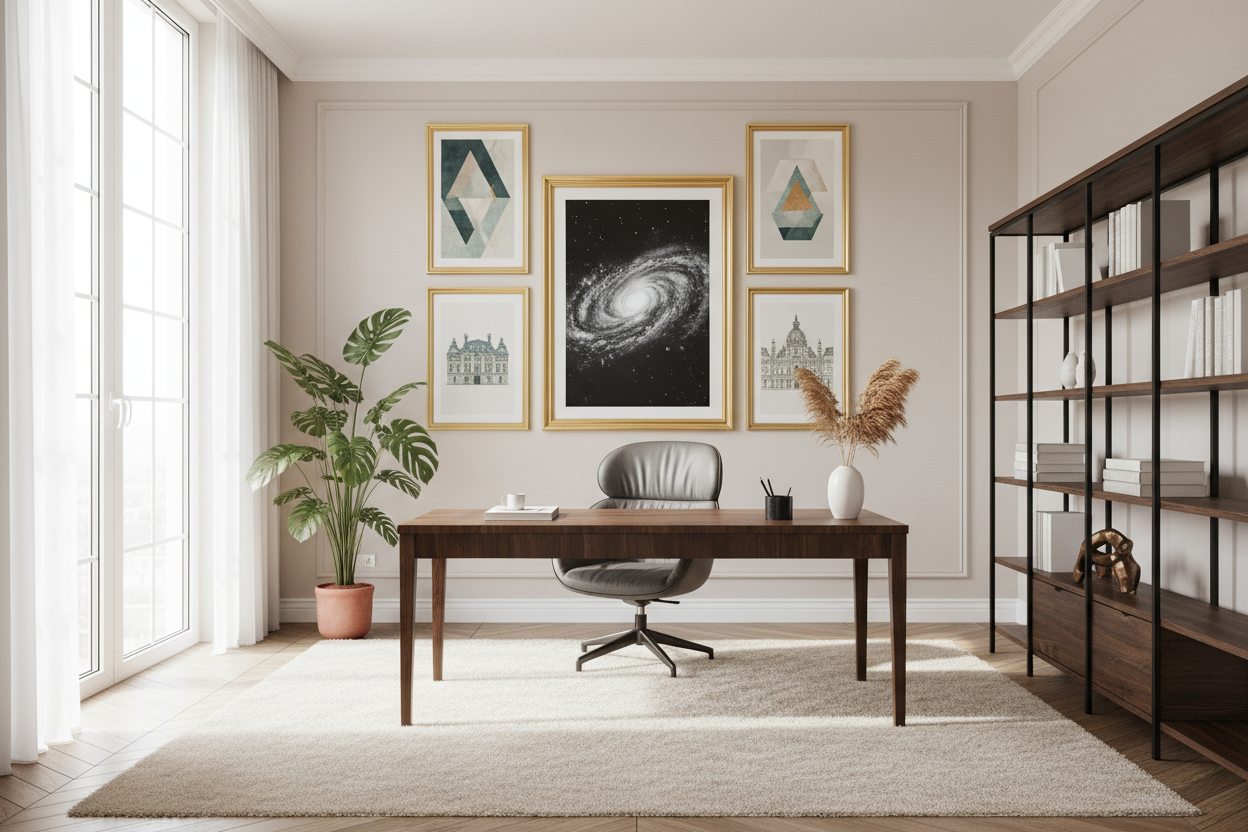
When positioning a workstation for home office use, the 'command position' is paramount. In design theory, this means facing the entrance of the room, rather than staring at a blank wall. This orientation reduces subconscious anxiety and allows you to own the space. If your square footage is limited, consider a floating desk. It keeps the floor visible, increasing the perception of space and maintaining an airy, uncluttered silhouette.
Choosing the Right Materials
Solid Wood vs. Veneer
For a tactile, luxurious experience, solid wood is unmatched. It ages beautifully and can be refinished. However, high-quality architectural veneers are often more stable in fluctuating humidity, preventing warping. If you are aiming for a sleek, modern look, a desk home workstation with a matte nano-texture finish is excellent for reducing glare and resisting fingerprints.
Visual Weight and Balance
Consider the visual weight of the piece. A heavy, double-pedestal desk anchors a large room but will suffocate a small study. Conversely, a glass or acrylic desk disappears into the room, making it ideal for multi-purpose spaces, though it can feel cold to the touch and requires constant cleaning.
Ergonomics: The Invisible Luxury
True luxury is comfort. Your workstation must support your posture. The relationship between your chair armrests and the desk surface is critical; your elbows should rest at a 90-degree angle. If you use dual monitors, the desk width must be substantial enough to hold them without looking cluttered. We often recommend articulating monitor arms to free up precious surface area for sketches, documents, or your morning coffee.
Lessons from My Own Projects
I once specified a stunning, raw-edge reclaimed oak slab for a client’s executive nook. It looked incredible in the renderings—full of character and warmth. However, two weeks after installation, the client called me in frustration. The texture of the wood, while beautiful, was so uneven that writing on a single sheet of paper was impossible without the pen poking through. We had to retrofit a custom leather inlay to create a smooth writing zone.
Another detail I’ve learned the hard way involves metal legs. I used a desk with sharp, squared-off steel legs in a tight city apartment. The client constantly bruised their shins when swiveling out of the chair. Now, I always test the 'swivel radius' and prioritize desks with recessed legs or rounded profiles for tighter spaces. It is these unpolished, practical realities that dictate whether a piece of furniture is a joy or a nuisance.
Creating Your Sanctuary
Your workspace should be a reflection of your professional identity and personal taste. By focusing on quality materials, proper scale, and ergonomic support, you invest in your own productivity. Don't settle for temporary solutions; build a space that invites you to do your best work.
Frequently Asked Questions
What is the ideal depth for a computer workstation?
For a laptop only, 20-24 inches is sufficient. However, if you use an external monitor, aim for 28-30 inches deep. This ensures the screen is an arm's length away, preventing eye strain and leaving room for a keyboard and wrist rest.
How do I hide cords on a desk that faces the room?
If your desk floats in the center of the room, cable management is vital. Use a desk with a modesty panel to hide hanging wires, or mount a cable tray specifically designed for the underside of the desk. Run floor cords through a heavy-duty rubber cord cover that matches your flooring tone.
Can I use a dining table as a desk?
While aesthetically pleasing, dining tables are often slightly higher (30 inches) than standard desks (28-29 inches), which can cause shoulder strain. If you choose this route, ensure your chair has a high enough lift range and use a footrest to maintain proper leg alignment.

Leave a comment
This site is protected by hCaptcha and the hCaptcha Privacy Policy and Terms of Service apply.