


















There is a distinct difference between a desk pushed against a wall and a thoughtfully curated workspace. The dilemma many of my clients face is trying to balance the utilitarian needs of a 9-to-5 with the softer, welcoming aesthetic of a home. When the design is off, productivity suffers; the chair becomes uncomfortable after an hour, or the lighting causes eye strain by midday. This article bridges that gap, helping you design an office space inside your home that respects both ergonomics and high-end interior design principles.
Key Features for a High-Performance Workspace
- Ergonomics First: Prioritize seating with adjustable lumbar support and seat depth over purely sculptural shapes.
- Lighting Temperature: Aim for 3000K to 4000K LED bulbs to mimic daylight without the harshness of clinical blue light.
- Acoustic Control: Incorporate soft materials (rugs, drapery, upholstered panels) to dampen echo and improve focus.
- Surface Durability: Choose matte finishes or natural wood veneers to hide fingerprints and reduce glare from screens.
- Spatial Flow: Position the desk to face the room or a window (the "command position") rather than staring at a blank wall.
Mastering the Layout: The Command Position
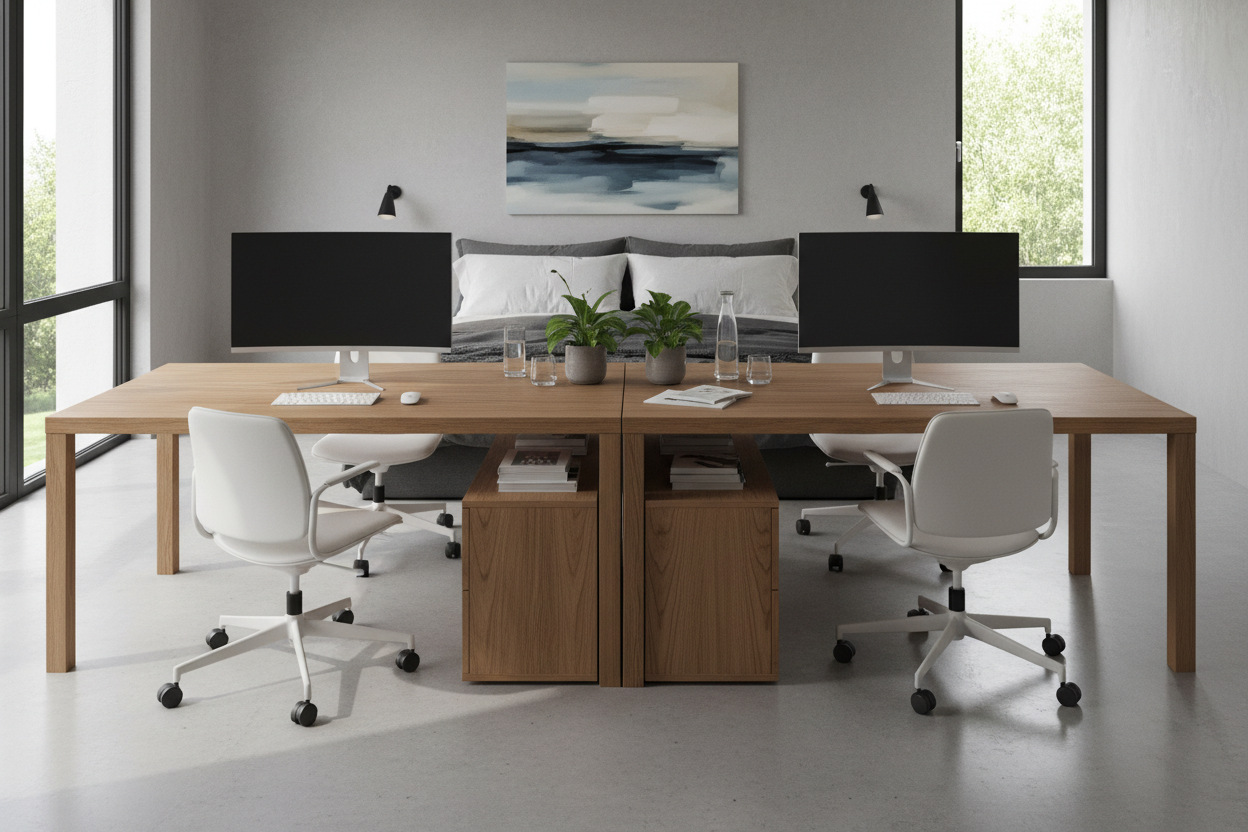
In luxury residential design, we often talk about the "command position." This is critical when carving out an office area. Placing your desk so your back faces the door creates a subconscious sense of vulnerability. Instead, float the desk in the room if space permits. This not only elevates the visual weight of the furniture but allows you to engage with the architecture of the room.
If floating the desk isn't feasible due to square footage, consider a perpendicular layout extending from a wall. This setup defines a distinct zone without closing off the room entirely, maintaining an open, airy silhouette.
Materiality & Textures: Balancing Function with Form
The tactile experience of your workspace is just as important as the visual. When selecting a desk, consider how the material feels against your skin for prolonged periods.
Solid Wood vs. Veneer
While solid wood offers longevity and the ability to be refinished, high-quality architectural veneers are often more stable in fluctuating humidity. For a sophisticated look, I often recommend walnut or white oak with a matte, open-pore finish. This adds warmth and prevents the surface from feeling cold to the touch—a common complaint with glass or stone desktops.
The Role of Soft Furnishings
An often-overlooked element in a home office is the rug. A low-pile wool rug serves two purposes: it anchors the furniture, defining the "office" zone within a larger room, and it acts as a sound absorber. Hard surfaces bounce sound, creating a tinny audio quality during conference calls. A dense rug absorbs these frequencies, making the room sound as grounded as it looks.
Lighting Layers: Beyond the Overhead Bulb
Relying solely on recessed overhead cans casts shadows directly on your workspace. To achieve a professional, shadow-free environment, you need layered lighting. Start with ambient light (the overheads), but crucially, add an articulated task lamp. Look for fixtures with a high Color Rendering Index (CRI of 90+) to ensure colors on your documents or screens look accurate and your eyes don't fatigue.
Lessons from My Own Projects
I want to share a specific mistake I made early in my career so you don't have to. I once designed a stunning, minimalist office for a client featuring a custom tempered glass desk. It looked incredible in photos—sleek, modern, and airy. However, two months later, the client called me.
The issue wasn't the look; it was the thermal conductivity and the maintenance. In the winter, the glass sapped the heat right out of their forearms, making it physically uncomfortable to type for more than twenty minutes. Furthermore, the optical mouse didn't track well on the glass without a pad, and every single fingerprint or coffee cup ring created visual clutter that ruined the "minimalist" vibe. I had to retrofit the desk with a custom leather blotter to fix it. Now, I always insist on warm, matte materials for high-touch surfaces. It’s a reminder that livability must always coexist with luxury.
Conclusion
Creating the perfect office space inside your home is about more than buying a desk; it is about curating an environment that fosters clarity. By investing in tactile materials, proper lighting layers, and a layout that commands the room, you transform a simple workstation into a place of inspiration. Trust the process, and prioritize how the space feels just as much as how it looks.
Frequently Asked Questions
How much space do I ideally need for a home office setup?
At a minimum, allow for a footprint of 60 inches by 84 inches. This accommodates a standard 48-inch desk and provides enough clearance (about 30-36 inches) behind the chair to slide out comfortably without hitting a wall or bookshelf.
Can I use a dining chair as an office chair?
For short durations, yes. However, dining chairs lack the lumbar support, seat tilt, and height adjustability required for 8-hour shifts. If you dislike the look of task chairs, look for "executive" styles upholstered in leather or linen that hide ergonomic mechanisms beneath a residential aesthetic.
What is the best way to hide cords in a floating desk layout?
If your desk is away from the wall, cord management is vital. Look for desks with integrated modesty panels or built-in cable channels. Alternatively, use a floor outlet hidden by a rug, or run a cord cover specifically matched to your flooring color to minimize visual disruption.

Leave a comment
This site is protected by hCaptcha and the hCaptcha Privacy Policy and Terms of Service apply.