

















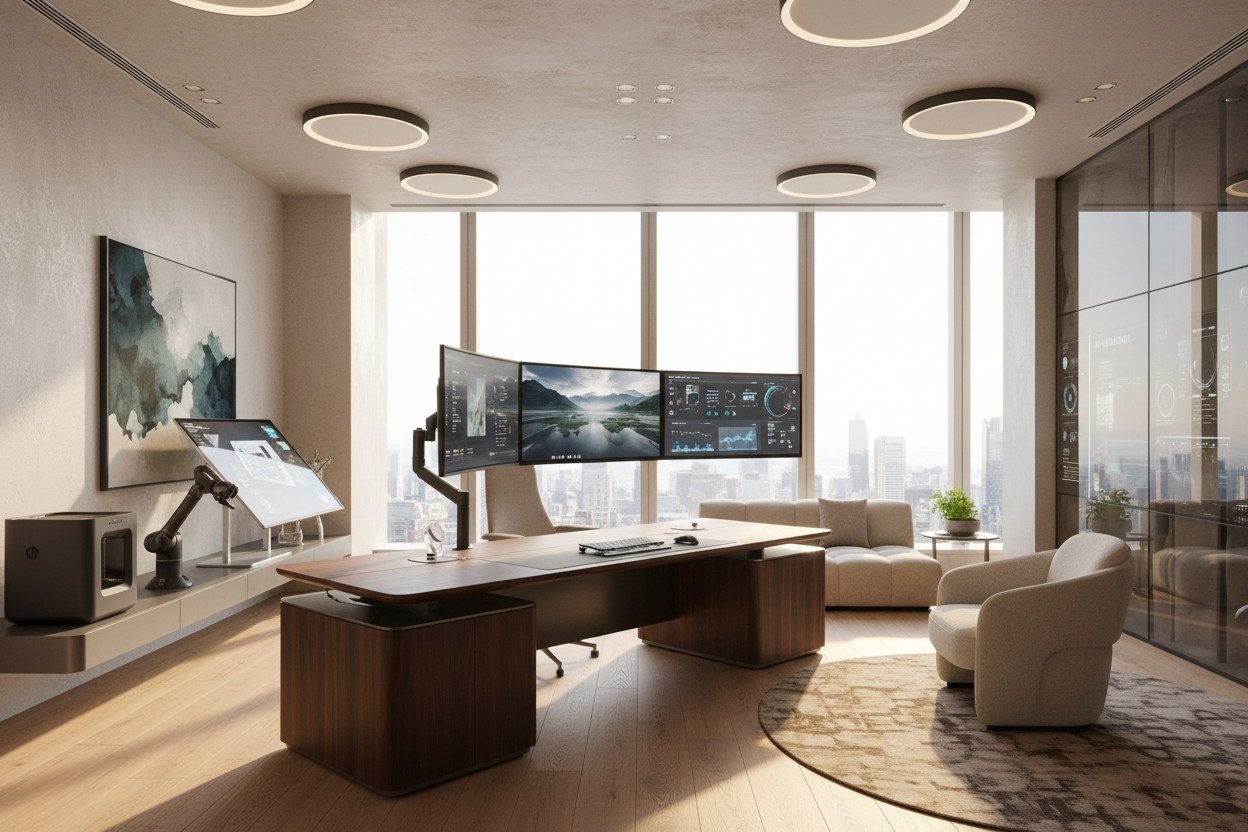
You spend weeks selecting the perfect solid oak executive desk and a vintage Persian rug, only to ruin the entire aesthetic with a tangled rat's nest of black cables and clunky plastic monitors. It is a dilemma I see in almost every home office consultation.
Finding the best office tech 2024 isn't just about processing speed or screen resolution anymore; it is about how these devices physically live in your space. Today, we are going to walk through how to select and integrate the best office technology that actually complements your interior design, rather than fighting it.
Quick Decision Guide: Blending Tech and Design
- Prioritize wireless peripherals to instantly reduce visual clutter and reclaim negative space on your desktop.
- Choose monitors with slim bezels and metallic or matte white finishes to soften their visual weight.
- Invest in tech-integrated furniture, like desks with built-in power routing, to hide the functional chaos.
- Match your tech accessories to your room's hardware finishes, such as brushed brass or matte black.
Selecting Tech That Complements Your Decor
Color and Material Matter
Historically, the best tech for office environments came in one color: bulky corporate black. Fortunately, recent design trends have forced manufacturers to produce aesthetically conscious electronics. If your office leans mid-century modern, look for tech accessories featuring warm wood veneers or brushed aluminum. For softer, transitional spaces, matte white or soft gray peripherals blend into the background rather than demanding attention.
Managing Visual Weight
A massive, curved gaming monitor dominates a room, throwing off the proportion of everything else. If you need significant screen real estate, consider mounting dual monitors on an articulated gas-spring arm. This lifts the heavy screens off the desk surface, restoring the silhouette of your furniture and creating an illusion of more space. It is a simple swap that makes a standard desk feel like a bespoke workstation.
Space Planning & Layout
Even the best tech office setup falls apart if the wiring is exposed. In my floor plans, I always account for power routing before placing a single piece of furniture. If your desk floats in the center of the room, you need a floor outlet. If that is not an option, cable management spines that run down the desk leg and under-desk mounting trays for power strips are essential. The goal is to make the technology feel almost invisible until you sit down to use it. Leave at least 36 inches of clearance behind the desk to ensure your ergonomic chair can roll freely without snagging floor-routed cables.
Designer's Honest Take: Lessons from My Own Projects
A few years ago, I designed a stunning, minimalist home office in a Toronto loft. I convinced the client to invest in a gorgeous, glass-topped writing desk. It looked incredible in photos. But once they moved in their monitors, laptops, and hard drives, the glass surface exposed every single wire, dongle, and dust particle. It was a functional nightmare.
I learned the hard way that glass desks and heavy tech are natural enemies. Now, I almost exclusively specify desks with solid tops and built-in modesty panels or cable troughs. Additionally, while I love the look of vintage leather desk chairs, I have to admit they are terrible for eight-hour workdays. I always compromise by specifying a highly engineered ergonomic chair, but having it custom-upholstered to match the room's palette. Sometimes, function simply has to lead.
Frequently Asked Questions
How do I hide the wires for my office tech?
Start by mounting a cable management tray under the back edge of your desk to hold power strips and excess cord length. Use velcro ties to bundle cables together, and run them down a single desk leg using a cable spine or adhesive clips.
What is the best office tech 2024 has for small spaces?
For tight footprints, prioritize multi-functional devices. A monitor with a built-in high-quality webcam and a USB-C hub eliminates the need for standalone accessories. Compact, tenkeyless wireless keyboards also save crucial desktop real estate.
How do I make my tech look less corporate?
Swap out the standard black plastic accessories for items crafted from natural materials. Leather desk pads, wooden monitor stands, and fabric-wrapped charging cables instantly soften the rigid, industrial feel of standard office electronics.


Leave a comment
This site is protected by hCaptcha and the hCaptcha Privacy Policy and Terms of Service apply.