

















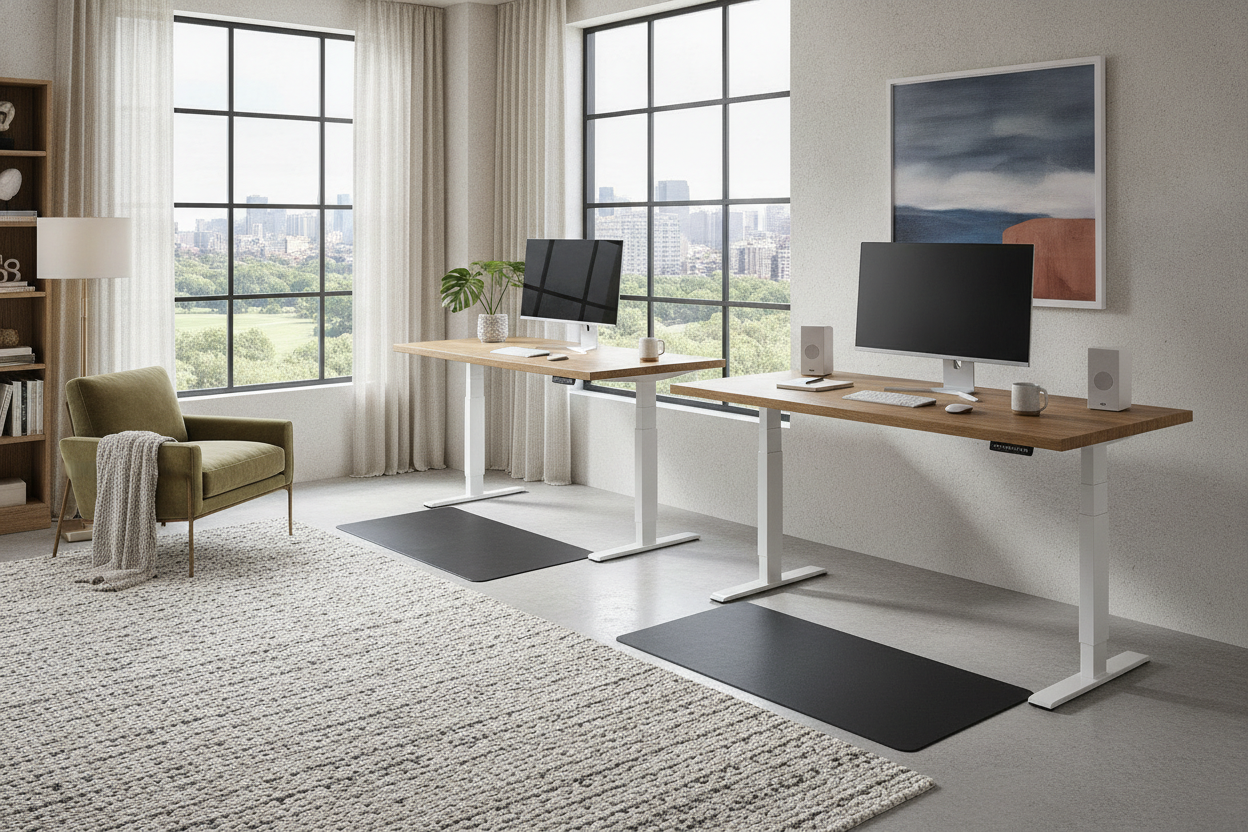
I spent three weeks obsessing over a vintage Persian rug for my home office, only for the entire vibe to be murdered the second my new desk arrived. It looked less like a piece of furniture and more like a medical exam table. If you are currently hunting for desks that stand up, you have probably realized the market is flooded with industrial-looking steel frames that feel cold, sterile, and aggressively corporate.
The truth is, most ergonomic furniture isn't designed for a cozy home; it is designed for a 500-person floor in a tech hub. But after testing four different setups in my 12x12 spare room, I’ve realized you don't have to choose between your lower back health and your interior design soul. You just have to know how to camouflage the machine.
Quick Takeaways
- Avoid the 'T-frame' legs if possible; look for C-frames or rounded columns to soften the look.
- Float the desk in the room rather than pinning it against a wall to hide the mechanical backside.
- Mount your power strip directly to the desk to prevent the 'spaghetti cord' look when it rises.
- Mix materials by adding a solid wood top to a metal frame for a more residential feel.
The 'Corporate Robot' Curse of Adjustable Furniture
The main aesthetic offender with a sit and stand electric desk is the base. Most of these frames are made of heavy-duty, powder-coated steel with massive feet that extend 27 inches or more. In a residential setting, that much metal looks harsh, especially if you have soft hardwoods or plush carpeting. It screams 'cubicle' because that is exactly where those components were born.
I’ve found that the black frames are the hardest to style because they create a high-contrast 'outline' that draws the eye straight to the floor. If you have light-colored walls, a white or silver frame tends to disappear more easily. The goal is to make the stand up computer desks look like they belong in a room where people actually live, not just where people process spreadsheets.
Stop Shoving It Against the Wall (Layout Tricks)
We are conditioned to push sitting desks against a wall to save space, but with a sit or standing desk, this actually highlights the ugliest part of the unit. When the desk is against the wall, you’re forced to look at the gap between the wall and the table, the exposed motor housing, and the inevitable cluster of wires. It makes the desk look like an awkward intruder.
Try floating your sit stand desk workstation. Turn it so it faces the door or a window. By placing it in the center of the room, the desk becomes an intentional focal point. This 'executive' position hides the mechanical legs behind the desk's silhouette from the perspective of someone entering the room. It turns a computer desk sit stand setup into a commanding piece of furniture rather than a cramped workstation.
Dealing With the Slack: The Cord Management Reality
A standing moving desk presents a unique problem: the 'death dangle.' You need enough cord length to reach the outlet when the desk is at its 48-inch peak, but when you lower it back down to 29 inches, that extra three feet of cable just piles up on the floor. It looks like a chaotic server room and instantly ruins the aesthetic of a clean office.
My fix? Never let more than one cord leave the desk. I mount a heavy-duty surge protector to the underside of the desktop using industrial-strength Velcro or screws. Every monitor, laptop, and lamp plugs into that strip. Then, I use a single braided cable sleeve for the main power cord. This way, as the desk moves, only one neat, organized line is visible. It is the only way to keep stand up desks for office use from looking like a DIY science project.
Freeing Up Desktop Space for Decor
The desktop is your prime real estate for making a sitting to standing desk feel 'homey.' The problem is that once you put a 27-inch monitor and a keyboard on there, you have zero room for a lamp or a plant. To get that space back, try a TV monitor on stand. By lifting the heavy screen off the desktop entirely, you open up the surface for things that actually bring you joy.
I personally use a wooden monitor riser that matches my bookshelf. It breaks up the flat, plastic look of the stand up desktop and gives me a little 'garage' to hide my notebook and pens. When the surface is clear of tech clutter, the standing up table feels significantly less like a workstation and more like a library table.
Softening the Vibe With Warm Textures
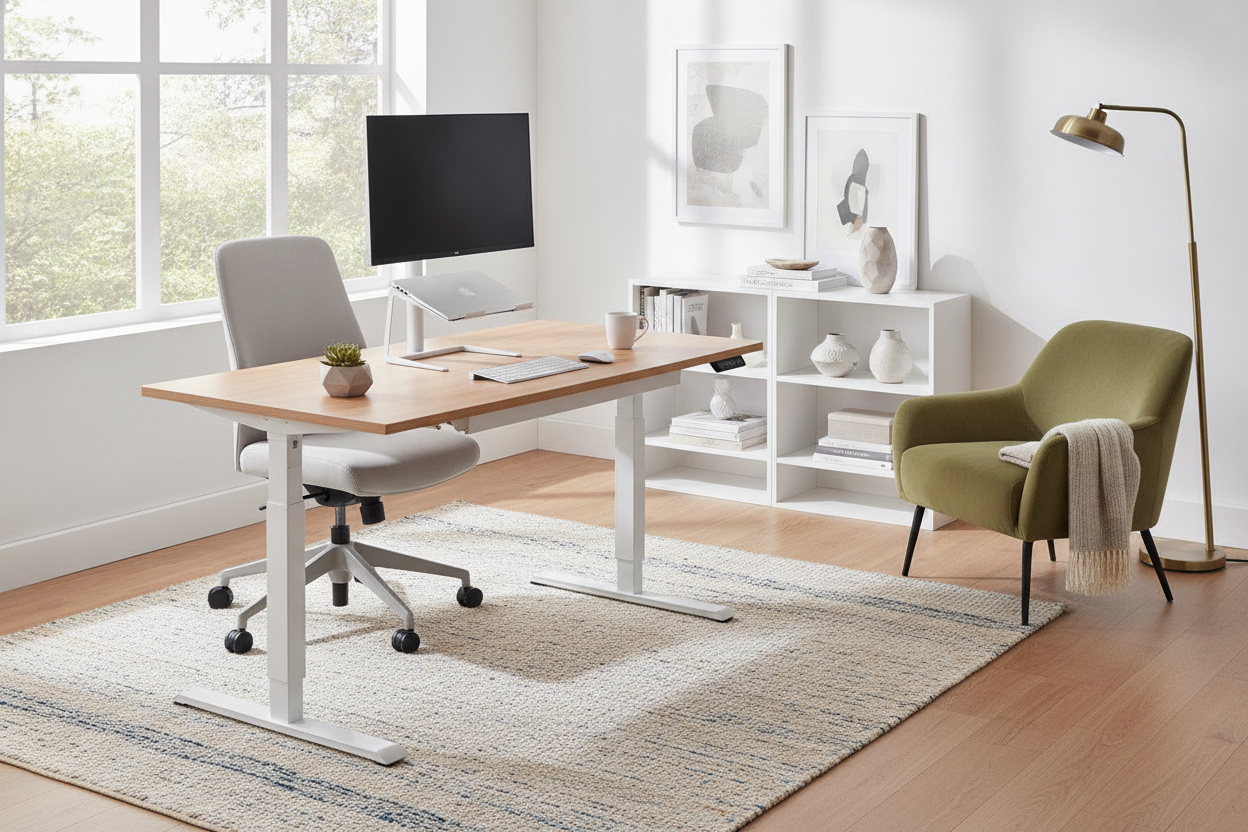
Industrial metal needs organic materials to balance it out. If you have a standing up desk with a laminate top, it’s going to feel cheap. I recommend buying just the frame and sourcing a local wood slab or even an IKEA butcher block for the top. The grain of the wood immediately softens the harsh lines of the sit & stand frame.
Add a large, low-pile rug underneath. Not only does this help with the acoustics of your Zoom calls, but it also anchors the desk sitting standing area. I also keep a large trailing plant, like a Pothos, on the corner. The vines help to 'blur' the sharp edges of the desk frame, making the transition from furniture to room feel more natural and less like a piece of equipment dropped into a box.
Picking a Frame That Belongs in a Home
When you are shopping, pay attention to the controller. Many stand up desk table models have these massive, 1990s-style control pads with bright blue LEDs that stay on 24/7. It’s a small detail that makes the desk feel very 'techy.' I prefer a sit stand up desk with memory preset that has a slim, discrete interface that can be mounted flush under the edge.
I once made the mistake of buying a 'clear standing desk'—it was a glass-top model that looked amazing in the studio photos. In reality? It was a nightmare. You could see every wire tucked underneath, and the motor was visible through the glass. Stick to solid surfaces. A matte finish is always better than a glossy one for hiding the fingerprints that inevitably come with a desk you are constantly touching to adjust.
FAQ
Do desks that stand up wobble?
Cheap ones do. If you are tall and plan to use the desk at its max height, you need a dual-motor frame. Single-motor desks tend to get the 'shakes' when you type at standing height, which is incredibly distracting.
Can I put a standing desk on a rug?
Yes, but make sure the rug is low-pile. If it is too shaggy, the feet of the desk won't sit level, which can put stress on the motor over time. A firm, woven rug is the best choice for stability.
Are electric stand up desks loud?
Most modern motors sound like a quiet microwave hum. Unless you are adjusting it every five minutes during a silent meeting, nobody is going to hear it. It’s much quieter than the old manual crank versions.


Leave a comment
This site is protected by hCaptcha and the hCaptcha Privacy Policy and Terms of Service apply.