

















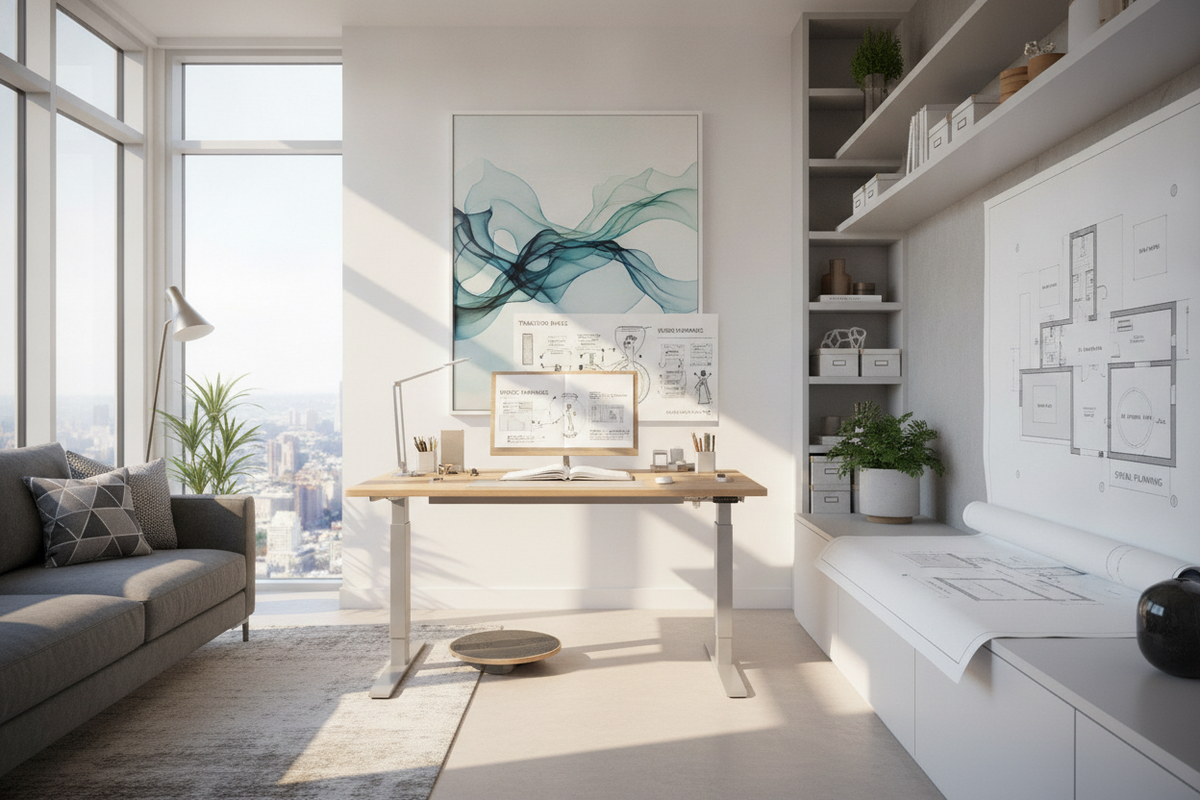
Transitioning from a traditional seated workstation to an active sit-stand setup represents a fundamental shift in daily office habits. For many professionals, the initial instinct is to treat a height-adjustable workstation as an endurance test by attempting to stand for entire workdays right away. However, sustainable ergonomic success relies on systematic adaptation, spatial planning, and deliberate mechanical alignment rather than sheer willpower.
The Sit-Stand Adaptation Framework: Why Gradual Transition Outperforms Abrupt Shifts
When adjusting to standing desk routines, adopting a phased schedule protects physical comfort and cognitive stamina. Prolonged static standing places sudden demands on lower-body muscles, spinal stabilizers, and joint structures that are accustomed to sedentary support. Introducing vertical working in measured blocks allows the body to build physical stamina progressively without causing localized fatigue.
The Sedentary-to-Active Cadence: Understanding Interval Rotation
The core principle of active desk ergonomics is movement rather than remaining motionless in an upright stance. Establishing a regular cycle between sitting and standing prevents the stagnation associated with prolonged postures of any kind. Alternating between seated focus periods and upright standing intervals distributes physical stress evenly across muscle groups and supports alertness throughout the workday.
Core Adaptation Phases: From Novice Intervals to Intuitive Movement
A structured multi-week onboarding process offers a dependable framework for getting used to standing desk routines:
- Phase One (Foundation): Begin with short standing intervals of roughly fifteen to twenty minutes per session, repeated two to three times across the workday, while completing the majority of deep work seated.
- Phase Two (Expansion): Gradually expand standing blocks to thirty or forty-five minutes, pairing elevation changes with specific task types such as virtual meetings, email management, or quick administrative reviews.
- Phase Three (Intuitive Cadence): Transition to a responsive rhythm where posture shifts occur naturally based on energy levels, workflow demands, and physical comfort rather than rigid timers.
Ergonomic Alignment Geometry: Setting Up Your Standing Height and Angles
Correct geometric configuration ensures that an elevated workstation relieves physical strain rather than creating new pressure points. When configuring repetitive daily transitions, utilizing an electric lift standing desk with memory presets eliminates guesswork during height adjustments by allowing users to return to verified ergonomic positions with a single touch.
Elbow Height and Surface Level Calibration
To calibrate the desktop height, stand in a relaxed posture with shoulders dropped and elbows bent at approximately a ninety-degree angle. The desktop surface should align flush with the underside of your forearms. When resting hands on the keyboard and mouse, wrists should remain straight and neutral rather than angled upward or downward, avoiding unnecessary contact pressure along the wrist base.
Monitor Focal Depth and Vertical Line-of-Sight Alignment
Display positioning requires deliberate attention because line-of-sight naturally changes between sitting and standing. The top third of the primary monitor screen should rest near eye level when standing, positioned roughly an arm's length away. This configuration preserves a neutral cervical spine posture, preventing excessive downward neck flexion or upward head tilting during prolonged reading.
Kinetic Movement and Posture Habits to Maintain Motivation
Static standing can be as fatiguing as static sitting if the body remains locked in place. Introducing subtle micro-movements and supportive accessories keeps circulation active and makes standing time comfortable.
Dynamic Stance Variations and Weight Shifting
Avoid locking the knees or placing all weight onto a single hip. Instead, maintain a soft bend in the knees, engage the core muscles lightly, and experiment with stance variations:
- Parallel Stance: Feet shoulder-width apart with weight distributed evenly across both heels and forefeet.
- Staggered Stance: One foot placed slightly forward of the other, shifting balance periodically to relieve lower back pressure.
- Active Footrest Elevation: Resting one foot on a low footstool or active balance accessory shifts pelvic tilt and reduces lumbar loading.
Supportive Footwear and Anti-Fatigue Surface Pairing
Hard flooring surfaces amplify contact stress on feet, ankles, and knees. Pairing a standing workstation with a cushioned anti-fatigue mat provides responsive rebound and encourages micro-adjustments in foot posture. Supportive domestic footwear with structured arch support further enhances comfort compared to working barefoot or in unsupportive flat slippers.
Workstation Footprint Tiers: Sizing Desks for Active Movement and Flow
Choosing an appropriate desktop dimension ensures adequate clearance for hardware, writing space, and personal accessories without overcrowding the room layout.
Compact to Mid-Sized Formats (48" to 55" Widths)
Mid-sized formats work effectively in dedicated home office alcoves or dual-purpose rooms. These dimensions easily accommodate a laptop alongside a secondary monitor while maintaining a clean room footprint that facilitates smooth movement around the workspace perimeter.
Expansive Executive Formats (63" to 71" Widths)
For multi-screen professional suites, a 71-inch height-adjustable standing desk offers the horizontal span needed for expansive peripheral layouts, multiple display arms, and dedicated analog writing zones without crowding primary input hardware.
Kinetic Cable Architecture and Dynamic Vertical Clearance
Motorized height adjustment introduces kinetic movement into the workstation, requiring careful wire routing and perimeter planning to prevent equipment damage or mechanical jams.
Managing Cable Slack Along the Kinetic Travel Path
All power cords, monitor video cables, and peripheral connections must accommodate the full vertical travel range of the desk. Fasten wiring to an under-desk cable management tray and bundle cords into a flexible vertical cable spine. Maintaining clean visual lines while managing vertical wiring is explored in our standing desk setup styling and planning guide.
Wall and Perimeter Clearance Planning
A standing desk requires spatial clearance along its entire vertical path. Maintain a modest gap between the desktop edge and the wall to prevent scuffing paint, pinching cables, or colliding with mounted wall shelves, artwork frames, and window sills as the desk elevates.
Decoupled Storage Synergy: Keeping Essentials Accessible Across Heights
Integrating heavy built-in drawers directly beneath an adjustable desktop can add unnecessary mechanical weight and restrict legroom during seated intervals. Decoupling storage provides greater ergonomic flexibility.
Mobile Pedestals and Low-Profile Filing Cabinets
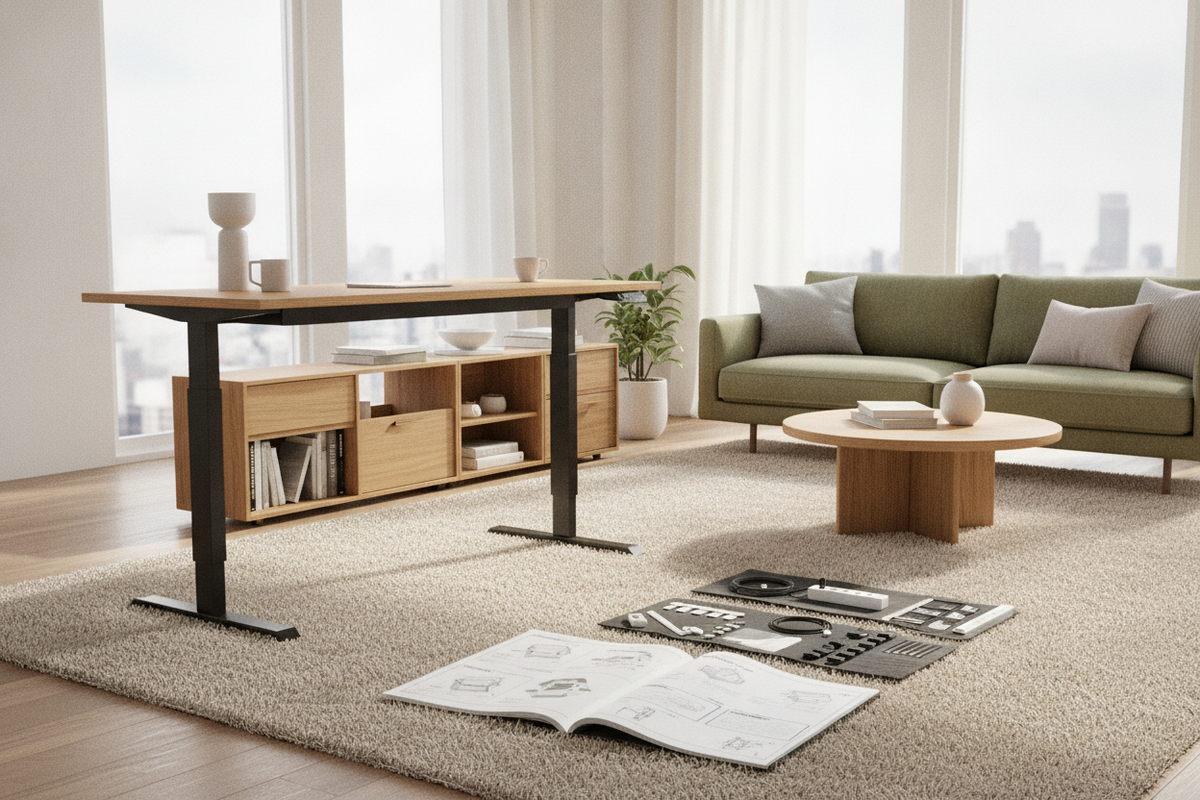
Rolling drawer pedestals and compact filing units slide beneath the desk frame during standing periods and can be easily rolled aside when lowering the desk to maintain ample knee clearance. To establish efficient perimeter organization around kinetic workstations, review our guide to modular desk storage solutions.
Adjacent Credenzas and Modular Wall Units
Positioning high-capacity credenzas, sideboards, or modular shelving units adjacent to the sit-stand workstation keeps reference documents, printers, and office supplies within easy reach without cluttering the moving work surface.
Selecting the Right Kinetic Workstation for Long-Term Success
Selecting a durable, stable frame ensures smooth daily height transitions and dependable long-term performance across varied work modes.
Dual-Motor Dynamics vs. Single-Motor Platforms
Dual-motor platforms house an independent motor within each leg column, providing balanced elevation, higher lifting stability, and quieter motorized movement under substantial tech loads. Power users managing heavyweight tech rigs can rely on a super-sized electric standing desk to provide stable dynamic elevation across demanding multi-monitor setups.
Customizing the Workday Workflow to Ensure Consistent Habit Formation
Long-term adherence to an active sit-stand routine relies on building practical workflow triggers. Linking height adjustments to everyday workday rhythms—such as standing during morning planning sessions or virtual calls and sitting during intensive drafting tasks—transforms posture shifts into a seamless, natural habit.

Leave a comment
This site is protected by hCaptcha and the hCaptcha Privacy Policy and Terms of Service apply.